Introduction
If you've ever typed something like "Give me a bash script to monitor disk usage" into ChatGPT and gotten back something technically correct but completely off from what you actually needed — you're not alone.
Most of us in the IT world approach AI tools the same way we approach Google: type a short question, hope for a useful result. And just like a vague Google search, a vague AI prompt gives you a vague answer.
That's where the A.I.M. Framework comes in. It's a simple but powerful prompting structure that turns your messy "human English" requests into precise, context-rich "Machine English" — the kind of input that actually gets you output worth using. In this post, we're going to break down what A.I.M. is, how each component works, and how you can immediately start applying it in your day-to-day IT work.
What Is the A.I.M. Framework?
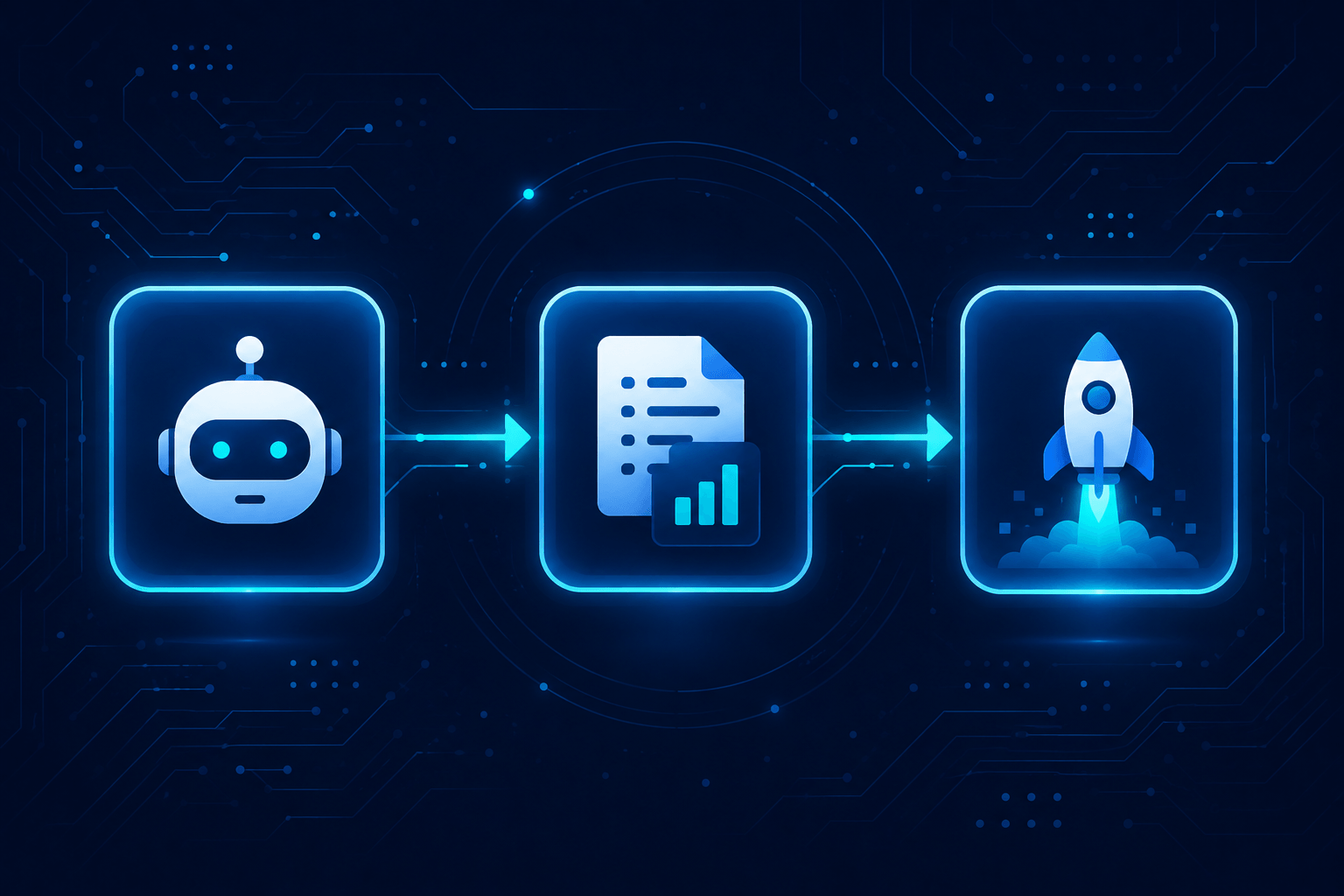
A.I.M. stands for Actor, Input, and Mission. Instead of firing off a one-liner and crossing your fingers, you structure your prompt into three deliberate segments that match how AI models actually compute intent, context, and goals.
Think of it as the difference between walking up to a stranger and saying "Help me fix this" versus walking up to a senior network engineer you trust and saying "Hey, you know our pfSense setup — I'm seeing intermittent packet drops on VLAN 20 and I need you to help me narrow down whether it's a QoS misconfiguration or a hardware issue."
Same request. Wildly different quality of help.
Let's break down each component.
🎭 A — Actor: Tell the AI Who It Is
By default, AI models respond as a generic assistant. That's fine for simple tasks, but for anything nuanced, you want to anchor it to a specific expertise and perspective.
The Actor segment is where you define the AI's persona, knowledge domain, and authority level.
Standard approach: (no persona defined — just ask the question)
A.I.M. approach:
"You are a senior Linux sysadmin with 15 years of experience in enterprise environments. You specialize in Red Hat-based systems, automation with Ansible, and writing clear, concise internal documentation."
This one change immediately filters the AI's vast training data into a relevant "mindset." It starts reaching for the right vocabulary, the right level of technical depth, and the right assumptions about your audience.
For IT pros, useful Actor definitions include:
- A DevOps engineer specializing in CI/CD pipelines
- A cybersecurity analyst focused on threat hunting and SIEM tools
- A technical writer experienced in writing runbooks for NOC teams
- A database administrator working with PostgreSQL in high-availability setups
📥 I — Input: Give It the Ground Truth
AI models can't read your mind, your Confluence wiki, or your internal Slack threads. If you don't give them context, they'll fill in the blanks — and not always correctly.
The Input segment is where you feed the AI your constraints, background information, and raw materials.
Standard approach: (no context provided)
A.I.M. approach:
"I'm attaching a snippet of our current Nginx config. We're running Ubuntu 22.04 LTS, behind a Cloudflare proxy, and we've been seeing 502 errors intermittently under high load. The upstream is a Node.js app running on port 3000."
With this context, the AI stops guessing and starts working with your actual situation. This is what prevents it from generating boilerplate advice that doesn't apply to your stack.
Good things to include in your Input:
- OS, distro, or platform version
- Relevant config snippets or error messages
- Constraints (budget, team size, compliance requirements)
- What you've already tried
- Links to relevant documentation or tickets
🚀 M — Mission: Define What "Done" Looks Like
This is the part most people get wrong even when they do provide context. A vague goal produces a vague result. The Mission segment is where you define exactly what you want — including format, tone, depth, and what a successful output looks like.
Standard approach:
"Write me a runbook."
A.I.M. approach:
"Based on the config and error context I've provided, write a step-by-step runbook for our NOC team to follow when 502 errors spike. Format it with numbered steps, include a rollback section at the end, keep language simple enough for a junior technician, and flag any steps that require sudo privileges."
You're not just asking for output — you're programming the output. Format, audience, safety considerations, and structure are all baked in.
Putting It All Together: Side-by-Side Comparison
Here's a practical before-and-after that IT folks can immediately relate to:
❌ Standard Prompt:
"Help me set up a monitoring alert for high CPU usage."
✅ A.I.M. Prompt:
[Actor] You are a senior DevOps engineer experienced with Prometheus and Grafana
        in Kubernetes environments.

[Input]  We're running a 3-node K8s cluster on bare metal. Prometheus is already
         deployed via kube-prometheus-stack. We want to alert when any node's CPU
         usage exceeds 85% for more than 5 minutes. We use Alertmanager with a
         Slack webhook for notifications.

[Mission] Write a complete PrometheusRule YAML manifest for this alert. Include
          comments explaining each field, and add a note about where to apply it
          in the cluster.
The difference in output quality between these two prompts is enormous. The first gets you a generic tutorial. The second gets you a near-production-ready artifact.
Best Practices
Getting the structure right is step one. Here are some habits that'll sharpen your A.I.M. prompts over time:
1. Be specific with your Actor — avoid vague personas. "You are an expert" tells the AI almost nothing. "You are a Cisco-certified network engineer with deep experience in BGP route policy and troubleshooting ISP peering issues" is actionable.
2. Front-load your Input with constraints, not just context. Don't just describe what you have — tell the AI what you can't do. Constraints like "we can't take this service offline," "budget is under $200/month," or "we're restricted to FIPS-compliant tools" are gold.
3. Use your Mission to define the format explicitly. If you want a table, say table. If you want numbered steps, say so. If you want it short enough to paste into a Slack message, specify that. Don't leave it up to the AI to guess.
4. Iterate with the framework, not against it. A.I.M. isn't a one-shot silver bullet — it's a starting structure. Once you get your first output, use it as a base and refine. Ask the AI to critique its own answer, then improve it.
5. Save your Actor definitions. If you regularly prompt for runbook writing, Ansible playbooks, or incident post-mortems, keep a library of your best Actor definitions. Paste them in as a starting point every time.
6. Match your A.I.M. depth to the stakes of the task. A quick bash one-liner? A minimal A.I.M. prompt is fine. A security review going into a HIPAA-compliant app or a BGP change touching production WAN? Go deep on all three segments. The higher the risk of a wrong answer, the more precise your Actor, Input, and Mission need to be.
Additional A.I.M. Examples
🌐 Network Operations Example
Here's how A.I.M. looks when you're troubleshooting a BGP routing issue:
[Actor]   You are a senior network engineer with 10+ years of experience in
          enterprise WAN design, specializing in BGP routing policies and
          multi-vendor environments (Cisco IOS-XE, Juniper JunOS).

[Input]   We have a dual-ISP setup using BGP. ISP-A is our primary link (AS 65001),
          ISP-B is failover (AS 65002). Since last Tuesday's maintenance window,
          traffic is load-balancing across both ISPs instead of preferring ISP-A.
          We haven't changed any route-maps, but we did upgrade IOS-XE from
          16.12 to 17.6 on the edge router.

[Mission] Identify the most likely causes of this behavior change after the IOS-XE
          upgrade. Provide a numbered troubleshooting checklist, include the exact
          show commands to run at each step, and flag any known BGP behavior
          changes introduced between IOS-XE 16.12 and 17.6 that could be
          responsible.
Without A.I.M., you'd get a generic "check your BGP attributes" answer. With it, you get a targeted checklist tied to your exact version delta and topology.
💻 Web Development Example
A.I.M. works just as well for web dev tasks — here's a frontend performance scenario:
[Actor]   You are a senior full-stack web developer specializing in React
          performance optimization and Core Web Vitals improvements for
          e-commerce platforms.

[Input]   We have a React 18 app (Vite bundler) for an online store. Our
          Largest Contentful Paint (LCP) score is 4.2 seconds on mobile,
          well above the 2.5s target. The hero section loads a 1.2MB WebP
          image above the fold. We're hosted on Vercel with a CDN in front.
          We cannot change the image dimensions — it's a client requirement.

[Mission] Give me a prioritized action plan to reduce our LCP score below 2.5s
          without resizing the hero image. For each recommendation, include:
          the expected LCP impact (high/medium/low), the code or config change
          required, and any Vercel-specific implementation notes.
Notice how the constraint ("cannot change the image dimensions") is embedded in the Input. Without it, the AI's first suggestion would almost certainly be "resize your image" — wasting your time with advice you can't use.
🔒 Security Vulnerability Scan Example
Security work is one of the highest-stakes areas to get AI output right — here's how to frame a vulnerability assessment task:
[Actor]   You are an application security engineer experienced in OWASP Top 10
          vulnerabilities, secure code review, and penetration testing for
          Python-based web applications.

[Input]   I'm attaching a Python Flask API endpoint that handles user
          authentication and session management. This code is going into a
          healthcare application that must comply with HIPAA. We're currently
          using Flask-Login for session handling, storing session tokens in
          cookies without HttpOnly or Secure flags set. JWT is not yet
          implemented.

[Mission] Review this code for security vulnerabilities. Structure your output
          as follows: (1) Critical findings that must be fixed before deployment,
          (2) Medium-risk issues to address in the next sprint, (3) Low-risk
          hardening recommendations. For each finding, include the OWASP category
          it falls under, the specific line or pattern causing the risk, and a
          corrected code snippet.
This prompt makes it impossible for the AI to give you a generic "use HTTPS" checklist. The Actor grounds it in real security expertise, the Input surfaces the actual risk context (HIPAA, missing cookie flags), and the Mission forces a structured, actionable output — the kind a security lead would actually sign off on.
Final Thoughts
The A.I.M. Framework is one of those things that feels almost too simple until you actually use it — and then you can't go back to the old way. Structuring your prompts into Actor, Input, and Mission isn't just a productivity trick. It's a mindset shift: you're no longer asking the AI a question, you're programming a highly capable assistant with everything it needs to do a great job.
For IT professionals, this matters more than in most fields. Our work involves specific systems, specific constraints, and outputs that sometimes get pasted directly into production environments. Precision isn't optional. A.I.M. gives you a repeatable, reliable way to get precise output — consistently.
Give it a try on your next AI interaction. Pick one real task you're working on right now — a script, a policy document, a config review — and map it out using Actor, Input, and Mission. You'll immediately see the difference.
Further Reading
- Anthropic's Prompt Engineering Guide — Deep dive into prompting best practices directly from the team behind Claude.
- OpenAI Prompt Engineering Guide — Complementary resource covering tactics applicable across AI models.
- Learn Prompting (learnprompting.org) — A free, community-driven guide covering everything from basics to advanced techniques.
- Google's Prompting Essentials — Google's take on structured prompting for professional use cases.