Introduction
In the last post, Avoiding YouTube Rabbit Holes During Research, we tackled the attention problem — how the recommendation engine quietly hijacks a 10-minute lookup and turns it into a 90-minute detour through drone footage and "10 Hours of Rain Sounds." The fix there was discipline: know what you came for, get it, get out.
But discipline only solves half the problem. The other half is access. You found the one talk, tutorial, or conference session you actually need. Now you want to watch it on a flight, drop it into a lab with no internet, slow it down to 0.75x while you follow along, or simply keep a copy of something that has a habit of vanishing. Streaming it live — surrounded by autoplay, ads, and "Up Next" — is exactly the rabbit hole you were trying to avoid.
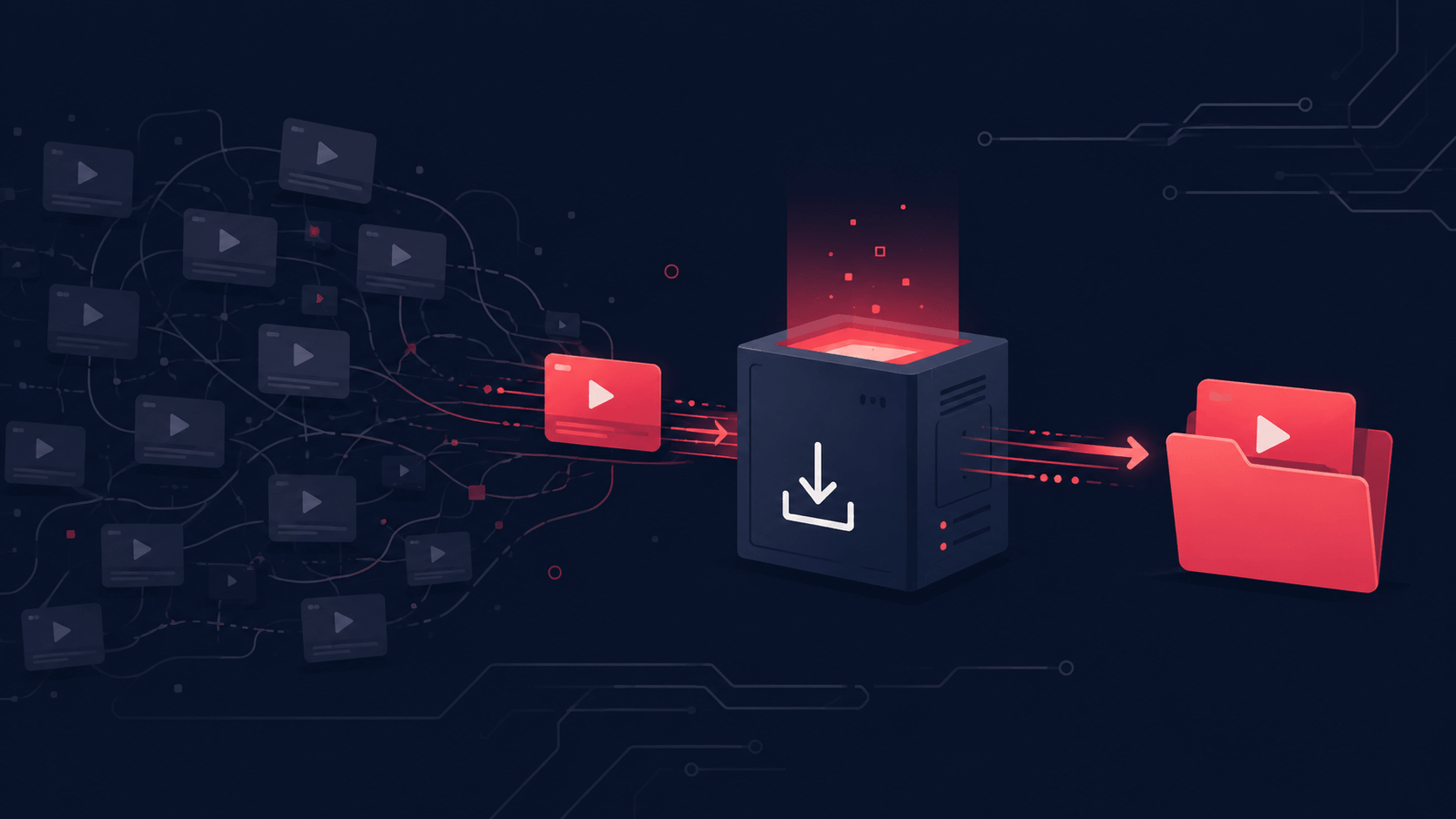
That's where a YouTube downloader earns its keep. Grab the video, close the tab, and the algorithm never gets a vote. Let's talk about why every IT pro should have one in their kit — and why it should run on your machine, not some sketchy website.
In the spirit of building rather than just buying into the AI hype, I put this idea to the test. With Claude Code as my pair-programmer, I built a small, self-hosted YouTube downloader from scratch — a real, working tool, not a thought experiment. You can kick the tires on the live demo, and the full source lives on GitHub if you want to read the code, fork it, or run it yourself. I'll reference it throughout this post as a concrete example of doing this the right way.
The Case for a Downloader
The legitimate "why"
A downloader isn't about hoarding the entire platform. It's about a handful of genuinely practical use cases:
- Offline access. Conference talks on a plane, a vendor tutorial in a basement server room with no signal, training material for a client site behind a locked-down network.
- Research without the spiral. This is the direct sequel to last week's post. You pull the single video you need into a local file, and there's no sidebar, no autoplay, no "people also watched." Just the content.
- Airgapped and lab environments. If you've ever tried to play a YouTube tutorial inside an isolated VLAN or an offline Kali box, you know streaming simply isn't an option.
- Archiving content you have the right to keep. Your own channel's uploads, Creative Commons material, an internal training video your company produced. Link rot is real — videos get pulled, channels get nuked, and "I'll just rewatch it later" is a gamble.
- Accessibility. Local files let you scrub frame-by-frame, change playback speed reliably, or feed audio into a transcription tool.
Why the "free HD downloader" websites are a trap
Search "youtube downloader" and you'll get a wall of ad-choked sites promising 8K, 60fps, and zero limits. For an audience that knows better, the red flags should be obvious:
- You're pasting URLs into someone else's server — they see everything you download.
- The pages are stuffed with malvertising and fake "Download" buttons that hand you an installer instead of a video.
- Many quietly harvest data or nag you toward a "premium" desktop app of dubious provenance.
- They break constantly, because they're scraping the same engine you could just run yourself.
You wouldn't paste production credentials into a random pastebin. Treat your browsing the same way.
The self-hosted alternative
Here's the thing: every one of those sites is just a grubby wrapper around yt-dlp, the excellent open-source download engine. There's nothing stopping you from running that engine yourself, behind a clean UI, on hardware you control. No cloud, no accounts, no tracking.
That's the principle behind the downloader I mentioned up top — a Flask app that wraps yt-dlp and FFmpeg, runs entirely on localhost via Docker, and gives you a tidy browser UI instead of memorizing command-line flags. (Built with Claude Code over a weekend; the code is all on GitHub if you want the full story.) Spinning it up is a one-liner:
docker-compose up --build
# then open http://localhost:5000
What a sane self-hosted downloader looks like under the hood:
- Isolated jobs. Each download lands in its own temp directory (
/downloads/<job_id>/) so concurrent grabs never collide. - Auto-cleanup. Files delete a few seconds after you save them, and a background sweep clears anything abandoned within the hour. It's a tool, not a storage locker.
- Playlist protection. Paste a link with
&list=...and it strips the playlist params automatically — you get the single video you asked for, not someone's 200-video mix. - Real choices. Resolution (best/1080p/720p/480p), container (mp4/mkv/webm), or audio-only (mp3/m4a/opus) — without the format being a mystery.
- Live progress over SSE and a cancel button, because nobody likes staring at a frozen spinner.
It's the same engine the sketchy sites use, minus the ads, the tracking, and the trust fall.
Best Practices
A downloader is a power tool. Use it like one.
- Download only what you have the right to. Your own content, Creative Commons material, or media you're licensed to keep. Respect YouTube's Terms of Service and applicable copyright law — this is for personal, non-commercial use, not for re-uploading or redistribution.
- Keep yt-dlp current. YouTube changes things constantly, and yt-dlp ships frequent fixes. A stale build is the number-one reason downloads suddenly fail. Pin it loosely and update often.
- Self-host instead of trusting a stranger's server. If privacy is the whole point, don't undermine it by routing your activity through a third party.
- Treat downloads as transient. Pull what you need, watch it, move on. Auto-deletion isn't a limitation — it's good hygiene that keeps you from accidentally building a copyright liability on disk.
- Lock down anything public-facing. Running it on localhost is safe by default. The moment you expose it to the internet, add rate limiting (e.g. a handful of downloads per hour per IP), put HTTPS in front of it, and keep an eye on the logs. A wide-open downloader is an invitation for abuse.
Final Thoughts
Last week we made YouTube less of a distraction. This week we made it less of a dependency. A self-hosted downloader is the quiet companion to research discipline — it lets you extract exactly the signal you came for and walk away from the noise, on your terms, on your hardware.
Until then: grab the video, skip the rabbit hole, and keep your downloads your own.