
Introduction
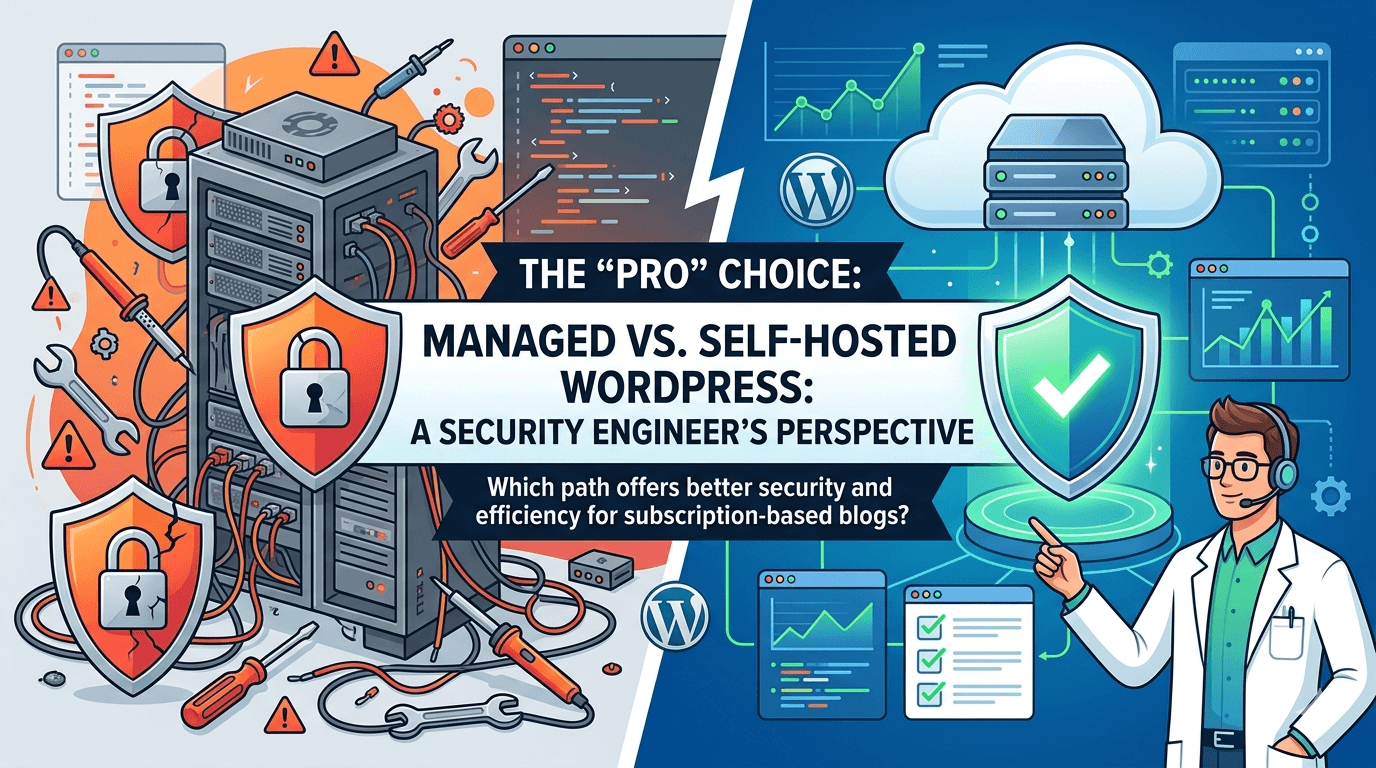
If you’re an IT pro, you know the itch. You look at a cloud provider’s pricing for a raw Linux instance and think, “I can build a WordPress stack for $5 a month and have total control.” It’s tempting. As a Security Engineer, I’ve been there—obsessing over every config file and hardening every port.
But when you’re building a subscription-based model or a high-traffic blog, you need to ask yourself: Do I want to spend my weekend patching a Linux kernel, or do I want to grow my business?
Here is a breakdown of the advantages of focusing solely on the WordPress platform while leaving the “plumbing” to the experts.
1. Speed and “Out-of-the-Box” Performance
On a Managed WordPress service, the infrastructure is pre-tuned. Think of it like buying a race car that’s already been dialed in by a professional pit crew. They use server-side caching and integrated CDNs (Content Delivery Networks) so your site loads instantly for a subscriber in London or Los Angeles, without you touching a single line of code.
When you self-host, you’re responsible for the “plumbing.” You have to configure either Nginx, Apache or Caddy, optimize the database, and set up complicated caching layers like Redis.
2. The “Sleep Soundly” Security Stack
From a security perspective, WordPress is a massive target. If you manage the infrastructure, you are the frontline defender against DDoS attacks, SQL injections, and brute-force attempts.
The Managed Advantage:
- Proactive Guarding: Managed hosts use specialized Web Application Firewalls (WAF) that know exactly how to block WordPress-specific threats before they even hit your site.
- Auto-Healing: If a plugin update breaks your site or a vulnerability is found in the WordPress core, the host often patches it for you automatically.
- The “Safety Net”: Most premium hosts offer a hack-fix guarantee. If the unthinkable happens, their engineers clean it up. That’s a lot of stress off your shoulders.
3. Subscription-Critical Reliability
When people pay you monthly, they expect the site to work 24/7.
- Expert Support: If your site goes down at 3:00 AM, you can chat with a WordPress engineer immediately. If you manage your own infrastructure, you are the support team.
- Automated Backups: Managed plans include daily, automated backups with one-click restores. If a new plugin breaks your checkout page, you can revert the site in seconds.
- Staging Environments: You get a “sandbox” version of your site to test new subscription features or themes before pushing them live to your paying customers.
4. Better Use of “Human Capital”
This is the most significant advantage for a business owner or creator.
- Focus on Growth: Every hour spent troubleshooting a Linux kernel update or a database “memory leak” is an hour you aren’t writing content, marketing your site, or engaging with subscribers.
- Predictable Costs: While managed hosting is more expensive upfront (e.g., $30/month vs. $5/month for a raw VPS), it eliminates the “hidden costs” of hiring a developer when the server crashes or your own time spent on maintenance.
As an IT professional, what is your hourly rate? If you spend just two hours a month troubleshooting a server issue, you’ve already “spent” hundreds of dollars in lost time. By letting a third party manage the infrastructure, you shift your focus from Maintenance (keeping the lights on) to Innovation (creating content and features that people actually pay for).
Summary Comparison
| Feature | Self-Managed (Build Your Own) | Managed (Third-Party Infra) |
| Setup Time | High (Hours/Days) | Low (Minutes) |
| Maintenance | Manual (You do it) | Automated (They do it) |
| Security | Your responsibility | Host’s responsibility |
| Support | Google/Forums | 24/7 WordPress Experts |
| Cost | Cheaper (Directly) | More expensive (but saves time) |
The Verdict
If you want a hobby project to sharpen your SysAdmin skills, go Self-Hosted.
But if you are building a business, a brand, or a subscriber community, go Managed. Let the experts handle the “plumbing” while you focus on being the architect. In the world of tech, sometimes the most “pro” move you can make is knowing when to let someone else handle the infrastructure.