Introduction
As a Senior Platform Engineer, I’ve seen it all—from massive corporate data breaches to small startups losing their entire client list because of a single hacked password.
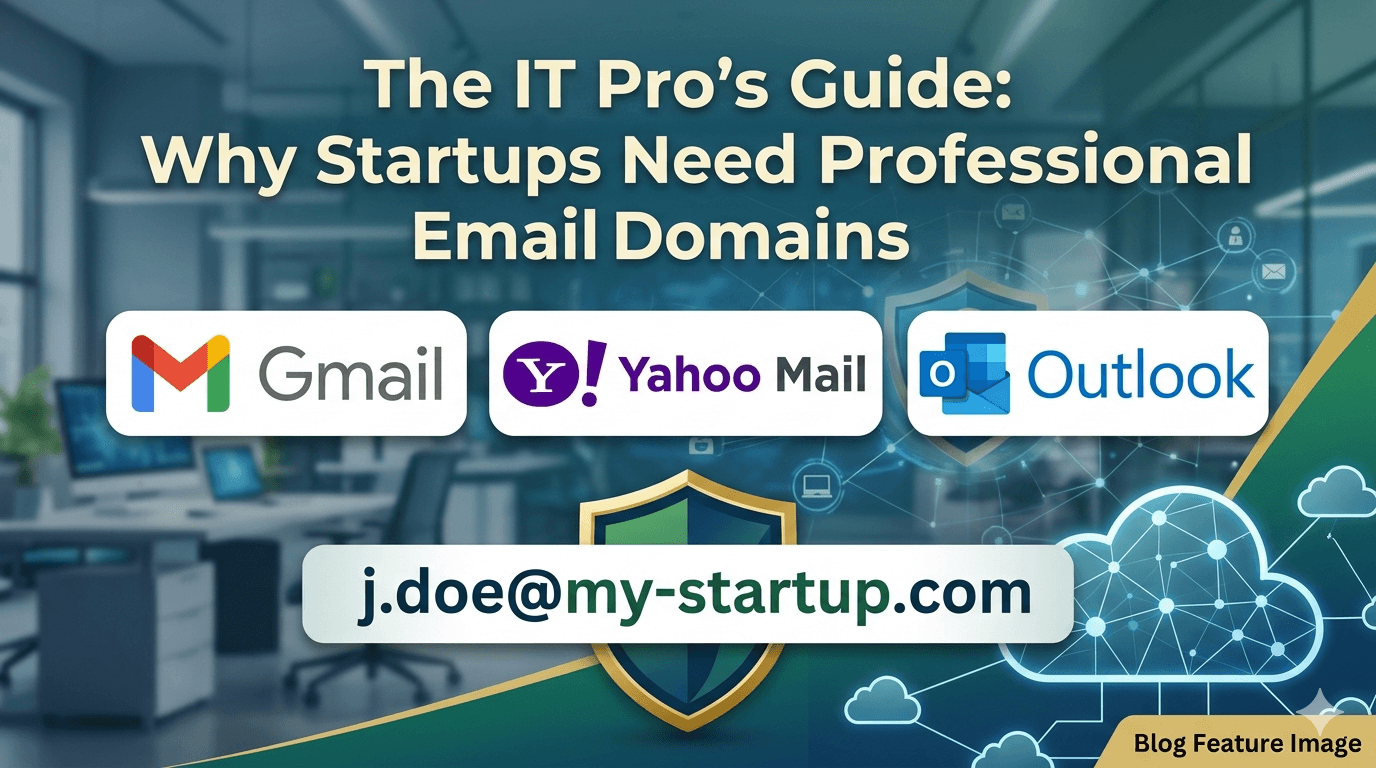
When you’re starting a business or running an SMB, every penny counts. I get it. To save money, many owners stick with what they know: a free @yahoo.com, @gmail.com, or @outlook.com address. It’s free, it works, and you already know how to use it, right?
But here’s the truth from a security and growth perspective: using a personal email for professional work is like building a house with no front door. It’s not just about "looking professional"—it’s about ownership, security, and trust.
The DIY Route vs. Managed Services
Some tech-savvy owners consider setting up their own email server (the "Homegrown" approach) to save on monthly fees. Let's look at how that stacks up against modern Managed Email Services.
1. Building Your Own Email Infrastructure (Self-Hosted)
- Pros:
- Total Control: You own the data and the server.
- Privacy: No big tech company is scanning your metadata.
- No Monthly Per-User Fee: Your costs are mainly hardware and power.
- Cons:
- The "Spam" Trap: Major providers like Google and Microsoft often block emails from private servers. You'll spend hours fighting to stay out of junk folders.
- Security Nightmare: You are responsible for patching bugs. If you miss an update, hackers can turn your server into a spam-bot.
- No "Reset Password" Button: If your server crashes, your business stops. There is no customer support to call.
2. Managed Email Services (Google, Microsoft, etc.)
- Pros:
- Instant Credibility:
[email protected]looks 100x more trustworthy than[email protected]. - Enterprise Security: You get world-class phishing protection and Multi-Factor Authentication (MFA) out of the box.
- Collaboration Tools: Most plans include cloud storage (Drive/OneDrive) and meeting tools (Meet/Teams).
- Instant Credibility:
- Cons:
- Recurring Cost: You pay a fee every month per employee.
- Dependency: You are tied to their ecosystem and terms of service.
Top 5 Email Providers for Small Teams (10–20 Employees)
If you're ready to make the switch, here are the best options in 2026 for a team of 10 to 20 people.
| Vendor | Best For | Estimated Price (Per User/Mo) | Total for 10 Users |
| Zoho Mail | Budget-Conscious | ~$1.00 (Lite) | $10 / month |
| Google Workspace | Modern Collaboration | ~$6.00 (Starter) | $60 / month |
| Microsoft 365 | Office Power Users | ~$6.00 (Basic) | $60 / month |
| Hostinger Mail | Simple & Cheap | ~$2.00 (Standard) | $20 / month |
| Proton Mail | High Security/Privacy | ~$7.00 (Essentials) | $70 / month |
Pro Tip: If you are on a razor-thin budget, Zoho Mail is a lifesaver. It’s incredibly cheap but still gives you that professional @yourcompany.com domain.
Conclusion: The Choice is Yours
At the end of the day, you have to decide what your time and reputation are worth.
- Do you want to be a System Administrator? If you love Linux, have hours of free time to manage servers, and don't mind the risk of emails bouncing, set up your own.
- Do you want to run your business? If you want to send an email and know it will get to your client, and if you want to sleep better knowing a team of 1,000+ security experts is protecting your inbox, go with a managed service.
The investment of $10–$60 a month is often less than the cost of losing a single customer who thought your "gmail" address looked like a scam.