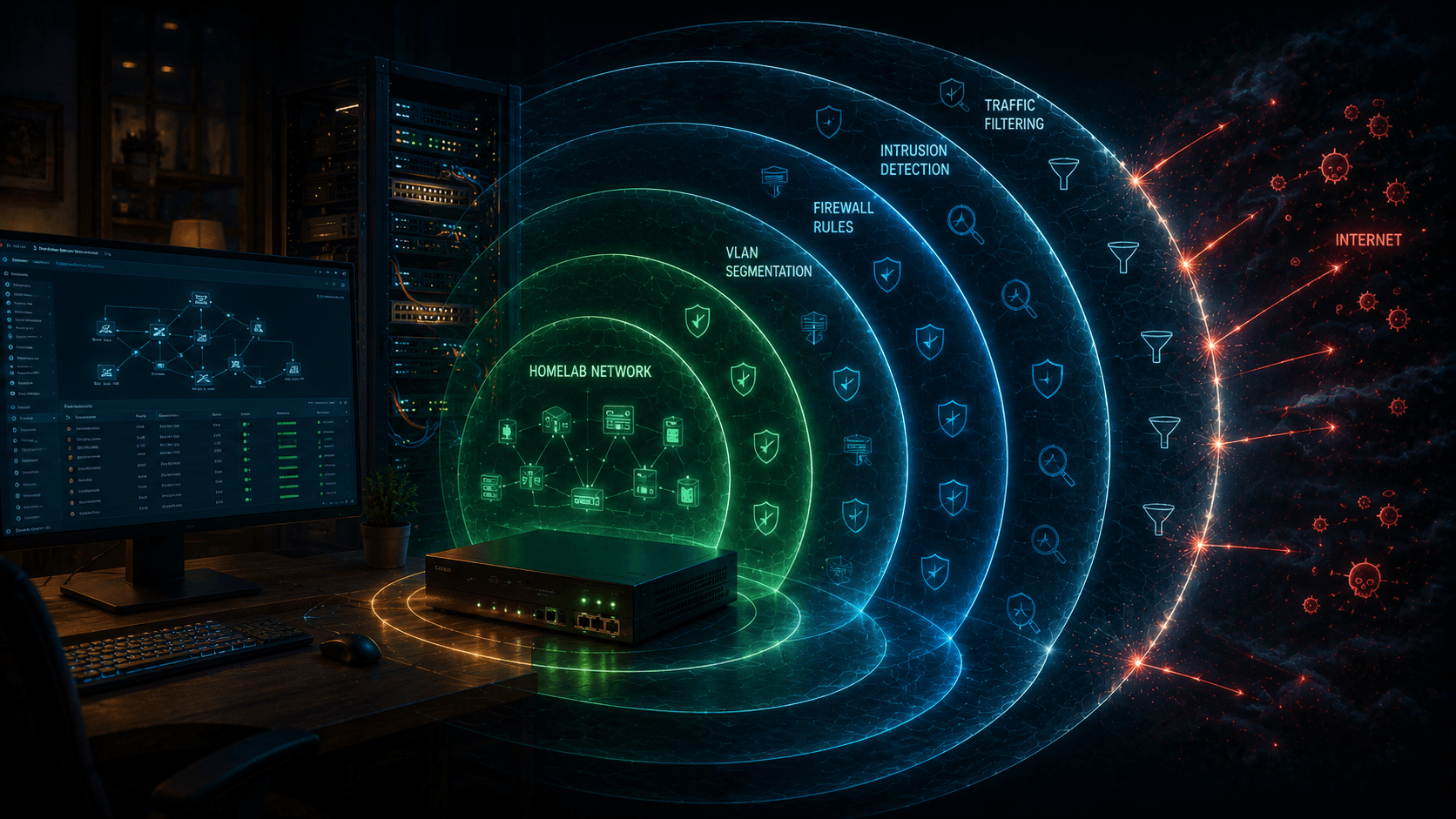
I maintain a handful of public demo repos myself — passkey-demo, ratelimit, ytd, tmux — and every single one of them went through some version of this checklist before the visibility toggle got flipped. It's tedious the first time and automatic after that, which is exactly the point.
The short answer: sweep the entire git history for secrets, rotate anything that was ever committed, audit every non-code surface (Actions logs, issues, wikis, releases), switch on GitHub's free scanning tools, and add a license. Deleting .env in a new commit does not delete it from history — every clone and fork keeps the old copy. Once the repo flips to public, assume scrapers have already mirrored it.
# Two commands answer the only question that matters: what is already in my history?
gitleaks git . --log-range=0 --redact
trufflehog git file://. --only-verified
Run these in your repo's root, before the first push — not after. Everything below explains why history can't be cleaned up after the fact, what hides outside your source files, and which GitHub settings to flip. The end of the post has the full copy-paste checklist.
Why Deleting the File Doesn't Work
Git stores snapshots, not current state. A secret committed once lives in every commit object after it. git rm .env adds a commit that stops tracking the file — the blob with the secret stays reachable through history, and neither git log --all, git filter-branch, nor a GitHub "delete file" button changes that.
Three properties make this worse at publish time:
| Property | Consequence |
|---|---|
| History travels with the clone | Anyone who cloned before the cleanup keeps the secret forever |
| Forks are independent copies | Deleting upstream doesn't touch a fork's history |
| Public means mirrored | grep.app, GitHub Archive, Software Heritage, and credential scrapers index pushes within minutes, not days |
The numbers behind that last row are worth sitting with. GitGuardian's State of Secrets Sprawl 2026 report found 28.65 million hardcoded secrets added to public GitHub commits in 2025 — a 34% jump year over year and the largest single-year increase it's recorded. Of those, secrets tied to AI services hit 1,275,105 detections, up 81% year over year, driven in part by things like leaked DeepSeek API keys. And static secrets don't age out on their own: the same research found that more than 64% of credentials confirmed valid in 2022 were still valid when retested years later. Attackers don't need to read your code fast — they need to read it once, then wait.
So the order of operations is fixed: find, rotate, then publish. Rewriting history after rotation is hygiene. Rotating after publishing is incident response.
Step 1: Sweep the Full History
Point scanners at the whole history, not just the working tree. A secret deleted three years ago still counts.
# gitleaks: fast, pattern + entropy based, good default
gitleaks git . --log-range=0 --redact        # every commit reachable from HEAD
gitleaks git . --all --redact                # all refs: branches, tags, stash

# trufflehog: verifies credentials against live APIs - catches "dead-looking" keys that still work
trufflehog git file://. --only-verified

# git's own archaeology: files that were deleted at some point
git log --all --diff-filter=D --name-only --pretty=format: | sort -u | grep -E '\.env|secret|cred|key|pem|token|conf'
--redact keeps the finding in the report while withholding the secret value itself — useful when the report lands in CI logs, which is itself a leak vector.
Beyond obvious .env files, look for:
| Category | Examples |
|---|---|
| Cloud credentials | AWS AKIA..., GCP service-account JSON, Azure connection strings |
| Tokens | GitHub PATs (ghp_, github_pat_), npm, Slack, Stripe, Vercel vc_ |
| Private keys | *.pem, *.p12, *.keystore, SSH keys, TLS cert/key pairs |
| Connection strings | postgres://user:pass@, mongodb+srv://, Redis URLs with passwords |
| Internal topology | Private IPs, VPN hostnames, internal GitLab/Jira URLs, .onion or staging hosts |
| PII in fixtures | Customer emails, phone numbers, real names in test data and seed files |
| Build secrets | Docker --build-arg, signing keys, provisioning profiles, google-services.json |
Two things scanners miss by default: commit messages (people paste tokens into "fix" messages) and submodule URLs (https://user:[email protected] inside .gitmodules survives a cleanup of tracked files).
Step 2: Rotate Before You Rewrite
Found something? Treat it as compromised the moment it hit a remote — even a private one, even briefly. Assume it leaked the instant it was pushed.
Rotation comes first, always. History rewriting removes copies from your repo. It doesn't un-send the credential to anyone who already cloned it, any CI runner cache that holds it, or any scanner that recorded it.
# 1. Revoke at the source: AWS IAM console, GitHub -> Settings -> Developer settings -> Tokens,
#    Stripe dashboard, Heroku account settings. The old value dies immediately.

# 2. Rewrite history (after rotation, not before)
git filter-repo --path .env --path .env.local --invert-paths
# or for a broad sweep of matched files:
git filter-repo --invert-paths --path-glob '*.pem' --path-glob '*.p12'

# 3. Purge remotes and tags
git push --force --all
git push --force --tags

# 4. Tell every collaborator: re-clone. Fresh clones only - no pull, no stash merge.
git filter-repo is the current recommended tool, replacing the older filter-branch and BFG Repo-Cleaner workflows for most cases. Expect it to rewrite every commit hash — open PRs, issue references, and CI triggers based on SHAs all break. That's another reason to sweep before the first public push rather than after.
If the secret can't be revoked — a hardcoded password in a legacy system, an embedded API key your users ship — remove it from history anyway, then schedule the actual fix. An unrevoked secret in rewritten history still lives in every pre-rewrite clone.
Step 3: Audit the Non-Code Surfaces
Source files are the easy part. Repositories carry sensitive material in at least seven other places, and flipping visibility exposes all of them at once:
| Surface | What hides there |
|---|---|
| Actions logs | Echoed secrets, set -x trace of a curl with a token, full environment dumps on failure |
| Actions artifacts | Build outputs containing .env, coverage reports with internal paths, exported databases |
| Workflow files | Hardcoded secret fallbacks, internal webhook URLs, runner names |
| Issues / PRs / discussions | Pasted stack traces with internal hostnames, customer data in bug reports |
| Wiki | Architecture diagrams with private IPs, runbooks with credentials |
| Releases / packages | Unsigned binaries, accidentally attached config bundles |
| README and docs | Screenshots showing real emails, tokens in terminal scrollback, org charts |
Audit commands:
# Workflow files: the highest-value target, since they run with repository secrets
grep -rnE 'secrets\.|password|token|apikey|internal' .github/workflows/

# Any committed file outside your normal source dirs
git ls-files | grep -Ei 'env|secret|cred|\.key$|\.pem$|dump|backup|\.sql$|\.sqlite'

# Check what CI has leaked: repo -> Actions -> each run -> raw logs
# Check attachments: repo -> Issues -> each thread -> attached files
Do the same pass over forks you control and any sibling repos that share credentials with this one — a token sitting in a public fork is the same incident as a token in the parent.
Step 4: Switch On GitHub's Free Defenses
Public repositories get GitHub's scanning suite at no cost. The settings live under Settings → Code security and analysis:
- [ ] Secret scanning — automatic detection across hundreds of partner token types (AWS, Azure, Stripe, npm, Vercel, Supabase, and more). On by default for new public repos; verify it.
- [ ] Push protection — blocks a push containing a detected secret before it lands. This is the single control that stops most leaks at the boundary; turn it on and confirm "Push protection: On."
- [ ] Dependabot alerts + security updates — vulnerable dependency notifications, free for all repos.
- [ ] Code scanning (CodeQL) — SAST for the repo's languages, free for public repos.
- [ ] Branch ruleset — Settings → Rules → Rulesets: require pull requests, require status checks, block force-pushes on the default branch.
- [ ] Workflow permissions — Settings → Actions → General → set "Read repository contents permission" as default; grant write only to workflows that need it.
- [ ] Disable "Allow GitHub Actions to create and approve pull requests" unless a bot genuinely needs it.
Secret scanning detects; push protection prevents. A detection alert after a public push is a notification that your credential is already in someone's scraper queue.
Step 5: Harden the Pipeline Before Anyone Forks It
Public repos invite CI contribution, which makes your workflows the primary supply-chain attack surface. Apply these before the first external PR lands:
| Control | Setting | Why |
|---|---|---|
| Pin actions to a commit SHA | uses: actions/checkout@a1b2c3... not @v4 |
Tags are mutable; a compromised tag rewrites every build |
Never use pull_request_target with untrusted checkout |
— | Runs maintainer secrets in a context where a PR can execute arbitrary code |
| No self-hosted runners on public repos | — | External PRs could target your infrastructure; GitHub disables this by default and its own docs recommend keeping it that way |
| OIDC over long-lived cloud keys | permissions: id-token: write |
Short-lived credentials die with the job; static keys leak in logs |
Set GITHUB_TOKEN to read-only |
Settings → Actions → General | Least privilege for every workflow by default |
| Third-party action review | OpenSSF Scorecard on adopt | Audit before pinning — a SHA pin freezes trust, it doesn't create it |
A pinned action with permissions: {} at the top of the workflow file is the two-minute version of this whole table.
Step 6: License, PII, and the Human Layer
Public visibility is not permission. Without a license, default copyright applies — people can read the code but can't legally use, modify, or redistribute it. Pick deliberately:
| Intent | License |
|---|---|
| Maximum adoption, copyleft acceptable | GPL-3.0 / AGPL-3.0 (AGPL closes the network-service loophole) |
| Maximum adoption, permissive | MIT or Apache-2.0 (Apache adds an explicit patent grant) |
| Source-available, no outside contribution | PolyForm / BUSL / Commons Clause |
| "Read it, don't ship it" | All rights reserved — state it plainly in the README |
Then the legal sweep:
- [ ] Third-party assets — fonts, images, icons, datasets, snippets copied from Stack Overflow or tutorials. Confirm each allows redistribution in a public repo; attribution requirements go in
NOTICEorREADME. - [ ] PII scrub — real names, emails, phone numbers, addresses in test fixtures, seed data, commit author fields, and screenshots. Use
git shortlog -sne --allto see every author identity that's about to go public. - [ ] Employment check — if code was written on company time or with company resources, confirm your employer's policy actually allows a public release. This is the one item on this list that can end a career instead of leaking an API key.
- [ ]
SECURITY.md— a private reporting channel (GitHub Security → Advisories → "Report a vulnerability" keeps reports out of public issues). - [ ]
CONTRIBUTING.md+ code of conduct — signals a maintained project and sets PR expectations. - [ ] README badges and URLs — internal Statuspage, Grafana, or VPN links baked into badges leak infrastructure names.
Step 7: After the Flip
- [ ] Open the repo in a logged-out browser window. Check what an anonymous scraper sees: README, docs, images, Actions logs, releases.
- [ ] Settings → Code security and analysis: confirm secret scanning and push protection both show On, and read the alert list.
- [ ] Watch the Actions tab — workflow logs from before the flip are now public unless the run was restricted.
- [ ] Notify collaborators — their past commits, email addresses in
git log, and profile links are public from this moment. - [ ] Assume permanence. Even flipping back to private doesn't recall clones, forks, mirrors, or cached search results.
If You Already Leaked: Incident Order
Past the point of prevention? The sequence isn't negotiable:
- Revoke first — the provider dashboard kills the live credential. This is the only step that actually limits real-world damage.
- Rotate — issue a replacement, update every consumer, confirm the old value is rejected.
- Rewrite history —
git filter-repo, force-push all refs, have collaborators re-clone. - Scan the blast radius — same token in other repos, forks, CI variables, local clones on teammates' machines.
- Review provider logs — GitHub → Settings → Developer settings → Applications, AWS CloudTrail, Stripe events: what did the credential actually do while it was live?
Skip step 1 and steps 2–5 are archaeology on a credential that still works.
The Complete Checklist
Copy this into the PR that precedes the visibility flip:
## Pre-publish security checklist

### History
- [ ] gitleaks full-history scan clean (`gitleaks git . --all --redact`)
- [ ] trufflehog verified-scan clean (`trufflehog git file://. --only-verified`)
- [ ] Deleted-files audit done (`git log --all --diff-filter=D`)
- [ ] Commit messages and .gitmodules URLs checked
- [ ] Every hit rotated at source BEFORE any history rewrite
- [ ] filter-repo rewrite done if needed; collaborators re-clone

### Non-code surfaces
- [ ] Actions logs and artifacts reviewed
- [ ] Workflow files grep'd for hardcoded secrets and internal URLs
- [ ] Issues, PRs, discussions, wikis audited
- [ ] Releases and package contents verified
- [ ] README screenshots and docs scrubbed

### GitHub settings (Settings -> Code security and analysis)
- [ ] Secret scanning: On
- [ ] Push protection: On
- [ ] Dependabot alerts + security updates: On
- [ ] Code scanning (CodeQL): On
- [ ] Default branch ruleset: PRs required, status checks required, force-push blocked
- [ ] GITHUB_TOKEN default: read-only
- [ ] Actions: cannot create/approve PRs (unless required)

### CI/CD
- [ ] Third-party actions pinned to full commit SHA
- [ ] No pull_request_target with untrusted checkout
- [ ] No self-hosted runners
- [ ] Cloud access via OIDC, not static keys
- [ ] Workflows declare minimal `permissions:`

### Legal and human
- [ ] License chosen and LICENSE file present
- [ ] Third-party fonts/images/data: redistribution rights confirmed
- [ ] PII scrubbed (fixtures, screenshots, `git shortlog -sne --all`)
- [ ] Employer/IP ownership check done
- [ ] SECURITY.md with private disclosure channel
- [ ] CONTRIBUTING.md present

### After flip
- [ ] Viewed repo logged-out
- [ ] Scanning alerts reviewed
- [ ] Collaborators notified their history is public
- [ ] Accepted: mirrors are permanent
The One-Paragraph Version
Secrets leave git permanently the moment they're pushed, and public visibility starts a scraping clock you can't stop. Sweep the full history with gitleaks and trufflehog, rotate every hit at the source, audit the surfaces that aren't source files, enable push protection before — not after — the flip, pin your Actions, add a license, and confirm your employer is fine with it. The checklist above takes an afternoon. A leaked AWS key takes a weekend you won't enjoy.