The Problem
You run multiple self-hosted apps on a VPS. Each app lives in a container. You build images locally, but storing them is a pain. Docker Hub's free tier gives you one private repo. GitHub Container Registry works but feels tacked-on. You could self-host a registry on your VPS, but that means managing another service, SSL certs, storage, and backups.
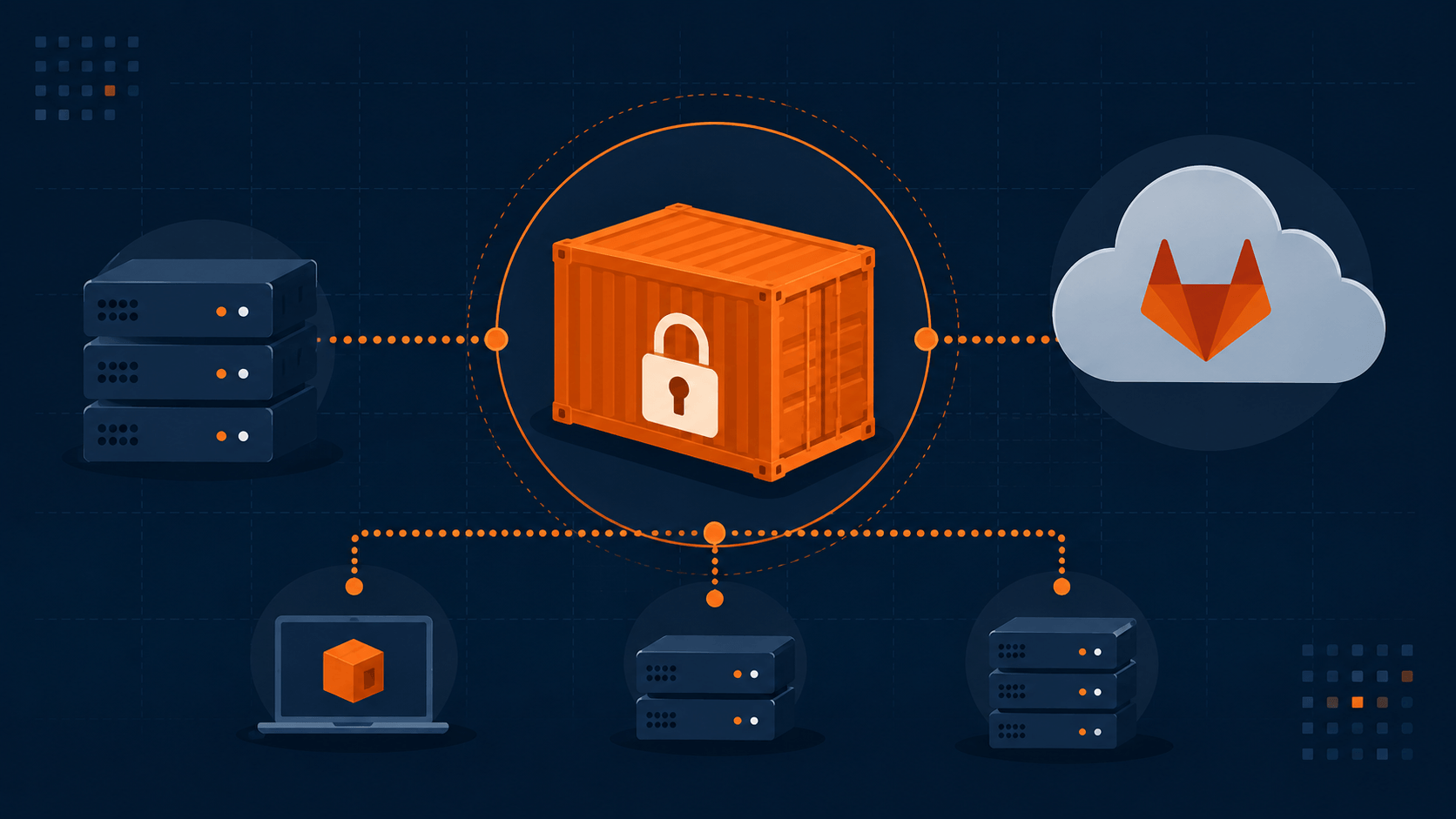
There's a better option hiding in plain sight: GitLab's free container registry.
This guide uses Docker commands throughout since that's what most readers have installed. If you're running Podman instead, the good news is GitLab's registry speaks the standard Docker Registry API (OCI-conformant), so podman login, podman build, podman push, and podman pull work as drop-in replacements for every command below — same flags, same syntax.
What You Get for Free
GitLab's Container Registry is included in every free-tier project. Here's the good news:
- No storage limit on container images — the 10 GiB free-tier cap only applies to Git repos and LFS, not container registry storage
- Private by default — images are only accessible to project members
- Web UI — search, filter, delete images and tags from the browser
- Cleanup policies — auto-expire old tags on a schedule
- Standard Docker API — works with
docker login,docker push,docker pulllike any other registry - OCI conformant — Docker V2 and OCI image manifests supported
The catch: 400 compute minutes/month for CI/CD pipelines. But if you're pushing manually (which this guide covers), that doesn't apply to you.
Setup
1. Create a GitLab Project
Go to gitlab.com → New project → Create blank project. Name it whatever you want. The project path becomes your image namespace:
registry.gitlab.com/your-username/your-project
2. Enable Container Registry
By default it's enabled. Verify:
- Settings → General → Visibility, project features, permissions
- Container Registry should be set to Enabled (or Private if you want only maintainers+ to see it)
3. Create a Deploy Token
A Deploy Token lets your VPS authenticate without using your personal account credentials.
- Settings → Repository → Deploy Tokens
- Create deploy token:
- Name:
vps-pull - Scopes:
read_registry - Expiration: set as needed (or leave blank)
- Name:
- Save the username and token — you'll only see the token once
For pushing images from your dev machine, use a Personal Access Token (PAT):
- Profile → Access Tokens → Add new token (see doc guides)
- Scopes:
write_registry,read_registry - Expiration: set as needed
- Scopes:
Build and Push
Authenticate
docker login registry.gitlab.com
# Username: your-username
# Password: your-PAT (not your account password)
Build Your Image
The image name must follow the registry path convention:
registry.gitlab.com/<namespace>/<project>[/<optional-path>]:<tag>
For a Django app:
docker build -t registry.gitlab.com/your-username/my-django-app:v1.0.0 .
Push
docker push registry.gitlab.com/your-username/my-django-app:v1.0.0
That's it. The image is now stored in GitLab's registry, tied to your project.
Tagging Strategy
For a solo project, keep it simple:
| Tag | When to Use |
|---|---|
v1.0.0, v1.1.3 |
Semver releases — stable, deployable |
abc1234 |
Git commit SHA — traceable, ephemeral |
latest |
Only for the most recent stable push |
Avoid using latest for everything. If you push three times today, you lose track of what's actually deployed.
Pull and Deploy on VPS
First-Time Setup
SSH into your VPS, create a .env file for registry credentials:
# /opt/myapp/.env
REGISTRY_USER=your-username
REGISTRY_TOKEN=your-deploy-token-value
docker-compose.yaml
Reference the GitLab registry image directly:
services:
  web:
    image: registry.gitlab.com/your-username/my-django-app:v1.0.0
    container_name: myapp
    restart: unless-stopped
    ports:
      - "8000:8000"
    env_file:
      - .env
    volumes:
      - static_files:/app/static
      - media_files:/app/media
    healthcheck:
      test: ["CMD", "python", "-c", "import urllib.request; urllib.request.urlopen('http://localhost:8000/health/')"]
      interval: 30s
      timeout: 5s
      retries: 3

volumes:
  static_files:
  media_files:
Authenticate on VPS
echo "$REGISTRY_TOKEN" | docker login registry.gitlab.com -u "$REGISTRY_USER" --password-stdin
Pull and Restart
docker compose pull web
docker compose up -d
Deploy Script
Create a script on your VPS to automate pulls:
#!/usr/bin/env bash
set -euo pipefail

APP_DIR="/opt/myapp"
IMAGE="registry.gitlab.com/your-username/my-django-app"

cd "$APP_DIR"

# Authenticate
echo "$REGISTRY_TOKEN" | docker login registry.gitlab.com -u "$REGISTRY_USER" --password-stdin

# Pull latest
docker compose pull web

# Restart with zero downtime (rolling)
docker compose up -d --remove-orphans

# Clean dangling images
docker image prune -f

echo "Deploy complete: $(date)"
Make it executable: chmod +x deploy.sh
Run from your dev machine after pushing a new image:
ssh vps "REGISTRY_TOKEN=xxx /opt/myapp/deploy.sh"
Or better, store the token in the VPS environment and just call:
ssh vps "/opt/myapp/deploy.sh"
Cleanup Policy
Without cleanup, your registry fills up with old tags. GitLab's cleanup policy auto-deletes tags matching your rules.
Setup
- Settings → Packages and registries
- Scroll to the container registry cleanup section
- Enable the cleanup policy and configure:
- Keep the most recent:
5(retain last 5 tags) - Expiration interval:
90 days - Keep tags matching:
^v[0-9]+(keep semver tags) - Remove tags matching:
.*(delete everything else by default)
- Keep the most recent:
Note: GitLab has reorganized packages and registry settings a few times, so exact labels can shift slightly between versions — if you don't see this under Settings → Packages and registries, check your GitLab version's changelog for the current path.
Regex Examples
| Pattern | Meaning |
|---|---|
^v[0-9]+\.[0-9]+\.[0-9]+$ |
Keep only semver releases |
^main-|^release- |
Keep main and release branch builds |
^[a-f0-9]{7}$ |
Keep commit SHA tags |
The policy runs on a recurring schedule. On GitLab.com, execution time per run is limited — if you have hundreds of tags, it may take multiple runs to clean everything.
Gotchas
Token Expiry
Container registry authentication tokens are short-lived by design. On GitLab.com, they expire after 15 minutes. On self-managed instances, the default is 5 minutes. If you're pushing large images and the upload takes longer than that window, the push fails partway through with an authentication error. Solutions:
- Keep images small (multi-stage builds)
- For self-managed instances, an admin can increase the duration in Admin Area → Settings → CI/CD → Container Registry
- For GitLab.com, there's no user-facing way to extend the 15-minute window — shrinking the image is your main lever
Image Name Must Match Project Path
registry.gitlab.com/your-username/my-project   # correct
registry.gitlab.com/other-username/my-project  # wrong — won't work
The registry path is locked to the project path. Rename the project to change it.
No Storage Limit, But Be Reasonable
GitLab doesn't enforce a container registry storage cap on the free tier — this storage type sits outside the 10 GiB Git/LFS quota entirely. But if you're pushing 500 MB images daily without cleanup, you'll notice slower pulls and the web UI gets sluggish. Use cleanup policies.
Cleanup Policy Limitations
- On GitLab.com, cleanup execution has a time limit per run
- Some tags may survive the first run — they get cleaned on the next scheduled run
- Protected tags and
latestare never deleted by cleanup policies
Moving Projects
If you rename a project, the registry path changes. Old image references break. Clean up images before renaming, or accept that old tags become orphaned.
Quick Reference
# Login
docker login registry.gitlab.com

# Build
docker build -t registry.gitlab.com/USER/PROJECT:TAG .

# Push
docker push registry.gitlab.com/USER/PROJECT:TAG

# Pull (on VPS)
docker pull registry.gitlab.com/USER/PROJECT:TAG

# List images in browser
# Deploy → Container Registry (in GitLab project sidebar)

# Delete tag via API
curl --request DELETE \
  --header "PRIVATE-TOKEN: <token>" \
  "https://gitlab.com/api/v4/projects/PROJECT_ID/registry/repositories/REPO_ID/tags/TAG_NAME"
Summary
| Feature | Free Tier |
|---|---|
| Container storage | Unlimited |
| Git repo storage | 10 GiB |
| CI/CD minutes | 400/month |
| Private repos | Yes |
| Cleanup policies | Yes |
| Web UI | Yes |
| OCI conformance | Yes |
| Multi-arch | Yes |
For a solo developer running containers on a VPS, GitLab's free container registry checks every box: zero cost, private images, standard tooling that works with Docker or Podman, and automatic cleanup. No need to maintain your own registry. No vendor lock-in. Just push and pull.