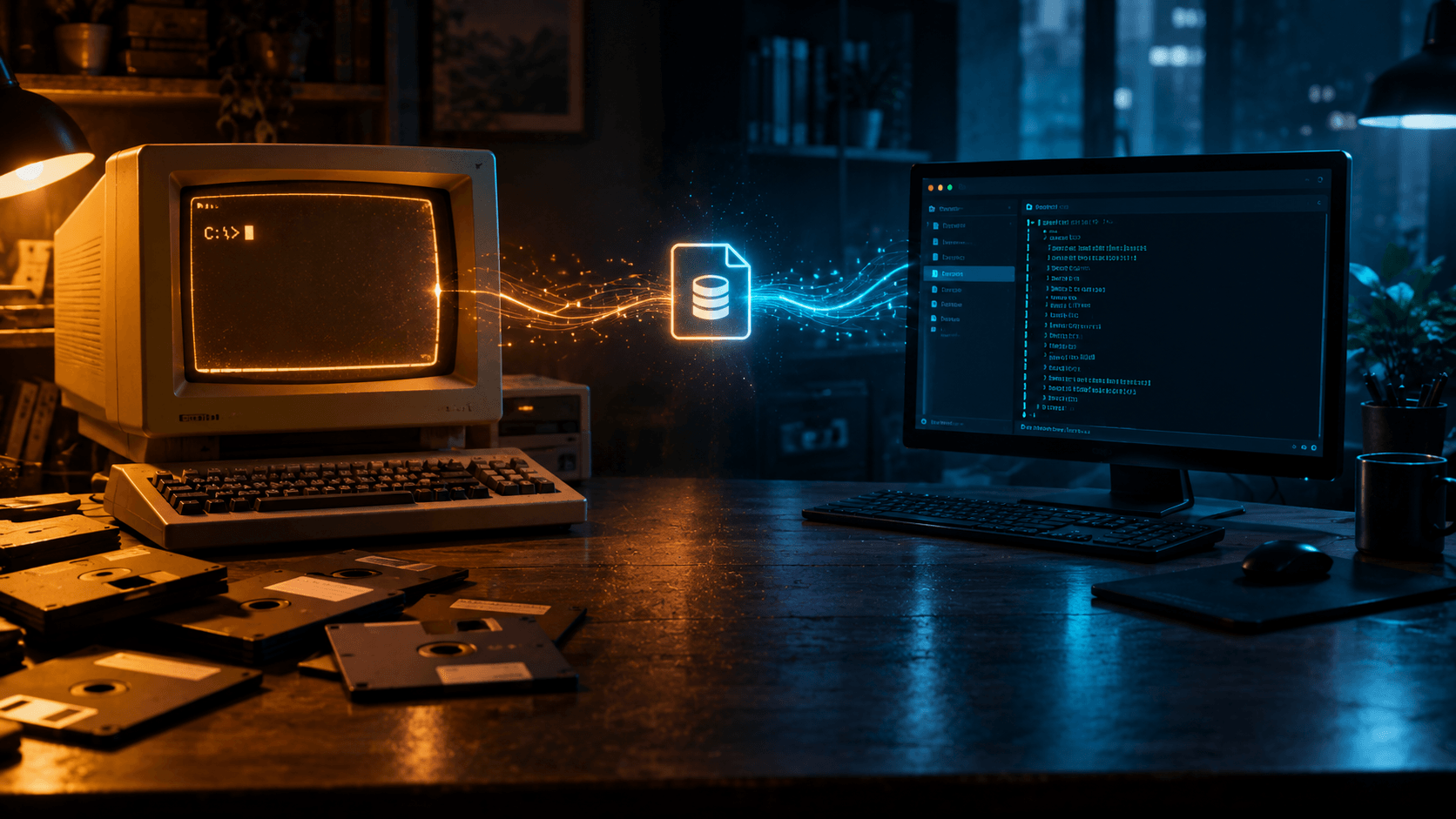
The databases you meet first shape what you trust later. My first wasn't a server in a rack — it was a folder of .DBF files on a beige PC running MS-DOS 6.12, driven by a command prompt and a printed manual. Two decades and several database families later, this blog runs on Django with SQLite as its backend. Same shape of idea: data in one place, readable by the tools you already have.
This is a walk through that path — dBase III in the late 90s, FoxPro 2.6, the server era of MySQL, Microsoft SQL Server, and PostgreSQL, SQLite arriving through Python network automation in 2016, and why SQLite became my default in the AI age. Part memoir, part technical context, for readers who never had to USE a table by hand.
The DOS Years: dBase III on MS-DOS 6.12
In the late 1990s, a lot of business software in the Philippines was built the same way: one machine, one operator, one database file. dBase III was the tool for it. The program was the database engine, the application framework, and the query language in one — you wrote commands directly at the dot prompt.
Typed directly at the dBase dot prompt:
USE sales.dbf
LIST FOR DATE() > CTOD("01/01/99")
LOCATE FOR CUSTOMER = "JUAN DELA CRUZ"
No server process. No connection string. No pg_hba.conf. A dBase program was a .PRG script full of commands like APPEND, BROWSE, REPORT FORM, and it read and wrote .DBF files — a flat table format so simple you could parse it yourself if you had to.
The technical reality behind that simplicity:
- One file per table.
CUSTOMER.DBF,INVOICE.DBF,ITEM.DBF— the schema lived in the file header, the data in records after it. - The language was the app. dBase's command language handled input forms, printed reports, and calculations without any separate runtime.
- Multi-user support was rudimentary. File locking over a shared network drive, not transactions. Two people editing the same record at the same time was a genuine hazard.
- No SQL. Queries were commands and filter expressions. SQL arrived later, as a dialect, not as the native tongue.
For a sari-sari store ledger, a school grading system, or an inventory program for a small distributor, this was enough. And "enough" is the theme that runs through everything after this — every database in this post is a bet on which kind of enough you want.
What dBase taught me, before I had words for it: schema is durable, tooling is replaceable. The .DBF files outlived dBase III itself. Applications could be rewritten; the data could not be casually thrown away.
FoxPro 2.6: The One That Refused to Die
FoxPro 2.6 was my upgrade. Where dBase was slow and plain, FoxPro was fast — its Rushmore query optimization made filters on large tables feel instant on hardware that had no business being fast. It kept the same command-line soul (USE, LIST, BROWSE, SEEK) and the same .DBF file format, so old data carried over untouched.
The important part of the story is what happened next: FoxPro 2.6 became the last version of FoxPro anyone shipped as a DOS/Windows desktop product. Microsoft bought Fox Software in 1992, turned FoxPro into Visual FoxPro, and eventually let the desktop line fade. The command-line version frozen in time — FoxPro 2.6 for DOS and Windows — became the software equivalent of a period piece.
The Philippine POS Time Capsule
Walk into enough small businesses here and you'll still find it: a point-of-sale terminal booting into a FoxPro or dBase program, keyboard-driven, printing to a dot-matrix or thermal printer, with the data sitting in .DBF files on a local disk.
It survives for reasons that aren't stubbornness:
- It works. The program handles the daily transaction: scan or type the item, print the receipt, append a record. There's no feature request that would justify a rewrite.
- The hardware and software are welded together. The POS box was configured around that program. Upgrading means replacing both at once.
- No license treadmill. Nobody is paying annual renewals for FoxPro 2.6. The copy on the machine is the copy, forever.
- The data is one folder. Backup means copying a directory. No server to migrate, no version upgrade with breaking changes.
- The knowledge is local. The person who can fix it is usually the person who built it, reachable by phone — not a vendor with a ticket queue.
The trade-offs are real too: no real concurrency control, backups that depend on someone remembering to copy the folder, security that stops at the front cover of the machine. But "old" and "bad" are different words. For a single-register shop with one cashier, a 30-year-old database format is a solved problem wearing an old coat.
That observation stuck with me more than any benchmark: the most durable database is the one small enough that nobody needs a specialist to keep it alive.
The Server Era: MySQL, MSSQL, PostgreSQL
Web work and real-world jobs eventually pull you off the desktop and onto the server. This is where the family portraits change: now the database is a daemon, machines connect over a network, and SQL is no longer a dialect — it's the interface.
The three names that kept appearing:
| Database | Where it tends to land | Why teams pick it |
|---|---|---|
| MySQL | Linux web stacks, LAMP-era apps, the default of a thousand PHP and Python tutorials | Fast to set up, huge hosting support, "good enough" for most read-heavy web workloads |
| Microsoft SQL Server | Windows shops, .NET shops, corporate environments | Deep Windows integration, SSIS/SSRS tooling, familiar admin story for orgs already on Microsoft |
| PostgreSQL | Projects that care about correctness and standards first | Strict SQL compliance, rich types (JSON, arrays, ranges), extensibility, open governance |
My own encounters stayed generic — the point is the pattern, not the résumé line. Each one appears when the situation demands it: MySQL when the web host offers it and the app is a standard site; MSSQL when the environment is Windows and the tooling is already paid for; PostgreSQL when the data model gets interesting and you want the engine to push back on sloppy schema design.
What the server era taught me is the inverse lesson of the DOS era: a database you have to administer is a database you have to keep alive. Upgrades, users and permissions, connection pools, backup routines, pg_dump cron jobs, the OOM-killed process at 3 AM. Real power, real bill — in money, time, or attention.
Which set up the question I kept asking on side projects: what if I don't need a server at all?
2016: SQLite Enters via Python Network Automation
SQLite entered my toolkit sideways, not through a job posting — through Python automation for computer networks in 2016.
The task shape was familiar to anyone doing network automation: scripts pulling inventory and configuration from routers and switches — device names, model numbers, firmware versions, interface states, running configs — and needing somewhere to put the results. The obvious candidates were a CSV file or a full database server. CSV collapses the moment you ask two questions at once. A server means installing, configuring, and maintaining a daemon on whatever machine runs the jobs.
SQLite sat in the middle:
sqlite3ships with Python. Nothing to install.import sqlite3, open a file, start querying.- It's a real SQL engine. Joins, indexes, aggregates, transactions — the SQL I'd learn later on MySQL and PostgreSQL transferred directly.
- The database is one file. Network inventory from a week of scans was a single
inventory.dbI could copy, attach to a ticket, or diff against last week's copy. - No server, no daemon, no port. Automation runs unattended; a database that can't be left running in the background because nobody restarted it after a reboot doesn't belong in that pipeline.
The realization was almost embarrassingly simple: the desktop-era shape I'd known since dBase — data in one file, no admin — had come back, but with proper SQL underneath. dBase gave me single-file data with a toy query language. SQLite gave me single-file data with the real thing.
From there it quietly spread: scratch databases for parsing logs, lookup tables for script outputs, local caches for API results. Never glamorous, always the right size.
The AI Era: Why SQLite Is My Default
In the age of AI-assisted coding, SQLite's default status got stronger, and the reason isn't nostalgia.
LLMs write SQLite better than anything else. It's the database with the most training data per unit of setup: every tutorial, every Stack Overflow answer, every "hello world" in every language ends up with CREATE TABLE statements that actually run. Ask for a schema, get a schema; run it, and it works on the first or second try.
Zero infrastructure matches side-project reality. A side project has no operations team. SQLite means no container to run, no credentials to rotate, no port to expose, no version mismatch between driver and server. The deployment story is git pull plus the database file that already sits in the project directory.
It scales further than the folklore suggests. The old joke — SQLite is only for toys — has been obsolete for years. WAL mode, solid concurrency for read-heavy workloads, and an honest ceiling: until you genuinely need multiple machines writing at once, you probably don't need a server. Most side projects will never reach that line.
It's transparent. One file, readable with file, copyable with cp, inspectable with the sqlite3 CLI. When an AI-generated query does something unexpected, I can open the database and look — no dashboards required.
And the evidence is this blog itself: Django, Python, SQLite backend. No MySQL container, no PostgreSQL instance, no DBA knowledge required to publish a post. Django's DATABASES setting points at db.sqlite3 and the framework handles the rest. For a single-author site, there's nothing a server database would add except a process to babysit.
When a project genuinely outgrows it — real concurrent writers, multiple application servers, replication — PostgreSQL is the obvious next stop. That's a good day to have; it means the project worked.
Full Circle
The line from USE sales.dbf on MS-DOS 6.12 to python manage.py migrate is shorter than it looks. Both are bets on the same shape: data small enough to live in one place, managed by tools the owner actually understands. The dBase era gave me .DBF files; FoxPro proved that shape can outlive its vendor; the server era taught me what that shape costs when you leave it; SQLite brought it back with real SQL.
The Philippine POS terminals still running FoxPro 2.6 aren't a museum exhibit. They're a reminder: the right-sized database is the one you can still explain to whoever inherits it.
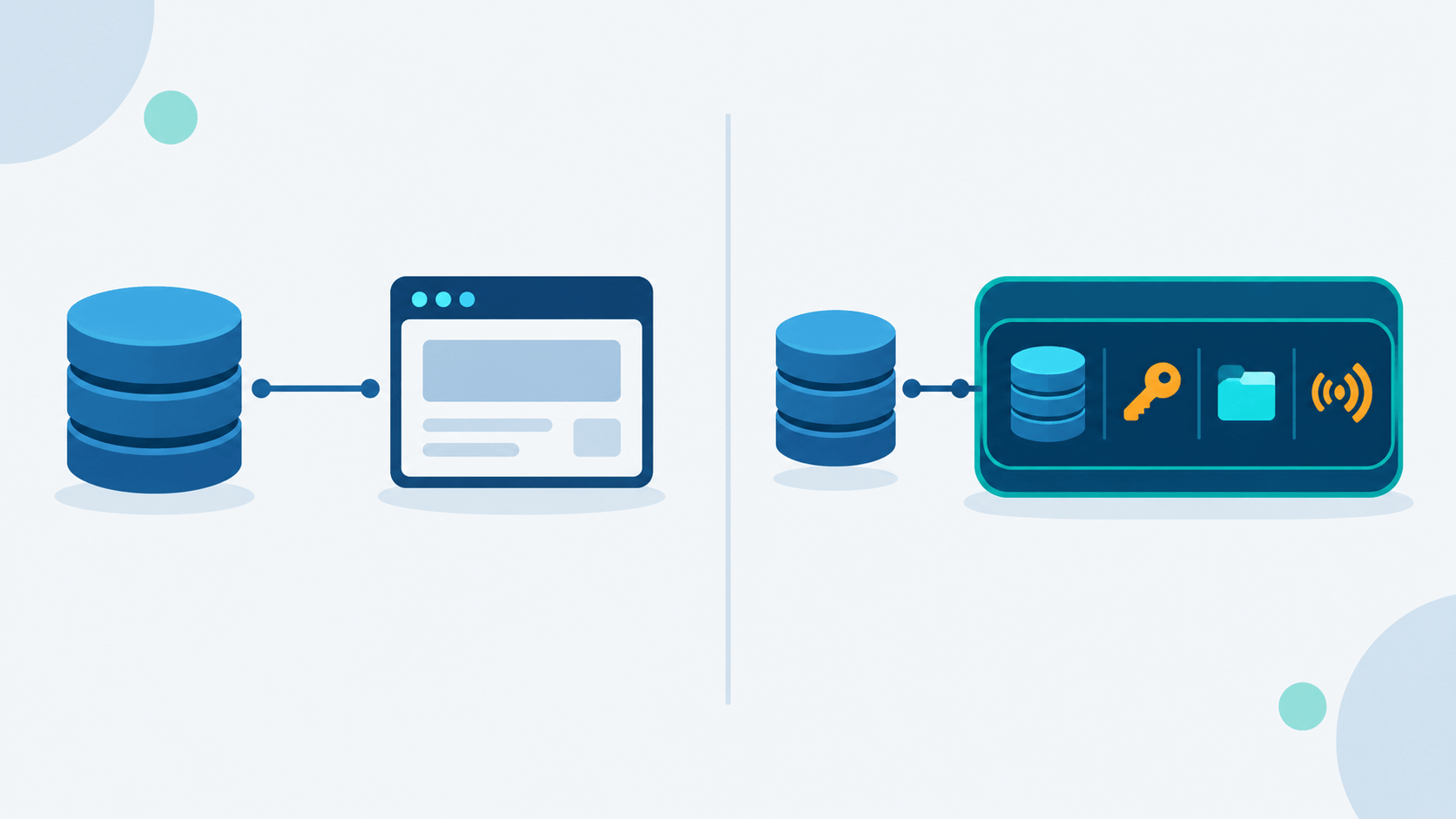
For the side-project-sized end of that idea — what SQLite alone gives you versus borrowing a backend built on it — I wrote it up separately in SQLite-Only vs PocketBase: Picking the Backend for Your Side Project.
If you're picking a database for a small project in 2026: start with SQLite. The dBase lesson still holds — get the data into a shape you own, and everything else is replaceable.