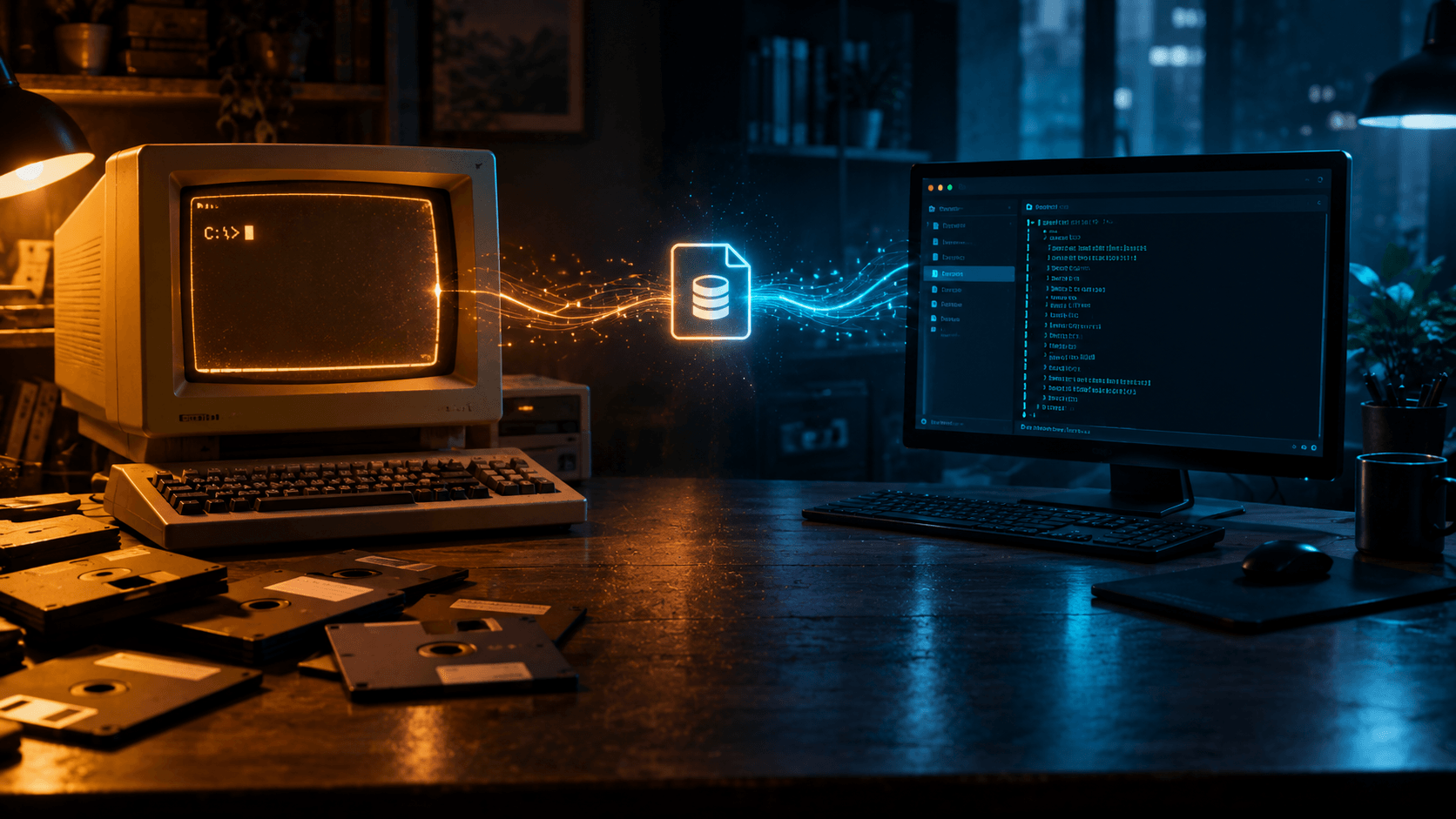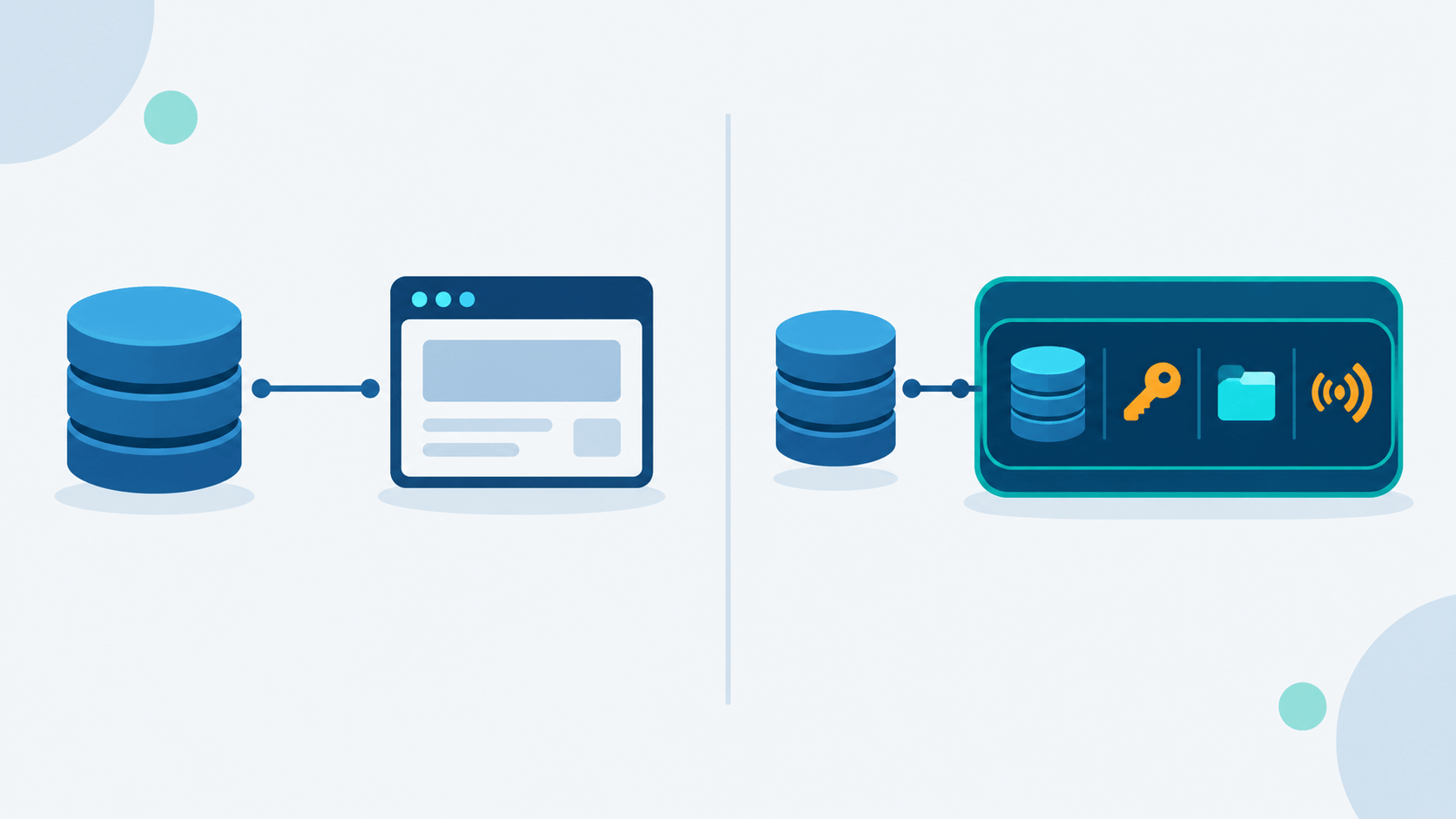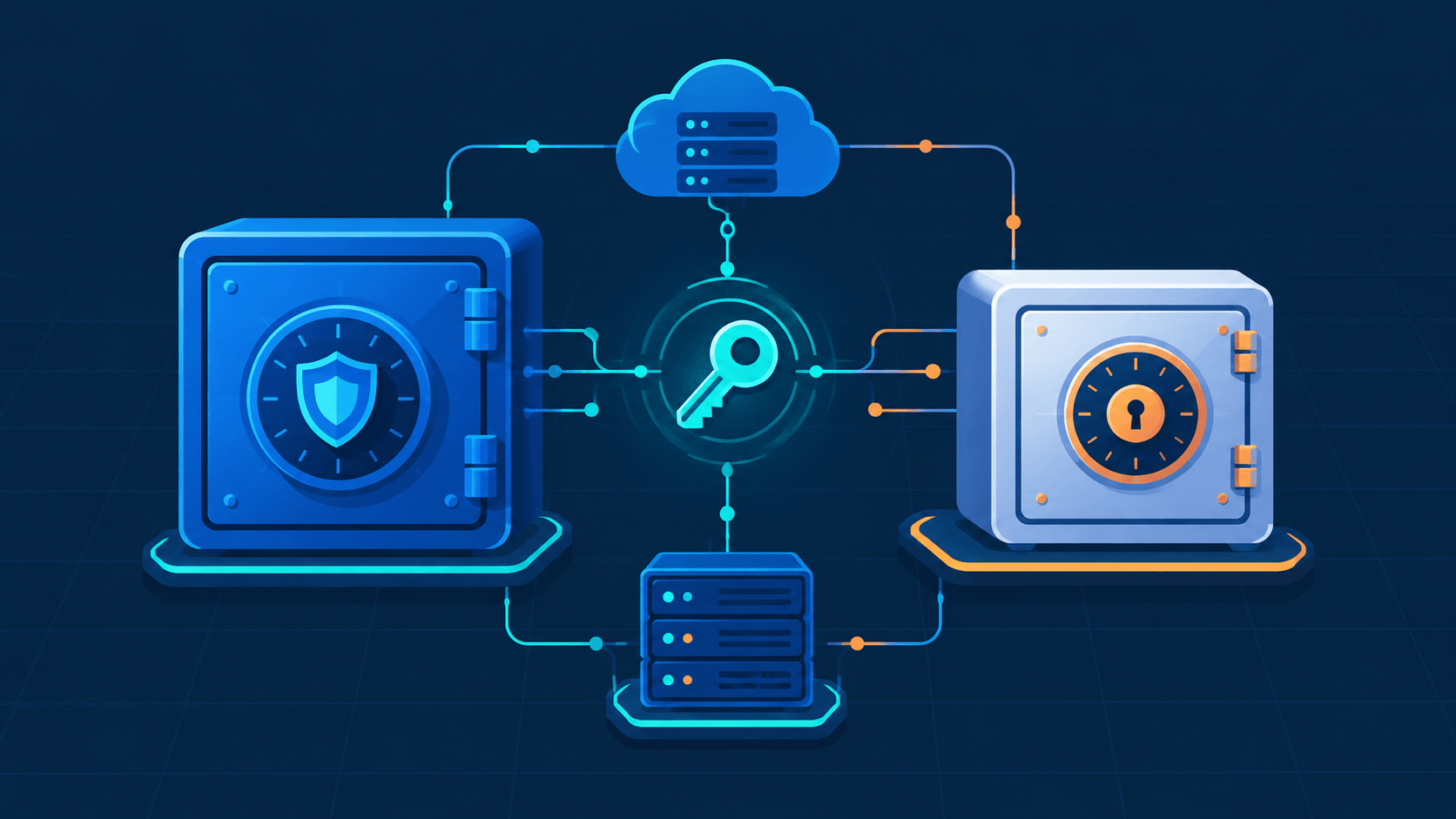
Cloud sync services store your files on someone else's computers. Dropbox, Google Drive, OneDrive — they all decrypt your data on their servers, and what protects it from there is policy, not architecture. Syncthing takes the opposite bet: files move directly between devices you control, encrypted end to end, with no central server that could be compromised, subpoenaed, or quietly mined for a profile of you.
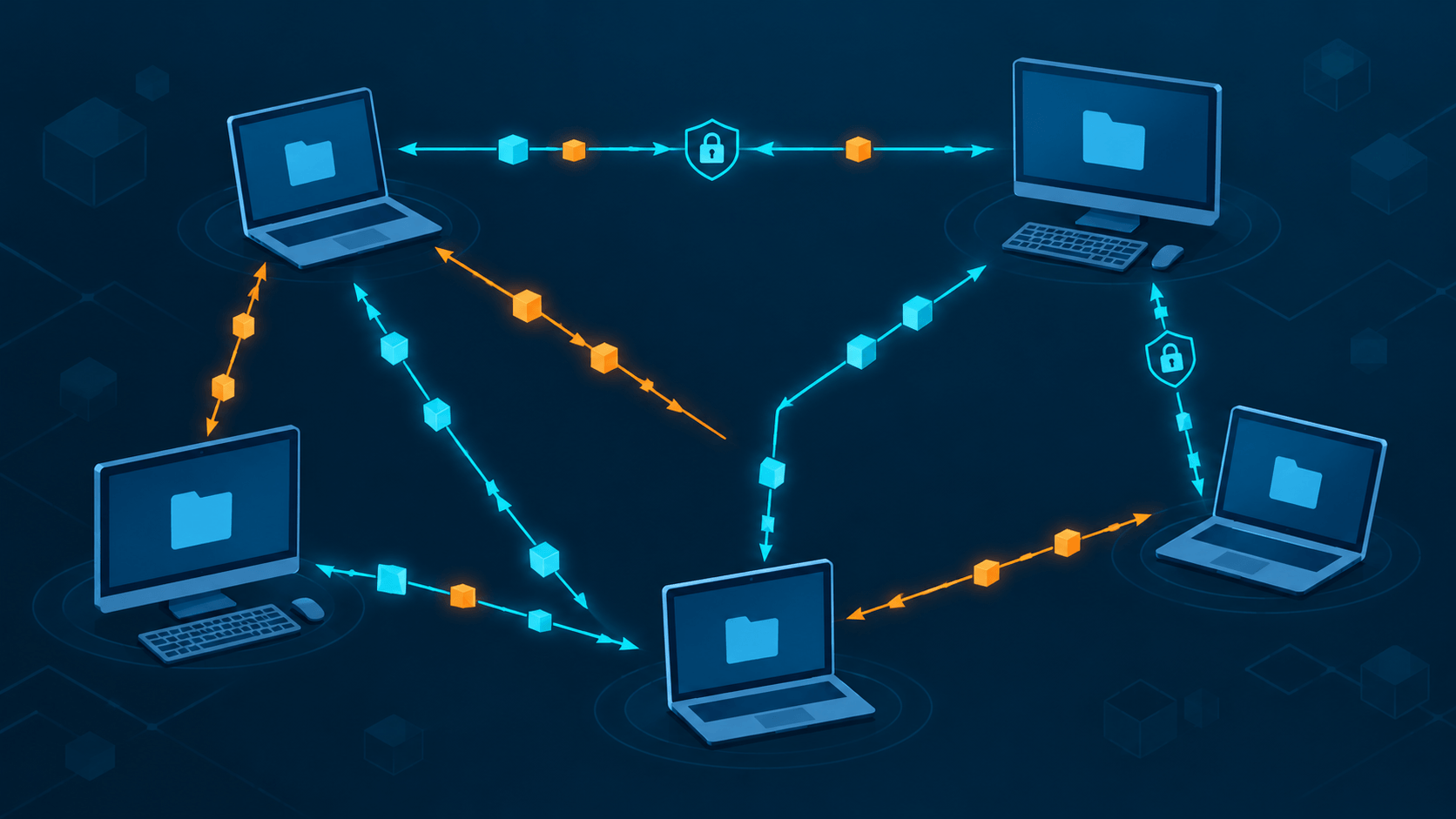
But "Dropbox without the cloud" undersells it. Syncthing isn't a self-hosted cloud drive. It's a peer-to-peer synchronization protocol where every device holds a full copy of every shared folder, changes move by block-level delta exchange, and the cluster has no center at all. Getting that model straight — before you install anything — is the difference between using Syncthing well and fighting its assumptions for a year.
This post stays in theory. No install steps, no config walkthrough — just how the thing actually works under the hood, based on the official Syncthing documentation (the Block Exchange Protocol spec, the "Understanding Synchronization" guide, the FAQ, and the untrusted-device encryption spec). A hands-on setup guide is its own post.
What Syncthing Actually Is
Syncthing is continuous file synchronization. Create, edit, or delete a file on one device, and it replicates to every other device sharing that folder — automatically. The project's own framing leans as ideological as technical: your data is yours, and you decide where it lives, who sees it, and how it moves.
A few properties define it:
- No server. There's no optional self-hosted server component in the Dropbox sense. Every peer runs the same program, holds full copies, and talks directly to the others. Nothing to rent, no single machine whose death loses your data — as long as one other peer still has a copy.
- No accounts. Identity is cryptographic. No email, no password, no signup flow.
- Open protocol. The Block Exchange Protocol (BEP) is documented and implemented in Go, and the security mechanisms are visible in source. Compare that to Resilio Sync, a similar-looking tool built on a closed protocol you can't audit.
- Cross-platform. Linux, macOS, Windows, the BSDs, Android — and iOS through third-party clients that embed the real sync engine, since Apple doesn't allow always-on background daemons.
The mental shift: with cloud sync, "synced" means "uploaded to the server." With Syncthing, "synced" means "every online peer that should have this file, has it, and their block lists agree."
The Sync Model: Convergence, Not Events
Syncthing never "runs a sync" the way you'd run a backup job. It's continuous convergence toward a shared state.
Local model, global model, cluster
Each device keeps a local model per shared folder — metadata and block hashes for every file it holds — and announces that to its peers. The union of every device's local model, with each file resolved to its highest version, forms the global model. Every device works to bring its own folder in line with that global model by pulling whatever blocks it's missing.
This is why being offline isn't a failure state. An offline device just has a stale local model. When it reconnects, delta index exchange catches it up from whichever peer already has the newer blocks. Convergence is eventually consistent, not transactional — there's no moment where "the sync" finishes.
How changes get detected
Two mechanisms, working together:
- Filesystem watcher — near-instant notification of changes, with a small configurable delay. On by default wherever the OS supports it well.
- Periodic full scan — once an hour by default, with the actual interval randomized between three-quarters and five-quarters of the configured value, so every folder on a device doesn't scan at the same moment.
The watcher can miss things — network filesystems, odd platform behavior, a burst of renames. Full scans are the safety net. On a scan, Syncthing checks mtime, size, and permission bits; if any of them changed, the file gets rehashed and a new block list computed. There's no way to know which part of a file changed without reading it and hashing every block again.
Version vectors and how conflicts get caught
Every file entry carries a version vector — a set of (device ID, counter) pairs tracking updates from each cluster member. It's the standard distributed-systems trick for spotting concurrent edits without a referee: two devices that both change a file without having seen each other's edit end up with vectors that can't be compared — a conflict, not a silent overwrite.
When the content genuinely differs, Syncthing keeps both files: the newer one stays under its original name, the older becomes filename.sync-conflict-YYYYMMDD-HHMMSS-DEVICEID.ext. If the modification times are equal, the tie breaks on device ID — the device with the higher value in the first 63 bits of its ID is the one whose copy gets renamed. Conflict handling here is rename-and-keep, never a semantic merge. Syncthing is not a collaborative editor.
Block-Level Transfer: The Part That Makes It Fast
This is the design detail that makes syncing large folders practical instead of painful.
Blocks and hashes
Files get sliced into equal-size blocks — 128 KiB up to 16 MiB, scaled to the file size, with a shorter final block. Each block gets a SHA-256 hash, and the ordered list of (offset, size, hash) is the file's block list.
To bring a file up to date, Syncthing diffs the local block list against the desired global one and fetches only what's missing, preferring sources in this order:
- Local reuse — another file already on disk has a block with that exact hash, so it gets copied locally with zero network traffic.
- Remote peers — request the block over BEP from whichever device advertises it.
Every block gets re-hashed and verified after it arrives, before it's written anywhere. A mismatch means discard and try a different source. Multiple peers can serve different blocks of the same file in parallel — Syncthing's own FAQ compares it to BitTorrent: the more peers online, the faster a new device catches up.
Nothing gets overwritten mid-write
Syncthing never writes straight over the destination file. Blocks land in a temporary file first; once it's complete and verified, that temp file is atomically moved into place. If a sync gets interrupted, the original file stays intact and the partial temp file sticks around for about 24 hours so a reconnect doesn't force a full re-download. It also means your versioning system only ever sees clean replace operations, never a half-written file.
Index exchange without resending everything
When peers connect, they exchange indexes. A full index is the complete folder listing — fine the first time, wasteful on every reconnect for a large folder or a flaky link. The fix is the delta index: every index item carries a monotonically increasing sequence number, and each folder has a random 64-bit index ID. The pair {index ID, max sequence} names a point in time. On reconnect, a device says what it already has, and the peer sends only the items with a higher sequence number.
Identity, Trust, and Encryption
Security in Syncthing comes down to one clean decision: a device is a key pair.
Device identity
On first run, Syncthing generates a self-signed TLS certificate. The Device ID is the SHA-256 fingerprint of that certificate, rendered as a human-readable base32 string (56 characters). Every connection is mutual TLS — each side proves it holds the private key behind its claimed ID, and checks the other's ID against its own explicit allow-list.
Two things follow from that:
- Pairing is symmetric. Device A only talks to Device B once both sides have added each other. One-sided adds just sit there as a pending request. Knowing someone's Device ID doesn't get you anywhere without a matching entry on their side — security over convenience, by design.
- IDs aren't secrets. Share them freely. They identify a device; they don't authorize access to it.
Transport encryption
All sync traffic runs over TLS 1.2/1.3 with forward secrecy. Even when a connection has to route through a relay as a last resort, the relay only sees IP addresses and Device IDs — payload stays end-to-end encrypted. A network observer can tell you're running Syncthing; they can't read what's moving.
Encrypting data on a device you don't trust
One of the more interesting corners of the design: what if you want an off-site copy sitting on hardware you don't control — a cheap VPS, a friend's NAS, a rented box for redundancy — and that hardware must never see plaintext?
Syncthing's Receive Encrypted mode handles this. When you share a folder with a password instead of adding a device normally:
- The password is stretched with scrypt (salted with the folder ID) into a 32-byte folder key.
- Filenames are encrypted with AES-SIV using that folder key.
- A per-file key is derived from the folder key and the plaintext filename via HKDF.
- Block hashes are encrypted with that file key using AES-SIV; the actual data blocks use XChaCha20-Poly1305 with random nonces, so blocks can't be correlated across offsets or files.
- File metadata — mtime, permissions — gets normalized to static placeholder values on the untrusted side; the real metadata rides along encrypted, for the trusted side to restore.
An untrusted device ends up holding ciphertext it can't read, can't tamper with undetectably, and can't fingerprint beyond a rough size. It can still re-serve those encrypted blocks to other trusted peers, though — which makes it a usable, blind relay. Lose the password, and that ciphertext is gone for good, including for you.
How Peers Find Each Other
None of this requires a static IP or deep networking knowledge, but the theory behind the connection path matters if you're sizing a deployment.
Discovery
- Local discovery — UDP broadcast/multicast on the LAN announcing "Device ID X is at address Y." On by default; this is the zero-config backbone of home setups.
- Global discovery — devices periodically register their Device ID and listening addresses with discovery servers over TLS, and peers look each other up there. Also on by default. If your posture is LAN-only, you can turn it off and use static addresses instead.
Transports, and what happens when the direct path isn't there
Syncthing listens on TCP and QUIC, both on port 22000 by default, with relays as a fallback when no direct path exists. Connection types have a priority order — LAN direct, then internet direct, then relay — and it always prefers the best one available. NAT traversal uses UPnP/NAT-PMP port mapping and STUN. You don't need every node publicly reachable; one directly reachable member (via port forwarding or an always-on LAN box) is enough for a pair to connect directly.
Relays are deliberately a last resort — slower than a direct link — but they keep the end-to-end encryption intact and remove the "both sides have to punch NAT" problem for less technical peers.
Folder Types and How You'd Actually Wire a Topology
What a folder can be
Each device's share of a folder is one of three types:
| Type | Publishes local changes | Applies remote changes | Notes |
|---|---|---|---|
| Send & Receive | yes | yes | the default |
| Send Only | yes | no | source of truth; "Override" forces the global state back to local |
| Receive Only | no | yes | protects against local edits; "Revert" discards them |
In practice these combine into patterns self-hosters actually use: a dotfiles or notes folder sent from your workstation, receive-only everywhere else; a phone's camera-roll folder sent from the phone, received on your NAS and nowhere else writes back to it.
Mesh vs. hub
- Full mesh — every device pairs with every other. Maximum resilience; any two online devices sync directly. Pairing effort grows quadratically, which is fine for a handful of devices and annoying past that.
- Hub and spoke — every device pairs with one always-on hub (a home server, a Pi, a small VPS). One pairing per new device, spokes don't need to be online at the same time as each other, and the hub is the natural place to run versioning and backups. This is the common evolution: start with mesh, add a hub once your phone and desktop are rarely online together.
Versioning — external, staggered, trash-can, or shared-etag — is configured per device and only triggers on incoming changes from the cluster. It protects you from other devices (including ransomware spreading through the mesh), not from your own local mistakes. That asymmetry is why the docs are blunt about it: Syncthing is not a backup tool. Deletions propagate like any other change. Keep an independent backup — restic, borg, whatever you use for snapshots — on at least one machine holding a full copy.
Why This Resonates With People Who Already Self-Host
- No subscription, no quota. Your storage limit is the disk you own. LAN transfers run at wire speed, immune to whatever your ISP caps your upload at.
- No third party ever sees plaintext. Files never sit on a provider's server; TLS everywhere, and optional ciphertext-only hubs for off-site copies.
- Keeps working offline. LAN sync continues through an internet outage and resumes automatically once peers reappear.
- Light footprint. A daemon, a SQLite index (Syncthing moved off LevelDB in the 2.0 line), and a web GUI on localhost by default. Old hardware — a spare Pi, a laptop you were about to retire — is plenty for a hub.
- Failure modes you can actually see. Conflicts become files, not silent overwrites; writes are atomic; versioning gives you a local recovery path against damage coming from a remote peer.
The mismatches matter just as much, and the project's own FAQ is upfront about them:
- It is not backup. Changes — including mass deletions — propagate everywhere. Versioning softens this; it doesn't replace an offline backup.
- It needs overlapping uptime. There's no always-on cloud in the middle, so data only moves while two members are online together. Mobile clients sync in limited background windows — plan around whichever device is on the most as your de-facto hub.
- No remote file browser. It's local files or nothing, short of advanced FUSE tricks.
- Not a multi-user server. No user accounts, no ACLs beyond folder-level trust. If you need real groupware — shared calendars, proper access control — that's Nextcloud or Samba-with-authz territory, a different problem entirely.
- Case sensitivity is a cluster-wide property. Mix operating systems and the whole cluster inherits the strictest filesystem's rules —
file.txtandFILE.txtcan't coexist once a case-insensitive peer is in the mix.
Where Syncthing Sits Next to the Alternatives
| Tool | Model | Best for | Trade-off |
|---|---|---|---|
| Dropbox / Google Drive / OneDrive | Central cloud, policy-based privacy | Zero-ops convenience, access from anywhere | Plaintext at the provider, subscriptions, quotas |
| rsync / rclone | One-shot scheduled transfer | Backup-style pushes, scripted pipelines | No continuous bidirectional sync, no peer model |
| Resilio Sync | Proprietary P2P | A similar UX to Syncthing | Closed protocol, freemium limits |
| Nextcloud + sync client | Self-hosted server + clients | Groupware — calendars, sharing links, multi-user | Server-centric, heavier to operate |
| Syncthing | P2P continuous convergence | Device fleets you control, privacy-first sync | You manage connectivity and overlapping uptime yourself |
The honest framing: Syncthing replaces the sync half of Dropbox for a set of machines you trust and can keep reasonably online. It doesn't replace shared drives for a team, doesn't replace backups, and doesn't replace a NAS with proper multi-protocol access. Used where the model actually fits, it's one of the most principled tools in the self-hosted toolkit — open protocol, cryptographic identity, nothing to seize because there's no center, and a block-level engine that treats big folders and flaky links as the normal case instead of an edge case.
A setup guide — adding devices, choosing a topology, configuring versioning — is coming as a follow-up post.
Theory and protocol details in this post follow the official Syncthing documentation: the Block Exchange Protocol spec, "Understanding Synchronization," the project FAQ, and the Untrusted Device Encryption specification, current as of October 2026.