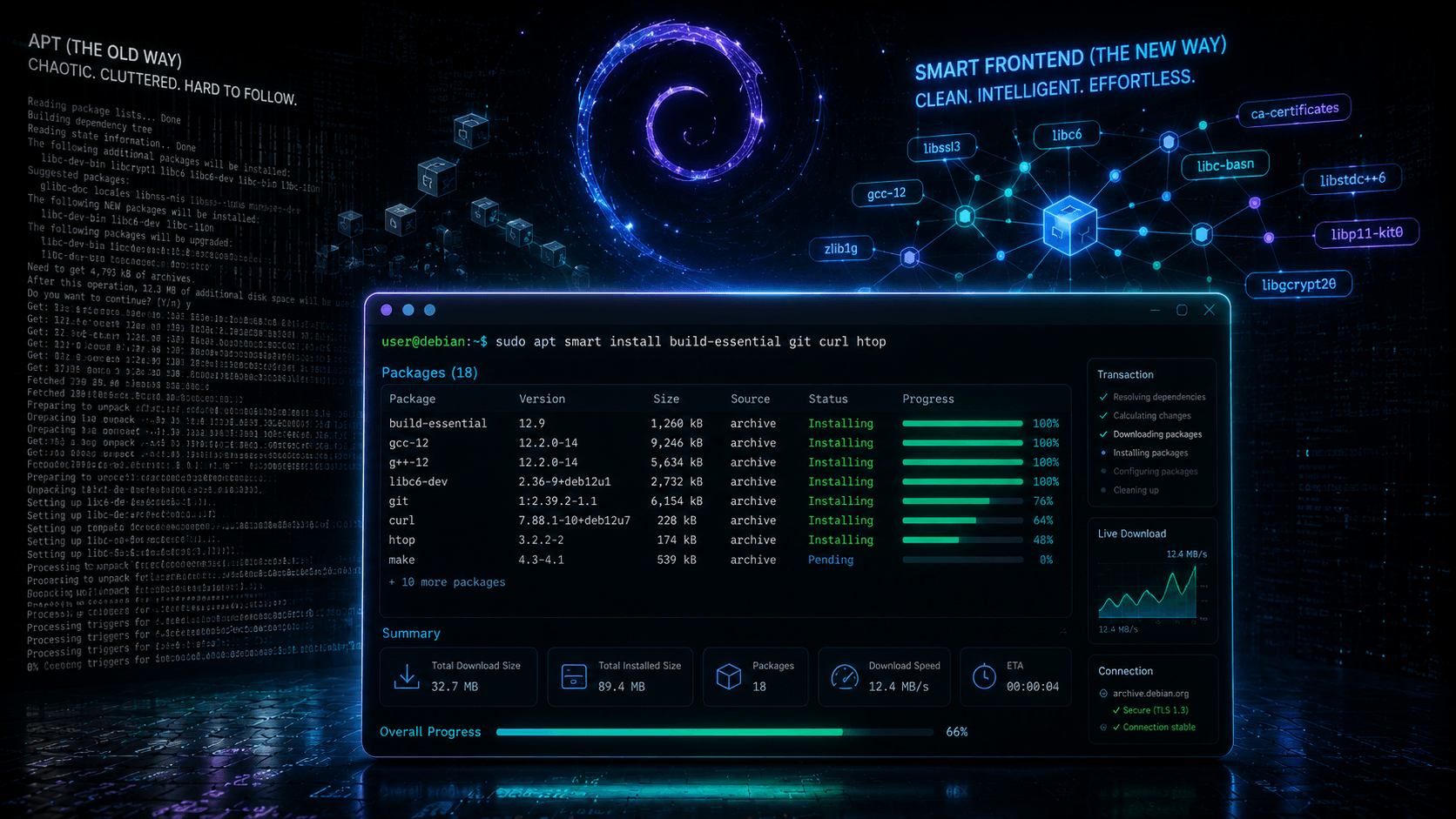
You've read the blog posts. The 500-step Debian hardening guide. The kernel parameter list. The AppArmor profile collection you were supposed to manually install "before doing anything sensitive." You bookmarked it. You maybe completed step 12. Your machine is exactly as vulnerable as it was before.
That's the failure mode of security hardening: it depends on the user. On remembering every step, on finding the guide before the compromise, on not skipping the tedious parts. Kicksecure's developers looked at that problem and drew the obvious conclusion — stop shipping instructions, ship the configuration.
Kicksecure is a Debian derivative that applies several hundred security hardening measures by default. Not optional. Not a metapackage you opt into. The ISO you download already has kernel hardening, torified system updates, mandatory account separation, and a firewall with no open ports baked in.
What Kicksecure Actually Is
Kicksecure is a free and open-source Linux distribution that describes itself as a "security hardened Debian." The description is accurate and modest. In oversimplified terms, Kicksecure is a collection of configuration files and packages layered on top of Debian. Anything you can do in vanilla Debian, you can do in Kicksecure. apt install vlc works the same way. Most Ubuntu tutorials apply.
What changed is the baseline. Debian ships a general-purpose system with a reasonable default attack surface. Kicksecure reconfigures that base around a defense-in-depth model: multiple overlapping layers, so no single failure compromises the system. The project frames this as an implementation of Debian's own Securing Debian Manual — a hardening guide Debian publishes but doesn't apply by default. Kicksecure studied that manual and turned its recommendations into shipped configuration.
The scope of the reconfiguration is broader than most people expect:
- Kernel hardening following Kernel Self Protection Project recommendations, via the
security-miscpackage: sysctl settings, boot parameters, blacklisted kernel modules, restrictive mount options, a stricter umask for non-root accounts. - Torified system updates. All default APT sources are configured to update over the Tor network. Update servers can't see your IP address, which removes the targeted-malware-update vector where an adversary poisons updates for specific users only. This covers system updates, not all your traffic — more on that distinction below.
- No open ports. All unsolicited incoming connections are rejected by default. Compare that with a stock Debian install, which may be running services you never asked for.
- Curated package selection. No exim, no samba, no cups unless you install them. Attack surface you never use is attack surface you don't have.
- USB device authorization via USBGuard, enforcing policy-based approval of USB devices — mitigating evil-maid and malicious-peripheral attacks.
- Secure time synchronization via
sdwdate, which avoids relying on unauthenticated NTP and mitigates time-based attacks. tirdad, a custom kernel module that randomizes TCP initial sequence numbers to close a side-channel CPU information leak present in the stock Linux kernel.- AppArmor preinstalled with profiles from both Kicksecure and Debian, confining high-risk applications.
- Bluetooth disabled by default. You turn it on when you actually need it.
- Full disk encryption enabled by default in the ISO installer.
The project also maintains a warrant canary and enforces a digital signature policy across its entire development pipeline — source commits, git tags, build process, final downloads. Unsigned code execution and deployment are prohibited. This is aimed squarely at supply chain attacks.
Who Kicksecure Is For
The project's own framing targets three overlapping groups, and it's worth being precise about which one you fall into.
The everyday user who wants better defaults. Kicksecure aims to be usable enough to serve as an everyday, multipurpose operating system for users of any skill level. If you're not a security professional but you do your banking, email, and general browsing on one machine, Kicksecure gives you a materially stronger baseline than stock Debian or Ubuntu — without asking you to understand sysctl.
The user with a real threat model. Journalists, activists, researchers, dissidents, anyone handling sensitive communications or working against a motivated adversary. This group previously had to assemble their own hardened system from guides and forum posts. Kicksecure exists because security guides have a fatal flaw: they're incomplete, they go stale, and most people miss critical steps simply because they never knew those steps existed.
The developer or analyst who needs a hardened base. Kicksecure is already the foundation of Whonix, the anonymous operating system. If you want compartmentalization or anonymity workflows, you're starting from Kicksecure whether you realize it or not. Running it directly gives you the same hardened base without the Tor-gateway architecture on top.
One clarification worth making: Kicksecure isn't trying to be a walled garden. The project explicitly rejects the mobile-security model where "security" means taking control away from the user. Root access, bootloader freedom, and the ability to replace the operating system all remain fully supported. The goal is protection from malware, not protection from you.
Debian Lineage and Maturity
Kicksecure versions map to Debian versions:
|
Kicksecure |
Debian |
Codename |
Status |
|---|---|---|---|
|
18 |
13 |
trixie |
Current, supported |
|
17 |
12 |
bookworm |
Being deprecated |
The current stable ISO is version 18.2.1.9, built on Debian 13 (trixie).
On maturity: the project has been running since 2012 — a 14-year development history, operated by ENCRYPTED SUPPORT LLC and supported until 2026 by Power Up Privacy, a privacy advocacy group. This isn't a weekend project or a security researcher's portfolio piece. It's the substrate of Whonix, which means it's been load-tested by one of the most demanding user bases in the open-source security world.
The release policy deserves a warning alongside the credibility. Kicksecure doesn't have a fixed release schedule — a new stable release ships when it's deemed ready. And the support windows are aggressive: one month after a new stable Debian release, Kicksecure VMs on the older Debian version may no longer be supported. One month after a new Kicksecure version ships, the older ISO is unsupported. You have to upgrade promptly, or you're running a system the project no longer secures.
Desktop and Install Experience
Kicksecure 18 ships LXQt as its default desktop environment. Previous versions (through 17) used Xfce; the current release moved to LXQt as the primary desktop. The result is a lightweight, traditional desktop that stays out of your way and doesn't fight the hardening layer for control of the session.
Installation is handled by the Calamares installer, which is friendlier than Debian's own installer. Full disk encryption is offered — and effectively encouraged — during setup.
Two design decisions worth understanding before your first boot:
The sysmaint split. Kicksecure enforces separate accounts for daily use and administrative tasks. Your daily-use account — the one running your browser, the software with the largest attack surface and the highest risk of being compromised — can't reach root; sudo, su, and pkexec simply aren't available to it. To perform administrative tasks, you boot into a separate sysmaint session instead. This is the single most consequential design choice in the system: it means a compromised browser can't trivially install a rootkit or firmware trojan. It also means the first time you need to install software, you're rebooting into a different boot mode. Expect a learning curve.
Live mode. The ISO boots into a live session by default, which discards all data after shutdown. To install, you select the sysmaint session from the GRUB menu and use the Install System button. This is documented, but it surprises people used to an installer that launches immediately.
Usability work fills in the gaps: sudo preconfigured for the sysmaint account, bash-completion installed, zsh as the default shell, a graphical System Maintenance Panel for common administrative tasks, and helper tools like apt-get-noninteractive for scripting.
The Honest Limitations
Kicksecure isn't invulnerable, and the project says so. Read the Warning page before you commit.
- Torified updates cover updates only. Your general internet traffic isn't routed through Tor by default. If your threat model requires anonymity, you want Whonix, or you configure Tor yourself.
- The upgrade treadmill is real. Aggressive deprecation windows mean you can't install this and forget it. Missing an upgrade notice leaves you unsupported.
- Smaller community than Debian or Ubuntu. Documentation is extensive — and actively maintained, which can't be said for the Securing Debian Manual it implements — but when a problem isn't specific to Kicksecure, the answer usually lives in Debian or Ubuntu forums.
- The sysmaint split costs convenience. It's the right trade for security. It's still a trade.
- No hardening baseline survives a determined adversary with physical or hardware access. Full disk encryption, the emergency shutdown tool, and the RAM-wipe-at-shutdown feature narrow that window. They don't close it.
Verdict
Kicksecure occupies a specific and underpopulated niche: a distribution that treats hardening as shipped configuration rather than aspirational documentation. The Debian base gives it package availability and documentation reach. The 14-year history and Whonix dependency give it credibility most security-focused distributions lack. The LXQt desktop and Calamares installer make it genuinely installable by the non-specialist it's designed to protect.
If you spend your days following security guides and never quite finishing them, Kicksecure is the argument that you should stop following guides. The configuration is the product. Install it, learn the sysmaint split, keep up with upgrades, and read the Warning page — because the project's honesty about its own limits is, in the end, one of its strongest security features.
Further reading:
- About Kicksecure — full feature list and development vision
- Download the ISO — LXQt, version 18
- Whonix — anonymity system built on Kicksecure
- Comparison with Debian — what specifically changed