For over twenty years, dropping a shell script into /etc/rc.local was the universal Linux trick for "run this at boot." Then systemd arrived, and a simple habit turned into one of the community's longest-running debates. Here's the full story — where rc.local came from, why nearly every major distro moved on from it, and why the argument refuses to die.
What Is an Init System, and What Does rc.local Have to Do With It?
When your Linux machine boots, the kernel does its job, then starts the very first user-space process: init (PID 1). Init's job is to bring the whole system up — mount filesystems, start the network, launch services, and get you to a login prompt.
For most of Linux history, init meant SysV init (System V init), inherited from AT&T's UNIX System V released in 1983. SysV init worked with runlevels and a pile of shell scripts inside /etc/rc.d. Each script started or stopped one service.
And then there was /etc/rc.local.
The Original Hack That Became a Standard
rc.local was never an official standard. It was an escape hatch: a root-owned shell script that SysV init would execute after all normal services had started. No dependencies to declare, no config format to learn. Write your commands, make the file executable, and they ran at every boot.
Sysadmins loved it because it was predictable. Whatever you put in rc.local ran last, when the system was fully up. Need to mount a network share, launch a monitoring agent, or apply a firewall rule? rc.local.
By the 1990s and 2000s, this one-file trick was baked into decades of tutorials, blog posts, and muscle memory. It quietly became the most famous Linux boot script of all time.
Why SysV init (and rc.local) Started to Crack
SysV init was designed for a world that was static and slow-moving. Machines had fixed hardware, services started in a strict sequence, and boot time was measured in coffee breaks. That world ended when hardware became hot-pluggable and boot speed started to matter.
The weaknesses piled up:
- Sequential startup. Services started one after another. If one script stalled, the whole boot waited.
- No event handling. Plugging in a USB device or joining a network didn't "wake up" SysV init. Scripts ran once, at boot, and that was it.
- No supervision. If a service crashed, nothing restarted it. rc.local itself had the same problem — run once, done.
- Shell script chaos. Every distro patched the scripts differently. Same idea, different behavior everywhere.
- Fragile ordering. "rc.local runs last" was a convention, not a contract.
Multiple projects tried to fix this. Upstart (created by Canonical, used by Ubuntu from 2006 to 2015) handled hot-plug events well. But none achieved total dominance — until systemd showed up.
Enter systemd: The Project That Won
systemd was created by Lennart Poettering and Kay Sievers, who were working at Red Hat at the time. Its stated goal: replace SysV init with a modern system that starts services in parallel, handles dependencies properly, and manages the whole machine — not just boot.
Fedora was the first distro to ship it, in 2011. Then the floodgates opened.
The Switch Timeline: How Major Distros Moved
| Distro | systemd became default | Notes |
|---|---|---|
| Fedora | 2011 | First adopter, ever |
| Arch Linux | 2012 | Rolling release community followed fast |
| openSUSE | 12.1 (2012) | Both Leap and Tumbleweed today |
| Debian | 2014 | Technical Committee's casting vote in February — the pivotal moment |
| RHEL | RHEL 7 (2014) | Enterprise Linux followed Red Hat's own project |
| Ubuntu | 15.04 (April 2015) | Previously used Upstart |
| WSL 2 | September 2022 | Opt-in support from Microsoft and Canonical; even Microsoft's Linux-on-Windows adopted it |
Why the 2014 Debian Vote Changed Everything
Debian isn't just one distro — it's the ancestor of Ubuntu, Linux Mint, Kali, Raspberry Pi OS, and hundreds of others. The Debian Technical Committee had been split 4-4 between systemd and Upstart for weeks. On February 11, 2014, committee chair Bdale Garbee used his casting vote in favor of systemd as the default init for Debian 8 "Jessie." The decision rippled through the entire ecosystem — and it wasn't painless: two Technical Committee members resigned later that year over how the process played out.
Today, systemd is the default init on essentially every mainstream distro you'll touch in production — Ubuntu, Debian, Fedora, RHEL and its derivatives (CentOS Stream, AlmaLinux, Rocky), Arch, and openSUSE among them. It's genuinely hard to find a sysadmin working with a major distro in 2026 who isn't running systemd by default.
What Happened to rc.local?
Here's the part many people miss: systemd didn't kill rc.local outright — it kept it on life support, and that life support is now being switched off.
For years, systemd shipped a compatibility piece called systemd-rc-local-generator. It detected an executable /etc/rc.local and wrapped it in a fake service (rc-local.service) so it would still run at boot. The man page for the generator was blunt: support for rc.local is "provided for compatibility purposes only."
But that compatibility has been expiring in stages:
- Debian 11 (Bullseye): rc.local ships present but disabled by default. You have to manually enable
rc-local.service. - Raspberry Pi OS, January 2024: the
raspberrypi-sys-modspackage dropped the rc.local drop-in entirely. Plenty of long-running tutorials broke without warning. - systemd 256 (June 2024): declared cgroup v1 obsolete and shipped
run0, a sudo alternative — not about rc.local directly, but a sign of how aggressively systemd keeps moving. - systemd 260 (March 2026): this is the one that actually matters most. Support for System V service scripts was removed outright, and along with it went
systemd-rc-local-generator,rc-local.service,systemd-sysv-generator, andsystemd-sysv-install. On a distro running systemd 260 or newer, rc.local does not run at boot anymore. There's no shim left to disable or re-enable — it's gone from the codebase.
If you're on Ubuntu 24.04 or an older RHEL/Debian release, you're probably still on a systemd version below 260, so rc.local may still quietly work for you today. But that floor is rising fast as distros pick up newer systemd releases through 2026.
The Silent Behavior Change (While It Still Ran)
Even while rc.local still ran, it didn't behave like the old days. Under SysV, "rc.local runs last, with full network and all services up" was guaranteed. Under systemd, that guarantee was never actually part of the contract.
There's a long-running GitHub issue on systemd's tracker — "How to run /etc/rc.d/rc.local as the last Linux bootup task?" — where a maintainer puts it plainly: there's no concept of "last" in an event-based system like systemd, because it can't be guaranteed when more than one such service exists. In practice, rc.local could fire before the network was fully up, before other services were ready, or in an order that depended entirely on your distro's config. Scripts that worked flawlessly for a decade could fail mysteriously — with no error message explaining why.
That silent inconsistency was a huge part of why the community stayed split even while the file technically still existed. Old habits survived because the file was still there. Trust in the file eroded because its behavior was no longer the same.
Why the Debate Still Won't Die in 2026
Four reasons, and none of them are purely technical.
1. The "Unix Philosophy" Argument
systemd is not just an init. It includes journald (logging), logind (login/session management), networkd (networking), plus tools like hostnamectl, timedatectl, and now run0 (a sudo alternative, added in version 256). Critics call this a monolithic empire that violates the Unix philosophy of small tools doing one thing well. Defenders call it a coherent, integrated stack that eliminates decades of glue code.
2. Compatibility Was Never a Promise
For years, rc.local worked sort of, somewhere, sometimes. Whether it ran at all depended on whether your distro enabled rc-local.service. Whether it ran in the right order was anyone's guess. For old-timers, that was worse than a clean break — it was a trap. And now, with systemd 260, the trap has sprung: the file is just inert on current systems.
3. Lock-In Is Real — On Both Sides
systemd's tentacles reach deep:
- cgroup v2: on modern kernels, Docker's default cgroup driver is
systemd. If you've switched your own VPS from Docker to Podman like I have, you've probably already noticed how much of the container tooling assumes systemd is managing cgroups underneath it. - Wayland sessions: most Wayland compositors depend on systemd-logind for session management. Wayland was the default session in roughly half of Linux desktop environments as of a 2025 industry survey, and GNOME dropped X11 session support entirely in GNOME 49. As X11 fades, removing systemd from a desktop gets harder every year.
Switching away now requires real work. Non-systemd fans see an empire. systemd fans see a stable foundation that finally stopped the init-system churn of the 2000s.
4. Identity and Philosophy
Some distros exist specifically to reject systemd — Devuan (a Debian fork) and Artix (an Arch fork) were created for no other reason. For their communities, init choice is a matter of principle, not benchmarks. That guarantees the debate outlives any technical argument.
The Modern Replacement: It's Not That Hard
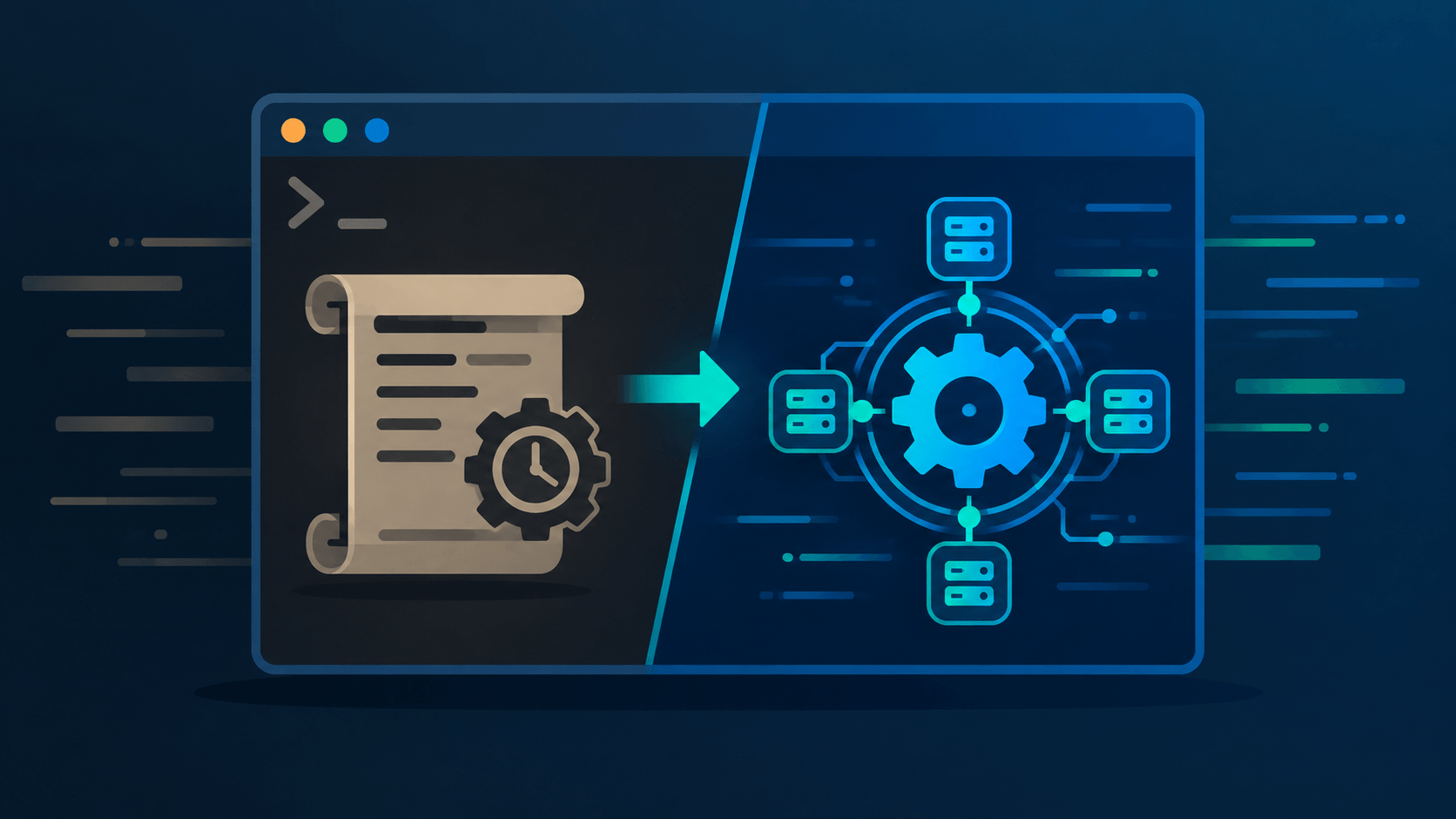
Here's the irony: replacing rc.local with a proper systemd service is about as easy as the original hack.
Instead of /etc/rc.local, create the following unit file at /etc/systemd/system/my-script.service:
[Unit]
Description=Run my custom boot script
After=multi-user.target

[Service]
Type=oneshot
ExecStart=/usr/local/bin/my-script.sh

[Install]
WantedBy=multi-user.target
Then enable it by running the following in your terminal:
sudo systemctl daemon-reload
sudo systemctl enable --now my-script.service
You get the same simplicity — one file, your own script — plus guarantees rc.local never had: correct ordering relative to the targets and services you declare, restart-on-failure if you want it, proper logging in the journal, and status you can check with systemctl status my-script.service.
Pros and Cons at a Glance
systemd
Pros:
- Parallel service start — measurably faster boots on most modern systems
- Real dependency management via unit files
- Service supervision: auto-restart, socket activation, resource limits, sandboxing
- Unified logging with journald
- One standard across nearly every major distro
Cons:
- Much larger than an init — a whole system suite
- Steeper learning curve (units, targets, dependencies vs. simple runlevels)
- rc.local compatibility was a shim with changed, unpredictable behavior — and as of systemd 260, it's gone entirely
- Once adopted, very hard to remove (logind, cgroup v2, Docker integration)
rc.local (classic SysV)
Pros:
- Dead simple: one root shell script, no syntax to learn
- Genuinely ran last, after everything — predictable ordering under SysV
- Zero dependencies, works on any SysV-style system
Cons:
- No supervision, no restart, no logging integration
- No dependency declarations — ordering by convention only
- Sequential boot, slow on modern hardware
- Runs once at boot — no reaction to events, hot-plug, or network changes
- No longer functional on current systemd: disabled by default on Debian 11+, removed from Raspberry Pi OS in January 2024, and the entire compatibility shim removed by systemd 260 in March 2026
Which Distros Use What Today (2026)
systemd by default (the mainstream)
- Ubuntu (all flavors, since 15.04)
- Debian
- Fedora (the original adopter)
- RHEL / CentOS Stream / AlmaLinux / Rocky Linux
- Arch Linux
- openSUSE (Tumbleweed and Leap)
- Linux Mint (Debian/Ubuntu base)
- Manjaro (Arch base)
- SteamOS
- WSL 2 (opt-in since September 2022)
Not systemd (alternative init systems)
| Distribution | Init system | Why non-systemd |
|---|---|---|
| Alpine Linux | OpenRC | Minimalism — the dominant container base image |
| Gentoo | OpenRC (default) | Advanced users; systemd available as an option |
| Void Linux | runit | Independent distro, no corporate parent |
| Devuan | sysvinit / OpenRC / runit | Debian fork created specifically to drop systemd |
| Artix Linux | OpenRC / runit / dinit | Arch fork created to drop systemd |
| Slackware | BSD-style init scripts | One of the last traditional-init holdouts |
| Chimera Linux | dinit | Modern from-scratch alternative |
The non-systemd segment is real but niche. Alpine is the strategic exception — its tiny footprint makes it the default choice for containers, where init barely matters anyway.
The Bottom Line
rc.local was never deprecated in a single dramatic announcement. It faded — compatibility shims first, changed behavior second, removal third, with Raspberry Pi OS's January 2024 change and systemd 260's complete removal of the shim in March 2026 being the two loudest signals yet. Meanwhile systemd has become the default init on nearly every mainstream Linux distribution in active use.
The fuzz in the Linux community persists for two reasons. Ideologically, the "systemd is too big" debate never got settled, and entire distros keep the fight alive. Practically, rc.local half-worked on millions of machines for over a decade, so old habits survived — and now that systemd 260 has actually pulled the plug, a lot of forgotten rc.local scripts out there are quietly not running anymore, with no error to tell anyone why.
If you're still relying on rc.local, the migration takes about ten minutes. Write a one-shot service unit, enable it, reboot once to verify, and sleep better knowing your boot script runs in a defined order with real error reporting. The vote was taken over a decade ago, the ecosystem moved, and as of this year, the shim it moved away from is officially gone.
Have you migrated your rc.local scripts to service units — or do you run a non-systemd distro on principle? Share your setup in the comments.