You know the ritual. Connect to "Airport_Free_WiFi", a browser sheet slides up before you asked for it, and a page tells you to accept terms or enter an email address. Behind that trivial popup sits a 25-year-old technology that still sits in front of most public networks on earth — and in 2026, it became the center of a state-sponsored campaign called CaptiveCrunch.
Captive portals are not obsolete. They are not secure either. This article covers how they actually work, a brief history, what vendors and open-source projects build them, what recently went wrong, and whether the concept survives the era of AI-generated phishing.
How a Captive Portal Actually Works
The trick is interception at the network layer, not at the browser.
- Client associates with the access point and gets an IP via DHCP.
- The OS checks internet connectivity by hitting a well-known URL:
http://connectivitycheck.gstatic.com/generate_204(Android),http://www.msftconnecttest.com/connecttest.txt(Windows),http://captive.apple.com/hotspot-detect.html(Apple). - The gateway intercepts that request. Instead of passing it through, it answers with an HTTP redirect (302) to the portal login page — or hijacks DNS and answers every resolution itself.
- The OS recognizes the interception, flags the network as "captive", and pops its own mini-browser showing the splash page.
- After the user authenticates (click-through, email, voucher, room number, RADIUS credentials), the gateway installs a firewall rule — usually keyed on MAC address or a session token — and opens the pipe to the internet. It also maintains a "walled garden": a whitelist of domains the client can reach before authentication, so the connectivity check and the portal itself resolve.
Older devices without a browser — printers, game consoles, IoT gadgets — cannot complete this dance. For them, non-browser mechanisms exist: MAC authentication against RADIUS, or WISPr, an XML protocol that lets a client script the login instead of showing a page.
Two standards matter for the modern implementation:
- WISPr 1.0 (2003) — the Wi-Fi Alliance's "Wireless ISP Roaming" best-practices document. It defined the Universal Access Method (UAM) that auto-triggers the login page. You can still see its fingerprints in user agents like
CaptiveNetworkSupport-355.200.27 wispr. - RFC 8910 and RFC 8908 (2020) — the IETF's formalization. RFC 8910 lets the network advertise "there is a portal here" via DHCP and RADIUS. RFC 8908 defines a machine-readable API that clients can query for portal state. openNDS implements both.
A Brief History
2000–2005: Paid hotspots. Captive portals grew out of the paid Wi-Fi boom. Companies like Wayport and Boingo wired airports and hotels; the portal was the billing gate. T-Mobile's Starbucks partnership made the login page a household sight. WISPr 1.0 shipped in 2003 to standardize what every vendor had hacked together.
2004–2010: The open-source era. ChilliSpot appeared as the first open-source access controller. It was abandoned, and in 2006 the community forked it into CoovaChilli — still one of the most deployed captive portal engines. In the same period, wifidog built a gateway-plus-server model for community networks, and its descendant nodogsplash (later split into nodogsplash and OpenNDS) became the standard portal for OpenWrt routers.
2012–2015: Hotspot 2.0 and the marketing pivot. The Wi-Fi Alliance released Hotspot 2.0 (Passpoint): credential-based, 802.1X-secured hotspot onboarding that kills the splash page entirely. Vendors noticed the opposite trend too — portals started collecting emails, integrating social login, and feeding CRM systems. "WiFi marketing" became an industry.
2016–2020: Privacy reckoning. The EU forced change. Under the GDPR and the ePrivacy Directive, operators became liable for what their hotspot logs contain and how long they keep it. Several analytics-heavy platforms added consent flows and log-retention controls per country. Meanwhile, enterprises settled into a split: 802.1X for staff, captive portal for guests.
2021–today: Cloud portals, then CaptiveCrunch. SaaS platforms now wrap the captive portal of any controller brand with branding, analytics, and compliance tooling. RFC 8910/8908 gave the protocol a modern foundation, and the WBA's OpenRoaming pushes toward a Passpoint-based federated future. Then, in mid-2026, attackers proved the other lesson: a captive portal appliance is a perimeter device, and perimeter devices get owned.
Vendor Landscape
The market has four layers.
Controller-integrated portals (free with the hardware)
| Vendor | Product | Notes |
|---|---|---|
| Cisco Meraki | Built-in splash pages | Cloud-managed; extensible via API |
| HPE Aruba | ClearPass Guest, Aruba Central | Deepest policy control where ClearPass exists |
| Juniper Mist | Guest portal | AI ops focus; cloud-managed |
| Ruckus / CommScope | SmartZone portal, Cloudpath | WISPr entries, certificate-based onboarding |
| Fortinet | FortiGate captive portal | Built into the firewall; fine for single site |
| Ubiquiti | UniFi guest portal | Free; templates are basic |
| TP-Link | Omada controller portal | Budget deployments |
| MikroTik | Hotspot system | Full UAM stack in RouterOS |
| Extreme Networks | ExtremeGuest | Analytics-oriented |
Hospitality gateways
Nomadix is the classic inline gateway appliance for hotels, with PMS integration (room-number login) and bandwidth management. It works with any upstream network because it sits in-line.
Cloud captive portal platforms (multi-vendor overlays)
- Cloudi-Fi — enterprise focus, works across Cisco, Meraki, Aruba, Fortinet, Ruckus; per-country log residency.
- Cloud4Wi — retail and venue analytics.
- Purple — enterprise location analytics with portal attached.
- IronWiFi — combines cloud RADIUS with the portal; SOC 2 and GDPR posture marketed heavily.
- Skyfii, Zenreach — venue analytics and marketing.
SMB / hospitality marketing tools
StayFi (vacation rentals, PMS integration), Spotipo (multi-vendor cloud portal), MyPlace (Meraki-focused guest flow), Splash Access (Meraki + IPSK), CaptiFi, Beambox. These are the "turn Wi-Fi into an email list" tier.
Open-Source Options
| Project | What it is | When to use it |
|---|---|---|
| pfSense / OPNsense captive portal | Built into the firewall; vouchers, RADIUS, MAC auth, click-through | You already run pfSense as your edge |
| PacketFence | Full NAC: 802.1X, VLAN quarantine, device fingerprinting, portal | You want NAC, not just a splash page; needs real Linux skills |
| CoovaChilli | UAM + 802.1X software access controller; runs on Linux and OpenWrt | Classic hotspot on cheap hardware |
| nodogsplash | Minimal portal, GPL, wifidog lineage | Simple "click to accept" on OpenWrt |
| openNDS | nodogsplash fork with Forward Authentication Service API, RFC 8910/8908, adaptive splash | OpenWrt + custom auth logic |
| wifidog + authsrv | The original gateway/server split | Legacy; start with openNDS instead |
| FreeRADIUS + daloRADIUS | RADIUS backend with a web admin UI | Any portal that authenticates against RADIUS |
| UniFi / Omada / MikroTik built-ins | Not open source, but free with hardware | Small deployments, no extra licenses |
The honest summary from operators: coova-chilli and plain nodogsplash feel dated; openNDS is the maintained choice on OpenWrt, pfSense/OPNsense covers firewall-edge needs, and PacketFence is the answer only if you have staff to feed it.
Recent Incidents
CaptiveCrunch — the big one (2026)
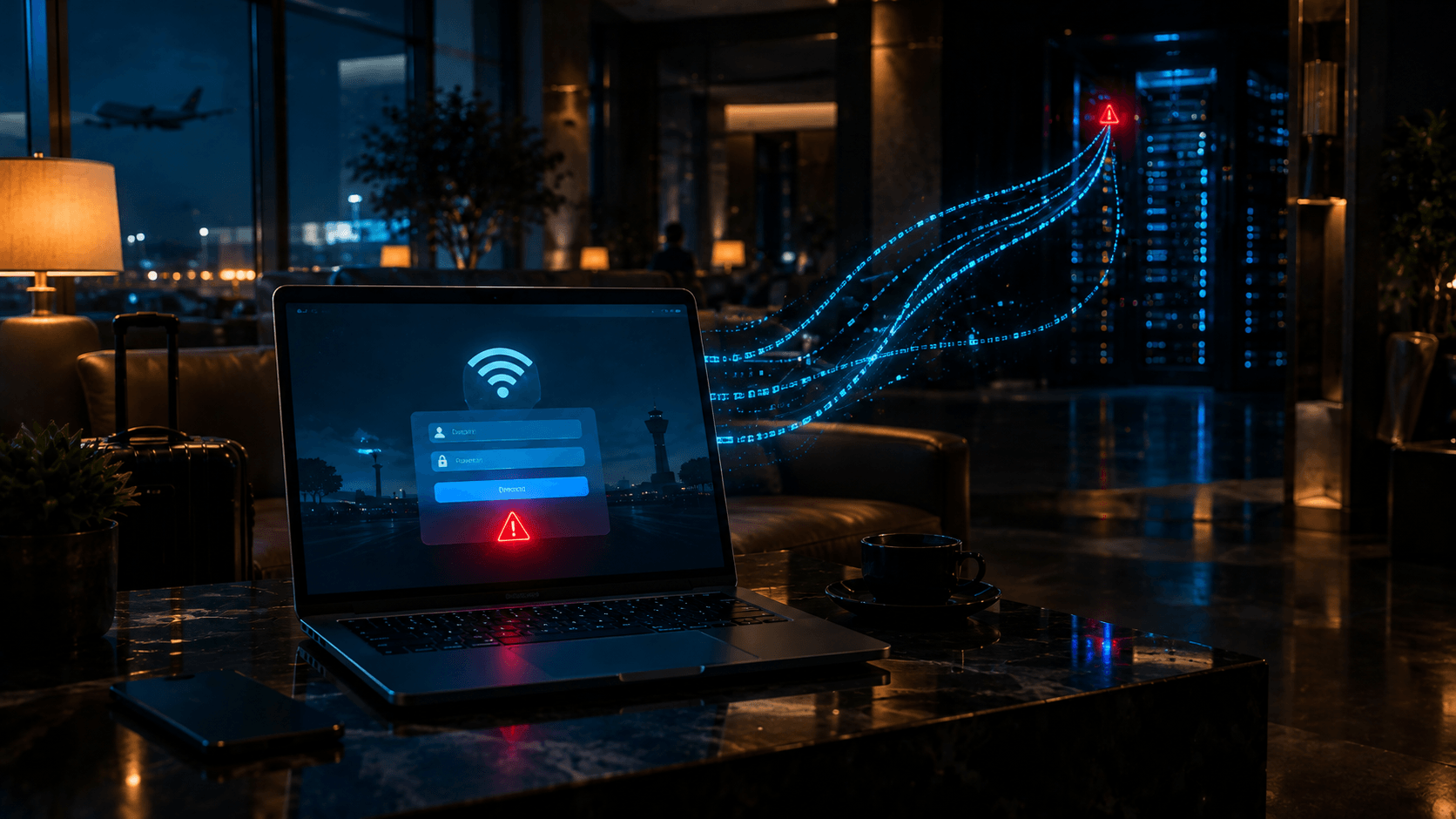
In July 2026, Microsoft Threat Intelligence published CaptiveCrunch: since early May 2026, a group it calls Storm-2945, assessed as a sub-cluster of the Russian actor Midnight Blizzard, has been compromising captive portal equipment at hotels, conference centers, and similar venues worldwide.
The mechanics (Microsoft Security Blog):
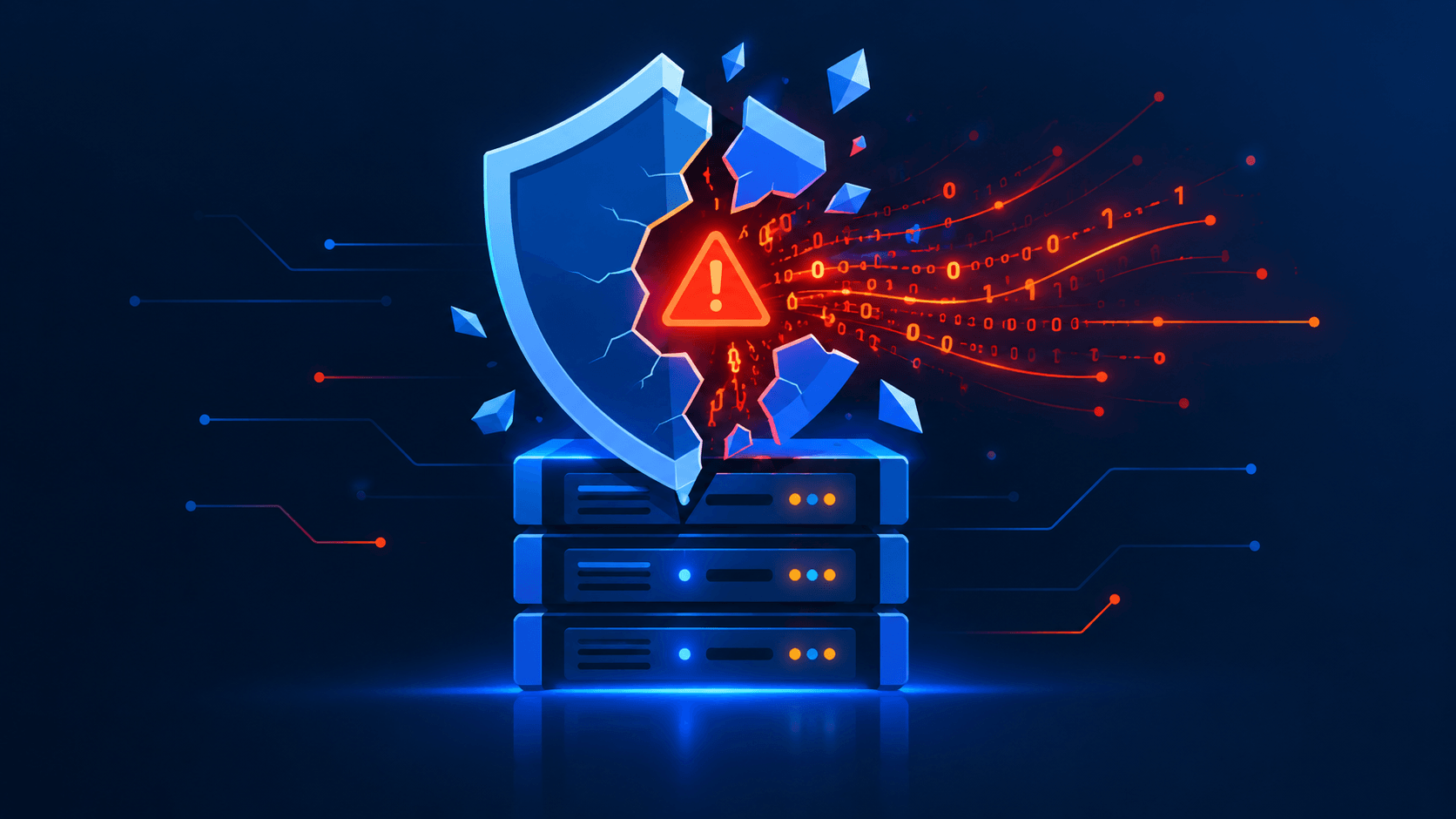
- The attackers gain control of the portal gateway itself — the device that manages DNS and routing for every connected guest.
- They manipulate DNS and HTTP traffic for all clients. No endpoint is touched.
- Travelers are redirected to fake browser-update and fake operating-system-update pages, and to convincing clones of Microsoft 365 and Google login pages.
- Corporate credentials and malware land on business travelers' devices, outside any employer-controlled network.
ReliaQuest reported the same appliance-compromise pattern independently, warning that airports, co-working spaces, universities, healthcare facilities, and event venues share the identical structure. Microsoft observed the campaign resuming on September 29, 2026. Guidance from coverage by Malwarebytes was blunt: never download anything asked for by a Wi-Fi portal, and never type your Microsoft 365 or Google password into a page reached by portal redirection.
Evil twin waves keep rolling
An MDPI survey of evil twin attacks from 2005 to 2026 documents the continuity. In 2025, Brazilian media (TechTudo, Olhar Digital, Canaltech) reported rogue access points with cloned SSIDs and cloned captive portals in São Paulo shopping centers and transit stations. Researchers also published a case study from the University of Santiago de Guayaquil: an attacker impersonated the university's WPA-EAP network, cloned the 802.1X login page with the Social Engineering Toolkit, and captured credentials. The paper projects that from 2026 onward, "opportunistic hybrid mutations leveraging AI and IoT" will dominate this threat class.
Cross-layer identity failures
University of California, Riverside researchers (February 2026) tested home routers and enterprise networks and found every system examined vulnerable to at least one attack: a connected malicious client can position itself between a victim and the internet, and Wi-Fi systems often fail to bind a device's identity tightly enough across network layers, allowing address spoofing to intercept traffic.
The infrastructure lesson
The TP-Link SOHO botnet that Microsoft tracks as CovertNetwork-1658 (Quad 7) — used for password-spraying Microsoft 365 accounts — shows the wider pattern. Cheap, unmaintained network gear with web interfaces gets compromised, then reused as attack infrastructure. A captive portal appliance is exactly that class of device: internet-facing, often unpatched, sitting in every guest's traffic path.
Is It Safe in the Era of AI?
Short answer: a captive portal is safe as a toll gate, and unsafe as a login page.
What improved
Modern HTTPS everywhere broke the classic attack. Ten years ago, an attacker on the same network could transparently intercept and rewrite HTTP traffic. Today HSTS and TLS mean the interception stops at the redirect — content after the portal is encrypted end-to-end. OS captive detection itself now uses HTTPS probes. If you connect to hotel Wi-Fi and your bank session is encrypted, the portal operator cannot read it.
What did not change
The portal login form is a trust-by-display mechanism. The user has no cryptographic way to know who operates it. Everything the portal collects — email, room number, social login, sometimes a Wi-Fi password — goes to whoever controls the appliance. CaptiveCrunch proved the worst case: the operator's own equipment gets compromised, and the portal becomes an attack surface without any user mistake at all.
What AI changes
- Portal cloning collapses to seconds. Fetch a venue's real splash page, hand it to an LLM, get a pixel-accurate localized clone with corrected language and branding. Hash-based detection of known phishing portals stops working when every kit is unique.
- Credential verification at scale. Pre-capture the real WPA handshake, then use the fake portal to test whether an entered password is genuine — a technique Bastille demonstrated interactively — now scriptable across thousands of targets.
- Automated reconnaissance. LLM agents scanning for exposed portal management interfaces and known CVEs in portal firmware. The Mirai playbook, but with better target selection.
- The MDPI survey's projection of AI-driven evil twin mutation is consistent with everything observed in phishing generally: generation cost goes to zero, volume goes up, per-incident quality improves.
What AI does not change
Protocols do not care about AI. RFC 8910 still works the same. EAP-TLS is still unphishable, because there is no password to type into any page. TLS still protects traffic after authentication. The human step — typing a credential into a displayed form — remains the weak point, and AI only makes the display more convincing.
Verdict
For a café, a hotel, a conference: a captive portal is acceptable as a terms-of-service gate on a low-value network. It is never acceptable as a place to enter a credential you use anywhere else. For corporate access, the portal era is over: use 802.1X with certificate-based EAP-TLS, or Passpoint/OpenRoaming with managed credentials.
Recommendations
If you operate a captive portal:
- Treat the portal appliance as a perimeter device. Patch it, monitor it, restrict its management interface. CaptiveCrunch started with admin access to the gateway.
- Put guests in a dedicated VLAN with client isolation. The portal gates internet access, not your corporate network — keep that boundary real.
- Do not ask for passwords. Use vouchers, click-through, or room-number lookup. Every credential you collect is a liability.
- Collect the minimum data the GDPR and ePrivacy require you to avoid over-collecting. Log with short retention and per-country residency where required.
- Serve the portal itself over TLS, and keep the walled garden tight.
- For staff, move off portals entirely: 802.1X with EAP-TLS, certificate issuance through an onboarding flow (ClearPass OnGuard, Cloudpath, PacketFence, or a FreeRADIUS setup).
- For high-turnover venues, evaluate Passpoint/OpenRoaming so repeat guests never see a portal again.
If you are a user on the road:
- Prefer your phone hotspot in hotels and airports. It is one control that defeats evil twins, portal compromise, and DNS manipulation at once.
- If you must use the venue network, run an always-on full-tunnel VPN. That routes DNS through your corporate resolvers and neutralizes the CaptiveCrunch-style traffic manipulation. Full-tunnel matters: a split tunnel does not protect DNS.
- Never type a password you use elsewhere into a portal. Guest networks want an email address or a voucher, not your corporate password.
- Ignore any prompt to download a browser update, a certificate, a "Wi-Fi fix tool", or a profile. No legitimate portal requires software installation.
- Turn off auto-join for open networks and delete saved captive-portal SSIDs — a device auto-joins the stronger twin.
- Enable MFA everywhere. CaptiveCrunch works because a stolen password still opens doors.
Final Thought
Captive portals outlived WAP, Flash, and three Wi-Fi security generations because they solve a real problem with a browser — the one program every device has. That durability is also the risk. The page is identical whether a coffee shop or a state-sponsored actor runs it, and AI has made forging it free. Keep the portal for consent. Keep credentials off it. That is the whole security model, and in 2026 it is more relevant than ever.
Further Reading
- Microsoft: CaptiveCrunch — Midnight Blizzard targets travelers worldwide
- Malwarebytes: Travelers targeted when logging into hotel Wi-Fi networks
- ReliaQuest: DNS poisoning tactics expand to hospitality Wi-Fi
- MDPI: Evil Twin Attack in Wi-Fi Networks — Evolution, Mutation Taxonomy, 2005–2026
- WBA: Captive portal behavior and captive network authentication
- openNDS · nodogsplash · PacketFence · CoovaChilli
- Bastille: Client attacks — captive portal