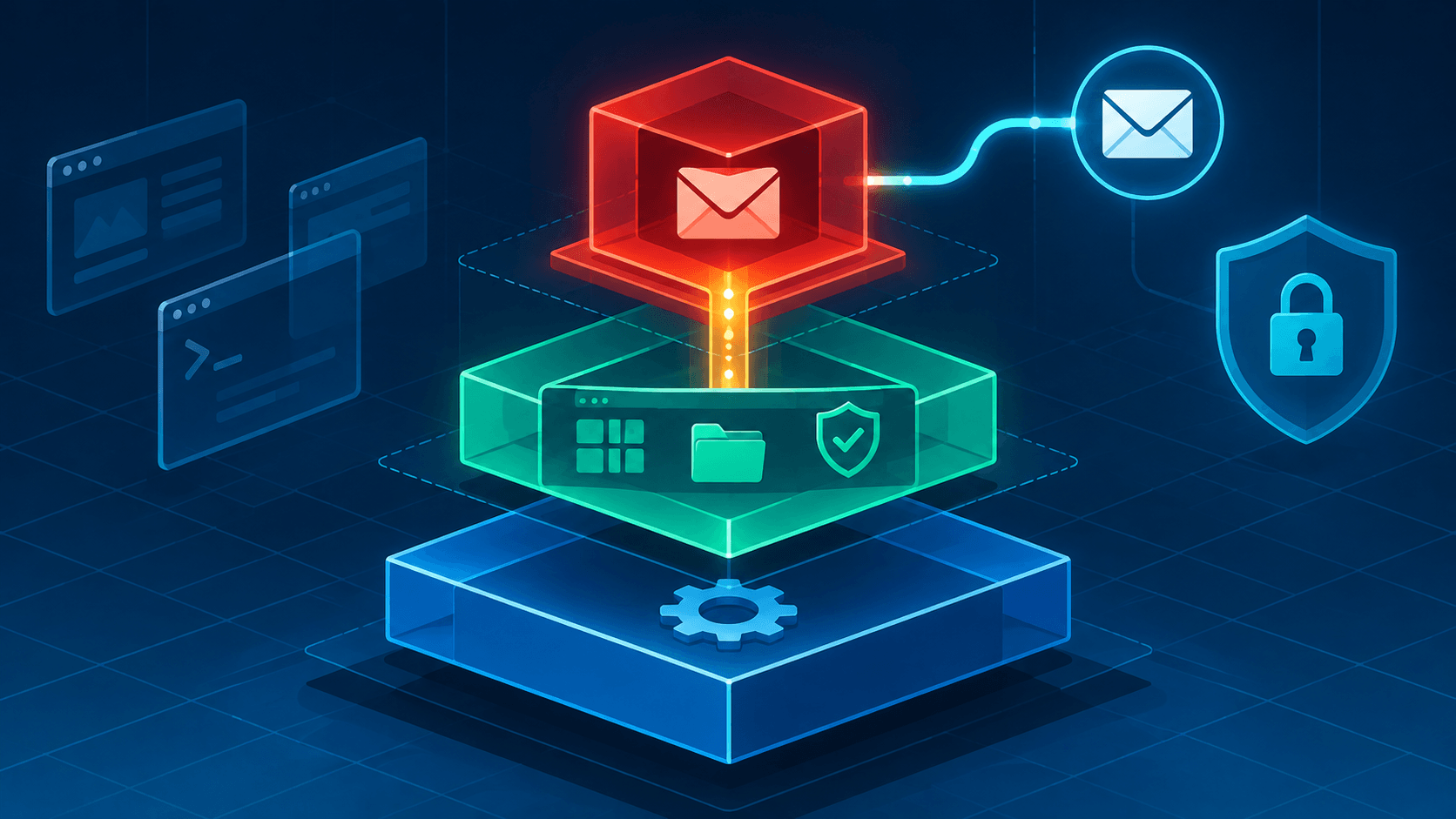
Why the Project Says You Shouldn't Harden Anything
The installer finishes. The machine reboots. You are looking at a desktop with colored window borders and a tray full of widgets you have never seen, and the same thought arrives that arrives for everyone: now what?
Type that question into the Qubes forum and you will find it asked dozens of times — "What should I do after installing qubes?", "Postinstallation configuration", "Just joined yesterday... now what?" — and underneath the threads, the same cycle: new users want a hardening checklist, and experienced users keep steering them away from one. The most striking answer comes from a member of the Qubes project team themselves, responding to "how do I harden Qubes?":
Qubes aims to ship with secure defaults, so no general hardening should be necessary... If there's something that all users should do as soon as they install Qubes OS in order to harden the system, then we (the project) should simply make that the default.
Read that twice. The security-focused operating system is telling you not to spend your first week hardening it. The community's own "things to do after installing" lists, when you read enough of them, agree — and they converge on something beginners do not expect. The first task after installing Qubes is not security configuration. It is organization. Compartmentalization and backups first; everything else one step at a time, done well, or not at all.
This article is that list: what to do in the first hour, the one job that matters, the mental model that trips up nearly everyone, the two unglamorous habits that the forums treat as non-negotiable, the daily-driver reality check, and — last, where it belongs — the optional hardening layer.
Part 1: The First Hour
Do these things before installing a single application. None of them are security theater; each one prevents a class of first-week disaster.
Update everything, then keep updating everything. Open the Qubes Updater widget in the tray and install everything it offers — dom0 and templates alike. The project's own "Secure Habits" guidance is blunt that frequent updating is one of the best ways to remain secure against new threats, and the forum is blunter: asked for post-install advice, one veteran's entire answer on updates was "ALWAYS do upgrades! When it says 'do you want to upgrade?' the answer is ALWAYS yes." This is not a project where you schedule updates for next month. Qubes ships security bulletins (QSBs) and coordinated Xen advisories as a routine — the updates are how you receive them.
Learn the dom0 rule before you break it. dom0 is the admin qube: the master domain that controls everything, with no network connectivity, and it is the one compromise that is genuinely game over. The rule is simple and absolute — never run user applications in dom0. Not a browser, not a torrent client, not "just this once." Everything you actually do belongs in app qubes. The first hour is when this habit gets formed or broken.
Do not shut down sys-usb — if you even have one. This is the classic first-week trap, and the forum warns about it constantly. The nuance beginners miss: if the installer detects that your keyboard and mouse share a USB controller (the common case on a single-controller laptop), it deliberately does not create sys-usb or hand that controller to any qube — it leaves it with dom0 specifically so you can't lock yourself out. sys-usb only ends up owning your input devices when you have a separate controller to spare, or you set one up by hand later. Either way, the rule is the same: before you start stopping qubes while exploring, open the Devices widget and confirm which qube, if any, owns your keyboard and mouse. If it's sys-usb, that one qube is the exception to "freely start and stop whatever."
Meet the tray. The Qubes-specific widgets are your cockpit, and they map one-to-one onto the things that will go wrong later: Domains (running qubes, RAM/CPU), Devices (attach/detach USB drives, cameras, printers to specific qubes), Clipboard (explicit copy between qubes), Disk Space (the alert you do not want to see late), Updater, and the Whonix SDWDate widget if you use sys-whonix. Ten minutes here now saves an afternoon of forum searching later.
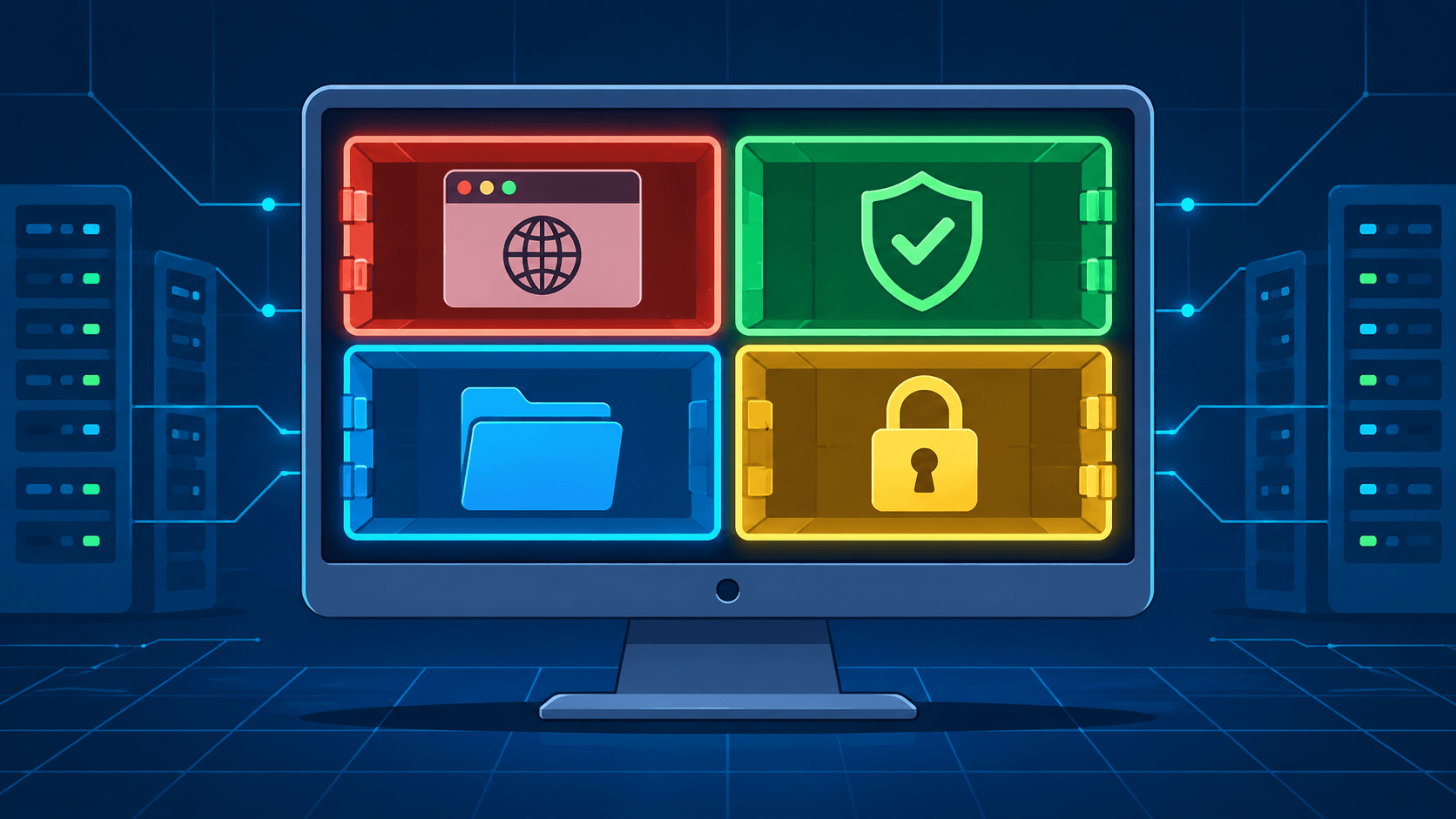
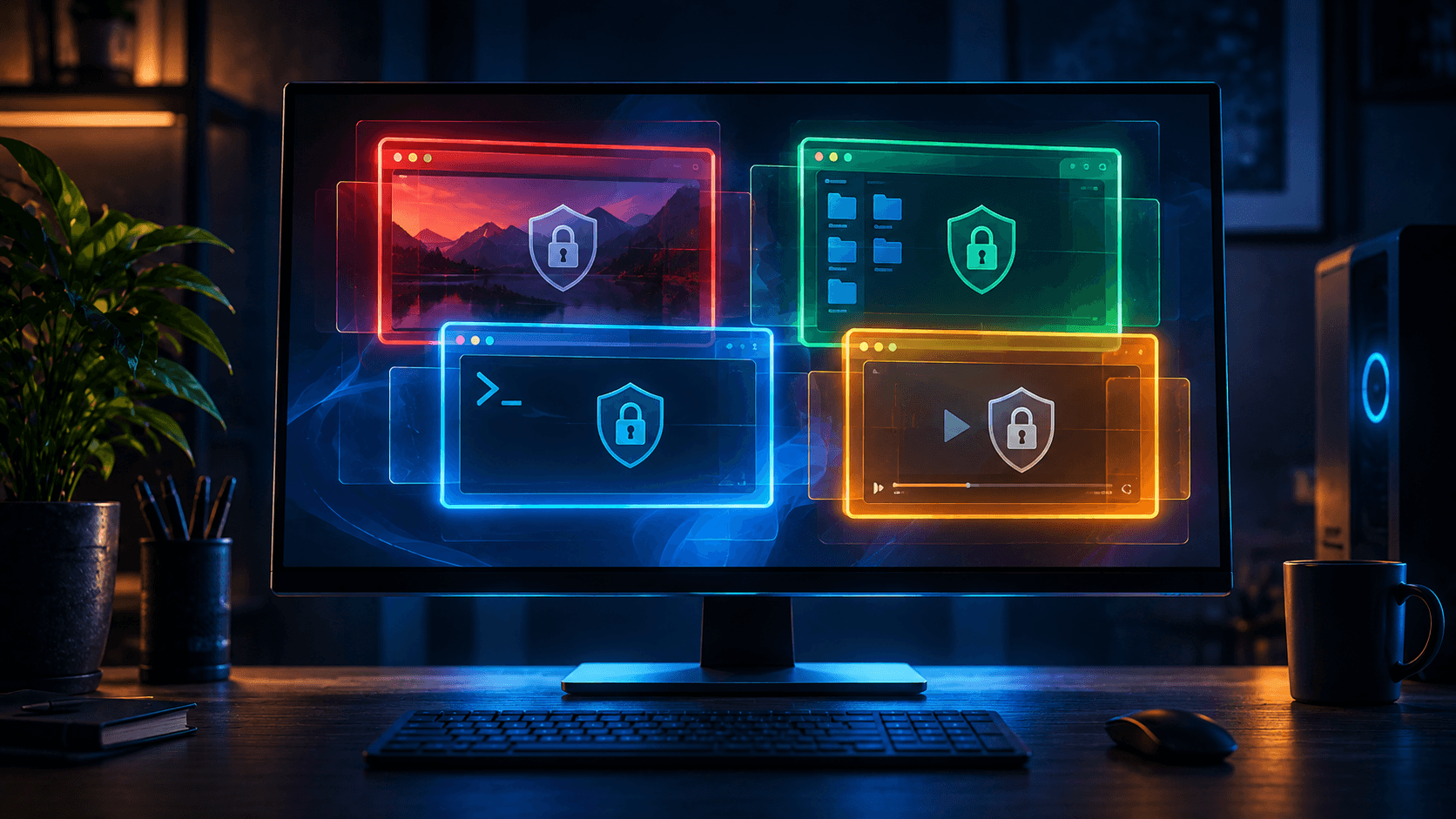
Pick your colors deliberately. Every qube gets a color, and every window frame wears it. The conventional scheme — red for untrusted and dangerous, green for safe and trusted, yellow/orange in between, blue and black for progressively more trusted — is only a convention; the system treats all colors identically. That is exactly why your choice matters. The colors exist to stop the most expensive mistake in a compartmentalized OS: typing your banking password into the window you meant to browse untrusted sites in. Decide your scheme now, and keep it boring and consistent.
Play before you commit. The forum advice for the bewildered is good: spend an evening just using the system. Launch a disposable and watch every cookie and download vanish when it shuts down. Try copy-and-paste between two qubes and see the confirmation prompt. Open Qube Manager and look at the starter pack — work, personal, untrusted, vault — and note that there is nothing special about them. They are ordinary qubes with sensible names, and you can rename, replace, or multiply them freely.
Part 2: Your One Real Job — Organize
Here is the community consensus distilled from every "now what?" thread: the first real work is deciding which activities live in which qube. One experienced forum contributor puts it at "80% of the way already" — properly isolating your use cases and applications delivers most of the security benefit this operating system has to offer. Firewall rules, split GPG, and the rest are refinements on top of a compartment map. Without the map, they are decorations.
Start with the threat model on paper. Not a formal STRIDE diagram — a few sentences. One forum regular's advice to a new user was simply: put your threat model on paper before reading guides, because "the biggest security mistakes are made at the beginning." What are you protecting? From whom? A realistic answer for most people — banking and investments, work credentials, family privacy, one machine shared across roles — produces a very different qube layout than a journalist's, and the whole point is that the layout should be yours.
Map applications to trust domains. This is the organizing game. Make a list of what you actually do on a computer — email, browsing, banking, chat, work VPN, media, coding — and sort each item by how much you trust its content and how much damage its compromise would do. The default work / personal / untrusted / vault split is a fine starting grid, and the project's own "how to organize your qubes" guide walks through real use cases. Two layouts are common:
- By role: one qube for all work, one for personal, one for untrusted browsing. Simple, few qubes, works on modest hardware.
- By application: one qube per high-value app — a mail qube, a banking qube, a chat qube. Stronger blast-radius control, needs a beefier machine and more patience.
Neither is correct. The failure mode to avoid is the reverse: doing everything in one big qube "for now," which quietly rebuilds the monolith you installed Qubes to escape.
Give vault real discipline. The vault qube is the community's sacred compartment: it should run KeePassXC and hold your split GPG/SSH keys, and nothing else. No network (it has none by default — keep it that way), no casual files, no browsing "just to check something." This is the qube whose compromise ends the game for every other qube's credentials, so treat it accordingly.
Create qubes freely, cheaply. A new qube costs almost nothing — it is a fresh instance of a template you already have. Need a separate compartment for a client project, a second bank, or a sketchy download? Make a qube, copy files in with the inter-VM copy tool, and keep the boundaries clean. The forum's rule of thumb: when some activity "just doesn't fit into any of your existing qubes," that is the signal to create one.
Part 3: The Template Mental Model
Nearly every new-user post about lost software traces to one misunderstanding, and community tooling authors call it a long-standing issue: "I installed X in my qube, and it disappeared when I restarted."
Here is why. Your app qubes do not contain their own software. They are thin instances that read from a template — fedora-XX or debian-XX on a standard install. Install Firefox in the template, and every qube based on that template can run Firefox. Install Firefox inside one app qube, and it lives only in that qube's disposable overlay — gone at the next restart. Once this clicks, Qubes stops being mysterious. Until it clicks, nothing makes sense.
Three habits follow directly:
Install software in templates, not in qubes. Open the template's terminal (or use the "install software" flow in Qube Manager), dnf install or apt install there, shut the template down, and restart the qubes that use it. Updating the template updates all its qubes at once — the same elegance that makes the architecture cheap makes your maintenance cheap.
Clone before you customize. Veteran advice, and worth taking: leave the stock templates untouched except for updates, and clone them for your changes. A messed-up custom template is then a five-minute problem (delete, re-clone) instead of a rebuild. The updater caches packages across similar templates, so a second Debian-based template costs you almost nothing. And one detail the forum splits on: some experienced users push minimal templates for service qubes; others push back hard ("if minimal gave that much extra security, then minimal would be default"). The safe beginner's position is the second one — stick near the defaults until you know what a template actually is.
Choose your dispVM template with your eyes open. Disposables are the answer to "open this untrusted file" — a VM spun up for the task and destroyed on close. Which template they are based on matters in small, practical ways: a Debian-based disposable template ships Firefox with uBlock Origin available in the repos and supports Firefox policy files for configuration that survives restarts — details worth knowing when the disposable is your front line for hostile content.
Part 4: The Unglamorous Two
If compartmentalization is 80% of the benefit, the forums put the remaining everyday insurance into two habits that are boring, non-optional, and constantly skipped.
Updates: immediate, every time. Already said in Part 1, and worth repeating as policy rather than a task. A compartmentalized machine running last month's kernel is still a machine running last month's kernel. The Qubes Updater widget makes this nearly frictionless — dom0 and every template in a few clicks. In a project that ships QSBs and coordinated Xen advisories within days of disclosure, "I'll update this weekend" is a real exposure window.
Backups: tested, encrypted, regular. The project's second "very important" secure habit, and the one the community words most memorably: "a backup is only a backup if its restore has been tested and verified." Use the built-in Qubes backup system — it produces an encrypted archive of the qubes you select, to an external disk or USB drive, and restores whole qubes with their properties intact. The Qubes-specific reason this matters more than on other systems: your qube structure is your security model. On a monolith, a backup saves your files. On Qubes, a backup saves your compartment map — which qube held the client data, which held the keys, which was disposable. Rebuilding that from memory is how people end up with one big qube again.
A realistic rhythm from the community: back up after any structural change (new qube layout, migrated data) and on a regular schedule after that; test a restore once when you set the system up, and again whenever the procedure changes. And when you migrate old data in, do it the organizing way — sort it into your new qube categories as it comes in, rather than dumping everything into one "import" qube and sorting it never.
Part 5: Making It a Daily Driver
Everything so far is setup. This part is the friction the setup is for — the recurring realities of living in Qubes, as the forums describe them.
The VPN problem. Ask the forum how to set up a VPN and you will find it is one of the major recurring difficulties for new users — not because it is hard in principle, but because it is a systems question: which qube routes the traffic? The clean pattern is a VPN qube sitting between your app qubes and sys-net (a sys-vpn gateway), so the VPN protects a compartment rather than one app inside a compartment. Mullvad and Proton setups are common enough that community task packages exist for both. Budget an evening for this one, and do it after Part 2 — VPN placement depends entirely on your compartment map.
Untrusted content deserves disposables. The single highest-value habit in the whole system: open attachments, sketchy downloads, and stranger's files in a disposable VM, where the entire machine dies at close. For banking, the pure-disposable lifestyle runs into real-world friction — banks that register browsers, insist on 2FA devices, or hate "new" machines. The forum's workarounds are pragmatic: a named disposable that persists just enough to keep the bank happy while keeping the daily browsing surface separate; per-bank qubes for multiple institutions; and the honest observation that "security is commonly a trade of time for more security." Your call, per bank, with the trade-off visible.
Devices are a per-qube decision now. USB drives, cameras, printers, phones: on Qubes, nothing is attached until you attach it, via the Devices widget, to a specific qube. This is the security model working — and it is also why the webcam you plugged in "doesn't work." Ask which qube should own each device, attach it there, and remember that the answer can change (the drive that is fine in personal may deserve untrusted after its trip through the conference laptop). Printing, scanning, and Bluetooth all live in this same "which qube owns it?" workflow.
Watch for the drift back to the monolith. The subtle failure mode the old hands warn about: convenience pressure — "I'll just do everything in one qube today" — until the work qube contains the banking session, the untrusted downloads, and the email. The security properties of Qubes are not in the installer. They are in the habits.
Part 6: Optional Hardening, One Step at a Time
Only now does hardening belong on the page — because the community's most repeated warning about it is that it cuts both ways: "there is a bazillion things you can configure / make more secure in Qubes — go easy on this if your Linux skills are not reasonably high yet. You can make it less secure if you do something wrong." And the sharpest version of the same idea: "the worst thing for security is giving up Qubes because you made life too hard for yourself." Do these one at a time, each one solid before the next.
Per-qube firewall rules. The network firewall lives in the net qube and can restrict each qube's outbound traffic to the services it needs. The difficulty gradient is steep and worth respecting: a mail qube is easy (allow SMTP and IMAP to your provider, block the rest); a chat app is medium (its CDN endpoints shift); a browser is effectively the worst case — you never know which site needs which service. And the honest caveat from the same discussion: a firewall limits reach, not exfiltration — a compromised mail client can still email your data out through the mail server it is allowed to reach. Treat firewall rules as refinement, not foundation.
Split GPG and split SSH. Keep private keys in vault and use them from other qubes through a controlled protocol, so a compromised working qube can request signatures but never touch the key material. This is one of Qubes' signature features (pun aside) and the natural next step after your compartment map is stable.
Anti Evil Maid. TPM-backed boot integrity, so a bootkit cannot quietly replace the system while everything looks normal. It requires a TPM with proper BIOS support and some setup patience; for users worried about physical access, it closes a real gap.
Community tooling — with your verify-skepticism on. The ecosystem is real: a low-RAM firewall replacement (mirage-firewall), caching proxies, VPN task packages, and preconfigured split-GPG/SSH setups from long-standing community maintainers, alongside newer, rougher-edged experiments like qubes-snitch, a Little-Snitch-style connection prompter still being built and hardened (its own author's advice, as of this writing, is not to bother reading the code yet). Two cautions, both from the culture around these tools: scripts that get pasted into dom0 are exactly the practice the better tooling exists to avoid, and third-party repositories mean third-party trust — check signatures and fingerprints the way the good guides show you, or do it by hand until you understand what the package would do.
The First Month, Summarized
| Phase | Do this | Why | Time |
|---|---|---|---|
| First hour | Update all; learn dom0 rule; don't stop sys-usb; tour widgets; set colors | Prevents the classic first-week disasters | One sitting |
| Week 1 | Threat model on paper; map apps to qubes; vault discipline | The 80% — this is the security | 2–3 evenings |
| Week 2 | Template habits (install in template, clone to customize); disposables for untrusted content | Stops the "my software vanished" cycle | A few evenings |
| Week 3 | Backup routine + test a restore; update discipline as habit | Insurance that actually pays out | One evening, then ongoing |
| Week 4+ | VPN qube; device ownership habits; one hardening step at a time | Daily-driver comfort and refinement | Ongoing, deliberately |
The mistakes the forums see most: working in dom0; installing software in app qubes and losing it; shutting down sys-usb with a USB keyboard; one giant qube that does everything; hardening sprints before the basics are solid; untested backups; skipped updates.
The Takeaway
The Qubes project's refusal to hand out a hardening checklist is not modesty — it is the same design philosophy that built the OS. Defaults should be secure; everything else is threat-model-specific; and the user's first job is to make the system's architecture match their life. The community, after a decade of "now what?" threads, has arrived at the same place from the other direction: organize first, back up second, harden last and slowly. Compartmentalization is the product. The firewall rules and key-splitting are polish on top of it.
Which means the first hour after install is less like configuring a firewall and more like moving into a house: decide what goes in which room, label the doors, make copies of what you cannot lose — and only then start reinforcing the windows. And when it gets frustrating, the wisest sentence in any of those forum threads is also the simplest: one step at a time, and do that step well. A good, solid migration to Qubes already makes you vastly more secure than where you started. The rest is a journey, not a checklist.
Further reading:
- Qubes OS — Getting started — the official first-stop tour (basics, colors, widgets, secure habits)
- How to organize your qubes — the project's own use-case-driven compartment guide
- How to back up, restore, and migrate — the backup system in detail
- Postinstallation configuration — the 2026 forum thread this article draws on most
- What should I do after installing qubes? — source of the project team's "secure defaults" answer
- 3isec — Simple qube set up — community task packages (VPN, split-GPG, caching), with signature-verification walkthroughs