The Comparison and the Learning Curve
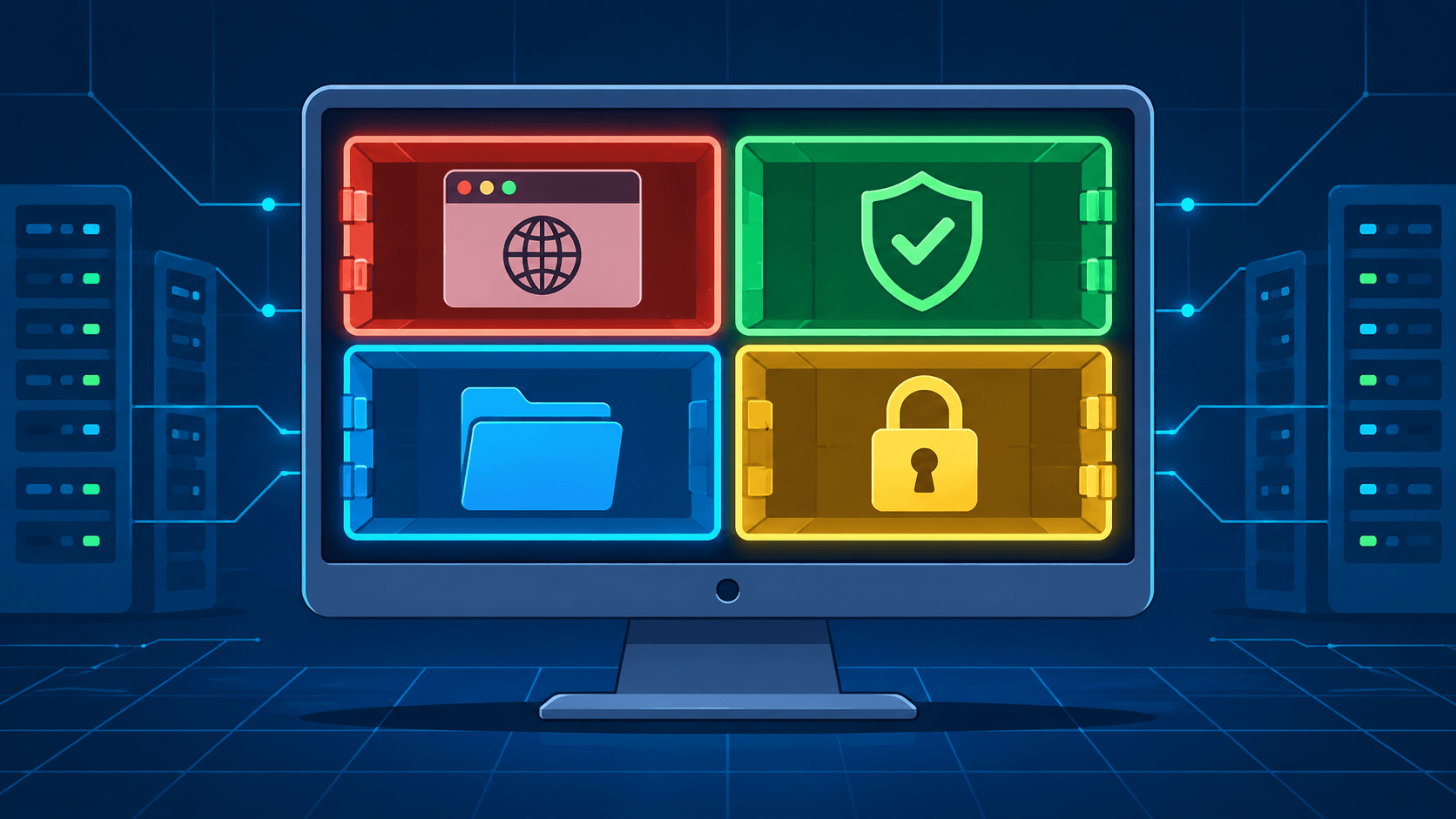
In Part 1 of this series, we made the case that Windows, macOS, and every Linux distribution are the same architectural bet — one kernel, one user session, one filesystem, and shared fate for every application on the machine — and that Qubes OS is the counter-bet: an operating system that assumes you will be compromised and spends its complexity on limiting what a compromise reaches. Domains instead of folders. A hypervisor boundary instead of a permission checkbox. Templates, disposable VMs, and policy instead of hope. Read it first if you want the theory in full; this article stands on it without re-deriving it.
This second part is about the decision that theory puts in front of you. First, why Qubes exists at all in a world where the monolith works for billions of people. Second, how the four architectural bets compare side by side. Third, the row that actually decides everything: the learning curve, priced in weeks and in daily friction, because that price is the reason most people choose the monolith and sleep fine.
A note on scope: this is a discussion grounded in the Qubes OS documentation, project materials, and vendor security documentation as of November 2026 (current release: Qubes OS 4.3, ISO 4.3.2). It is not a hands-on benchmark, and no security architecture makes claims that survive every adversary — Qubes is unusually honest about that, and this article tries to match it.
Why It Exists At All
If the monolith is workable for most people — and it is; billions of people bank and work on Windows and macOS every day — why does Qubes exist?
Because "most people" is not everyone, and the gap is not about paranoia. A journalist handling documents from a source is running hostile content by design. A sysadmin with production credentials is one compromised laptop away from an incident report. A researcher targeted by an APT group faces an attacker who has the sandbox escape before it is public. For these users, prevention-only security is a rounding error, and the cost of a full-machine compromise is measured in sources, infrastructure, or safety. SecureDrop's endorsement is specific for a reason: Qubes gives journalists "a sane way to handle untrusted content from unknown sources" — the untrusted content is the job.
There is a second, quieter constituency: people who want the blast-radius property for ordinary life. You open email attachments. You install software you found on the internet. You plug in USB drives. Each of these is a routine act of running untrusted code, and on a monolith each one is an all-or-nothing gamble. Qubes turns them into bounded bets. The investment case is not "I am a target" but "the downside of being wrong is my entire digital life, and the containment is cheap once learned."
What Qubes does not exist for: someone who needs Final Cut, AAA games, or a locked-down corporate laptop image tomorrow. The honest question is not "is Qubes more secure than Windows?" — structurally, it is, for the threats it targets. The honest question is "is my risk profile worth the friction Part 6 prices out?"
The Comparison
One framing before the table: this is a comparison of architectural bets, not of products on a shelf. Desktop Linux (represented by a Fedora/Ubuntu-class system), macOS, and Windows 11 are monoliths with different prevention stacks. Qubes is a different bet: pay in complexity, receive containment.
| Dimension | Qubes OS 4.3 | Desktop Linux (Fedora / Ubuntu) | macOS (Apple Silicon) | Windows 11 |
|---|---|---|---|---|
| Core design philosophy | Security by isolation; assume every VM is compromised | General-purpose freedom; security as configuration and patching | Integrated hardware + software; security as curated defaults | Ubiquitous platform; security as layered prevention |
| Isolation mechanism | Xen hypervisor; separate kernel + userland per security domain | Kernel namespaces, SELinux/AppArmor, Flatpak sandboxes — all sharing one kernel | Seatbelt sandboxes, signed system volume, per-app TCC permissions | AppContainer, VBS / Credential Guard, Defender attack-surface rules |
| Blast radius of one compromised app | That VM only (templates, other VMs, dom0 unreachable) | Whole machine (sandbox escapes are one kernel bug away) | Whole user session; system largely protected by SIP | Whole user session; kernel increasingly defended by VBS |
| Trusted computing base | Xen + dom0 + GUI/qrexec daemons (small, security-focused) | Full kernel + init + drivers + every running service | Full kernel + Apple silicon boot chain + opaque system stack | Full kernel + Defender + a large, opaque driver ecosystem |
| Prevention stack (antivirus, signatures, patching) | Thin by design; prevention lives inside each VM | SELinux/AppArmor, package signatures, fast patching | Gatekeeper, XProtect, notarization, rapid patches | Defender, SmartScreen, WHQL signing, Patch Tuesday |
| Full disk encryption | Default and expected (LUKS, per-VM too) | Optional (LUKS), easy to skip | FileVault, default-ish on modern hardware | BitLocker (Pro/Enterprise; Home is device-bound) |
| Hardware requirements | 6 GB RAM / 32 GB min, 16 GB / 128 GB SSD recommended; Intel preferred; VT-x + VT-d mandatory | Anything x86_64 or ARM; 2 GB RAM is workable | Whatever Apple ships — one vendor, one stack | Whatever OEMs ship; huge compatibility surface |
| Hardware flexibility | Narrow: certified list (coreboot, input-USB separation), no Apple Silicon, NVIDIA painful, AMD discouraged | Broadest of the four | None (single vendor) | Broad, but quality varies by OEM |
| App ecosystem & gaming | Linux apps via templates, Windows via Qubes-enabled HVMs (paid/complex), no serious gaming | Good and growing (Proton helps) | Excellent for its niche; best creative tooling | The benchmark for games and enterprise apps |
| Privacy posture | Strong: Whonix/Tor integration, per-VM networking, no telemetry culture | Mixed; depends on distro (some telemetry, some none) | Telemetry exists; hardware-backed identity features | Telemetry by default; recall-style features raise the stakes |
| Threat model served | Hostile content, targeted attacks, cross-contamination, high-value credentials | Everyday computing, development, servers | Everyday + creative + "it just works" security | Everything, everywhere, especially enterprise |
| Learning curve | Steepest of the four (see Part 6) | Moderate (CLI comfort helps) | Lowest | Low (familiarity) |
| Cost | Free (GPL); the cost is time | Free | Hardware premium | License + hardware |
Reading the table
Qubes OS buys blast-radius reduction at the price of everything convenient. Its TCB is the smallest and most scrutinized of the four; its app ecosystem is the weakest; its hardware list is a genuine constraint — the project itself recommends Intel over AMD (microcode update latency on client AMD platforms) and warns that NVIDIA GPUs need real troubleshooting. The current release (4.3, on dom0 Fedora 41) is stable and actively maintained, with official Fedora 44 and Debian 13 templates and partner-maintained Whonix templates — but you are still one of a small user base, and small user bases mean fewer answers on Stack Overflow.
Desktop Linux is the monolith with the fewest compromises and the most honesty: SELinux and AppArmor are real hardening, Flatpak sandboxes are real (if leaky) boundaries, and you control the whole stack. But everything shares one kernel, and every escape is a full-machine escape. For a developer or a self-hoster, it is almost always the right default — and, notably, Qubes is Linux inside: every VM runs Fedora or Debian, so the skills transfer.
macOS is the strongest monolith. Apple's vertical integration delivers what no one else can: a signed system volume, hardware-backed secure boot and attestation, rapid patching, and sensible defaults. It is also the most opaque stack of the four and the least compartmentalizable — you cannot split your life into domains on an operating system designed to make everything work together. If your threat model is ordinary, this is arguably the best-monolith choice.
Windows 11 shows both sides of the monolith bet most clearly: the largest attack surface in the industry (drivers, legacy components, enterprise tooling) and, increasingly, real kernel defenses (VBS, Credential Guard, hypervisor-protected code integrity) that make it harder to own — but no concept of user-controlled domains. When it is compromised, the compromised unit is still "the PC." And its default telemetry posture is, for some threat models, a hazard of its own.
The Learning Curve
This is the row that decides everything, so it deserves its own section. Qubes' learning curve is not about difficulty — nothing in it is harder than, say, learning Kubernetes. It is about volume of new mental models, delivered while you are trying to get real work done.
| Stage | What you are actually learning | Realistic time |
|---|---|---|
| Pre-install | Hardware vetting (HCL / certified list, VT-d in BIOS/UEFI, TPM for Anti Evil Maid), ISO signature verification, backup strategy | 1–3 hours of research; days if buying hardware |
| Install | The installer itself is ordinary (Anaconda-based); the surprises are config: disk layout, LUKS passphrase discipline, choosing templates | 1–2 hours |
| First boot week | The vocabulary: dom0 (never use it for work), templates vs. AppVMs, NetVM/USB qube, colored window borders, qube settings, copying files between qubes via the inter-VM prompt | 3–5 sessions of real use |
| Weeks 2–6 | The mental shift from folders to trust domains: which qube opens which class of content; dispVMs for untrusted files; per-qube updates (template, then VMs); VPN placement in a NetVM; learning when a policy prompt means "stop and think" | ~2–6 weeks to stop thinking about the plumbing |
| Months 2–3 | qrexec policies for inter-VM workflows, template management and cloning, custom AppVMs per client/project, backups with qvm-backup, troubleshooting hardware quirks |
Comfortable, self-sufficient |
Three things nobody tells you up front.
First, the difficulty is unlearning. Twenty years of desktop habit says a file is a file and a folder is where it lives. In Qubes, the question is never "where is this file?" but "which qube should touch this file?" That reframing — from location to trust — is the actual curriculum. Users who never make the shift end up doing everything in one big qube and have quietly rebuilt a monolith with extra steps.
Second, the friction is front-loaded and daily-flavored. Printing, scanners, webcams, video calls, Bluetooth, and USB devices all involve which qube owns the device — a question that does not exist on other desktops. Video conferencing works but demands thought (camera and mic in the right qube). Gaming is effectively out. Battery life and RAM take a real hit; 16 GB is the practical floor if you run more than a handful of qubes. None of this is fatal, but "my webcam doesn't work" at 8:55 AM is exactly the kind of incident that sends people back to macOS.
Third, the payoff is real once the model clicks. The Qubes habit — open the suspicious attachment in a disposable VM, do the banking in a qube that has never seen email, keep the work VPN in its own NetVM — is faster than equivalent hygiene on a monolith, where the same discipline requires separate machines, separate user accounts, or a strong stomach. That inversion is the moment the learning curve is over.
Who should not bother: anyone whose workflow centers on Apple-only creative software, AAA gaming, or a corporate environment that mandates a managed Windows image. Anyone who will not do the hardware research first. And anyone who will run everything in a single qube "for now" — the security properties are not in the installer, they are in the habits.
The Honest Costs
The learning curve is one cost. The others are structural.
- Hardware is a real constraint. No Apple Silicon. AMD works but is officially not recommended (microcode delivery on client platforms is slow and firmware-dependent). NVIDIA GPUs are a troubleshooting project. The certified list — coreboot firmware, hardware microphone switches, input-device USB separation — is a small, niche market, though it is growing (the Star Labs StarFighter was certified on October 21, 2026).
- Performance and battery are taxed. Every qube is a VM. On a 16 GB machine with eight qubes, memory management is a skill in itself. This is not the laptop you buy for all-day battery.
- The project is small. Qubes OS is sustained by a compact core team, partners (Mullvad, Freedom of the Press Foundation, Invisible Things Lab), and donations. The engineering is superb and the security process is world-class — but "world-class process, small organization" is a dependency worth knowing about, the same way you would want to know who maintains your hypervisor.
- Ecosystem gravity works against it. Software vendors target Windows and macOS. Qubes users run Linux software well, Windows software with effort (dedicated HVMs, with licensing and integration friction), and niche peripherals sometimes not at all.
None of these are reasons the architecture is wrong. They are the price of the bet, and unlike most security products, Qubes never pretends the price is zero.
The Takeaway
The theory from Part 1 wins: shared fate is a design choice, not a law of nature, and Qubes changes the unit of failure from the machine to the VM. But architecture is only half of a decision. The other half is what the bet costs.
The practice, meanwhile, costs hardware vetting, a vocabulary of qubes and templates and policies, a genuine mental migration from folders to trust domains, and the small daily tax of asking which qube a device belongs to. Budget two to six weeks to stop fighting the system and two to three months to be self-sufficient. If your threat model is ordinary — one identity, one employer, an iPhone and a MacBook — the monolith is still a reasonable life choice, and macOS is probably the best one.
But if you routinely open content from people who do not wish you well, hold credentials whose loss is measured in more than inconvenience, or simply refuse to bet your entire digital life on a single sandbox escape never landing — Qubes is not a paranoid fantasy. It is the only mainstream desktop operating system that took the assumption "you will be compromised" and made it the foundation instead of the failure case. The learning curve is the tuition. For the right threat model, it is cheap.
Further reading:
- Qubes OS — What is Qubes OS? — the project's own framing, endorsements included
- System requirements — including why Intel is recommended over AMD
- Certified hardware — the machines the project itself will stand behind
- Whonix on Qubes — the anonymity templates, maintained by the Whonix Project
- Qubes OS Architecture — the theory behind the comparison, covered in Part 1