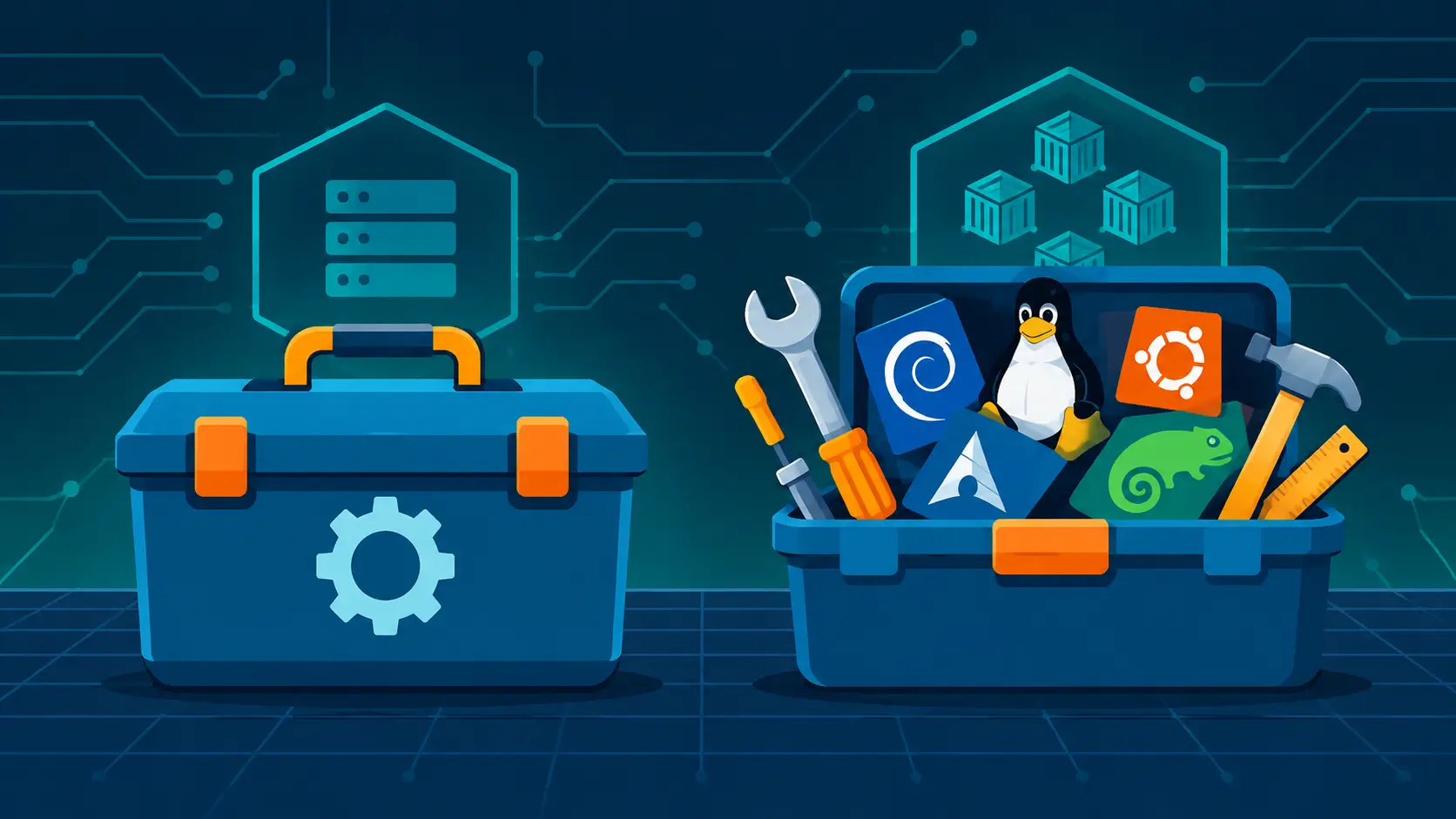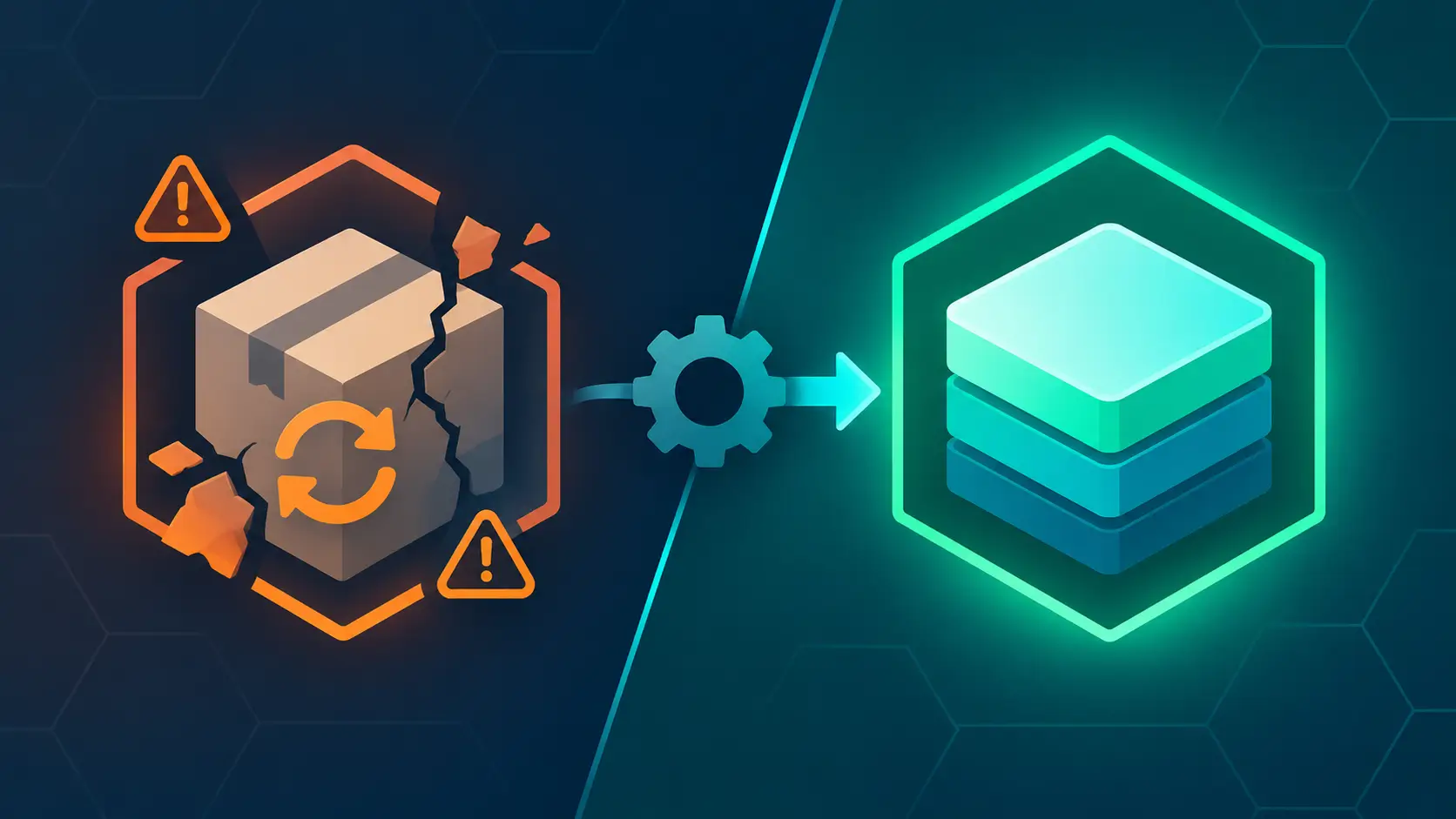
Every Linux user knows the ritual. An upgrade is available; you run it; the package manager proposes a few hundred changes, pauses on a conflict you did not know existed, replaces a library underneath a running application, and asks you to hope. Usually it works. When it does not, you get a half-upgraded system and an evening of forums. The anxiety is so familiar that it barely registers as a design problem — but that is exactly what it is. Updating a system one package at a time, while it runs, is one way to ship an operating system. It is not the only way.
Fedora Atomic bets on the other way. The operating system arrives as a single versioned image; an update builds a complete new system beside the running one and activates it at boot; the previous version stays on disk, one menu entry away. The same Fedora RPMs still exist underneath — but the unit of delivery is the whole system. This article compares the two models: what Fedora Atomic actually is, how an "atomic build" works, what the atomic model buys you over traditional package-managed Linux, and — because the tradeoffs are real — where the traditional model still wins.
A note on scope: this is a researched comparison grounded in Fedora's documentation and Fedora Magazine, the rpm-ostree and bootc documentation, Red Hat's image mode material, LWN's bootc coverage, and community documentation (Universal Blue, BlueBuild, Bazzite), as of November 2026 — the current Fedora release is 45. It is not hands-on: nothing here comes from testing these systems, only from the sources above. One status note matters throughout: the official Atomic desktops still update through rpm-ostree today, while the ecosystem is mid-migration toward bootc; that migration is planned but has no published date.
What Fedora Atomic Is
The name is a reunion. Project Atomic began in 2014 with Fedora Atomic Host — a container-focused server OS whose packages were "pulled together with rpm-ostree to create a filesystem tree that can be deployed, and updated, as an atomic unit." Atomic Host was retired around 2019–2020 and succeeded by Fedora CoreOS. In 2017 the same ideas came to the desktop as Fedora Atomic Workstation, which became Fedora Silverblue in 2018; Fedora Kinoite (KDE Plasma) joined in 2021. In February 2024, Fedora gathered the desktop variants under one umbrella brand — Fedora Atomic Desktops — covering Silverblue, Kinoite, Sway Atomic (formerly Sericea), and Budgie Atomic (formerly Onyx), with newer spins following the same naming pattern. All of them sit alongside Fedora CoreOS and Fedora IoT in the rpm-ostree family.
Key facts:
- Delivery unit — the whole OS as one OSTree image, versioned like a git tree. Updates transfer only the content that changed.
- Update mechanics — a new deployment is composed next to the running one and activated on reboot. Two deployments are kept by default and more can be pinned, so rollback is a boot-menu choice, not a repair project.
- The filesystem —
/usris read-only in practice;/etcand/varcarry your state. Fedora deliberately prefers atomic over immutable: escape hatches likerpm-ostree usroverlayandostree admin unlockexist. The defining trait is transactional updates, not an unchangeable disk. - Software model — GUI applications as Flatpaks (sandboxed, updated independently of the OS), development environments in Toolbx containers (a full Fedora userland sharing your home directory), and
rpm-ostree installlayering as a last resort for anything that must touch the base system. - Tooling — rpm-ostree, a hybrid image/package system combining libostree and libdnf. On the official Atomic desktops there is no
dnfon the host; bootc-derived images carry it for build-time use, but it is not the update mechanism.
What Traditional Linux Does
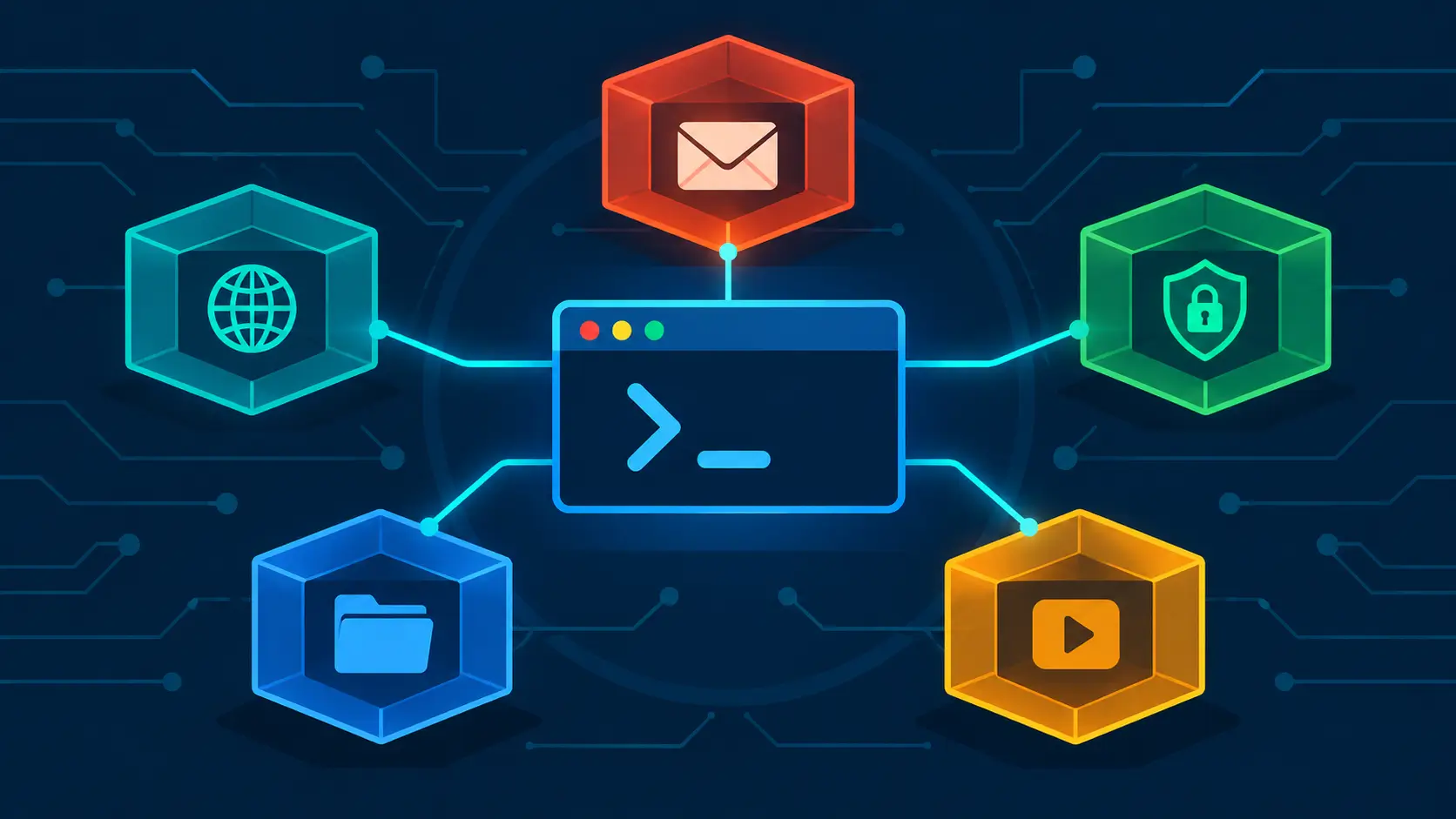
Fedora Workstation, Ubuntu, Debian, Arch: the family trait is a package manager that mutates a live filesystem. dnf upgrade rewrites hundreds of files in place while your session runs. It is a wonderfully flexible model — install anything, immediately — and it carries structural costs. A package operation interrupted at the wrong moment can leave inconsistent state. The dependency solver assumes it is the only writer of the system, and third-party repositories, replaced kernels, and locally compiled libraries quietly break that assumption. And systems drift: any machine administered for a few years becomes its own unique configuration, different from the clean install the documentation assumes and different from every sibling machine.
The traditional model is not the wrong tool. It is a set of tradeoffs — flexibility now against predictability later — and it has run the world's servers and desktops for three decades. The question is what the atomic model changes.
How the Atomic Build Works
"Atomic build" names both the artifact and the pipeline. Two generations coexist, and both are in daily use.
Classic: composing a filesystem tree
The original pipeline treats the OS as a commit. rpm-ostree compose tree reads a YAML "treefile" manifest — which packages, from which repositories — downloads the RPMs, and commits the resulting filesystem tree into an OSTree repository. Machines pull that commit (subsequent ones as deltas) and deploy it beside their current system. Fedora CoreOS builds its disk images this way via coreos-assembler, and osbuild handles disk-image assembly generally. The manifest is data: it records exactly what goes into the system, so the same manifest against the same repository state yields the same system — and because it lives in git, every change to the composition is reviewable.
Modern: the OS as a container image
bootc — now a CNCF sandbox project — reuses the OCI container format for bootable systems. The OS gets built exactly like an application image:
FROM quay.io/fedora/fedora-bootc:45
RUN dnf5 install -y --setopt=install_weak_deps=0 cloud-init caddy
RUN bootc container lint
LABEL containers.bootc=1
Build it with podman build, push it to any container registry, and on the machine: bootc switch to adopt the image, bootc update to pull new versions, reboot to activate. The same image can be turned into a qcow2, raw, VHD, or ISO disk image with osbuild's bootc-image-builder — one build artifact covering bare metal, VMs, cloud, and edge. Because the tooling is the container tooling teams already use, the OS inherits CI pipelines, image signing (sigstore), registry mirroring, and code review for free.
This is what "Fedora Atomic build" means in 2026: an OS defined in a Containerfile or a treefile, assembled in CI, signed, and distributed as an image.
Custom images, and where software actually goes
The same mechanism makes custom desktop images practical. Universal Blue builds Bluefin (GNOME), Aurora (KDE Plasma), and Bazzite (gaming) as signed images on GitHub Actions — codecs and NVIDIA drivers baked in at build time — and its image-template gives you a fork-and-build path to an image of your own. BlueBuild offers recipe-driven building on the same ideas. Errors surface in CI, not on your machine: a bad customization fails the build, not the boot.
For daily software, the model splits three ways: Flatpak for applications, Toolbx (or Distrobox) containers for development, and rpm-ostree layering (rpm-ostree install foo) only for system-level necessities — drivers, VPN clients, kernel bits. Layered packages are re-applied on every update and generally require a reboot before they appear.
The Advantages, Unpacked
| Traditional (dnf/apt) | Fedora Atomic | |
|---|---|---|
| Update unit | package-by-package, mutates the live system | whole image, staged beside the running system |
| Interrupted update | can leave half-broken state | fails cleanly; running system untouched |
| Rollback | manual, per package | previous deployment kept; boot-menu choice |
| Root filesystem | fully mutable | /usr read-only; /etc and /var writable |
| Drift | each machine ages its own way | same image everywhere; difference = image tag |
| Change model | runtime (dnf install) |
build time (Containerfile) + Flatpak/Toolbx |
| Major upgrade | in-place, risky | rebase to a new branch, fallback retained |
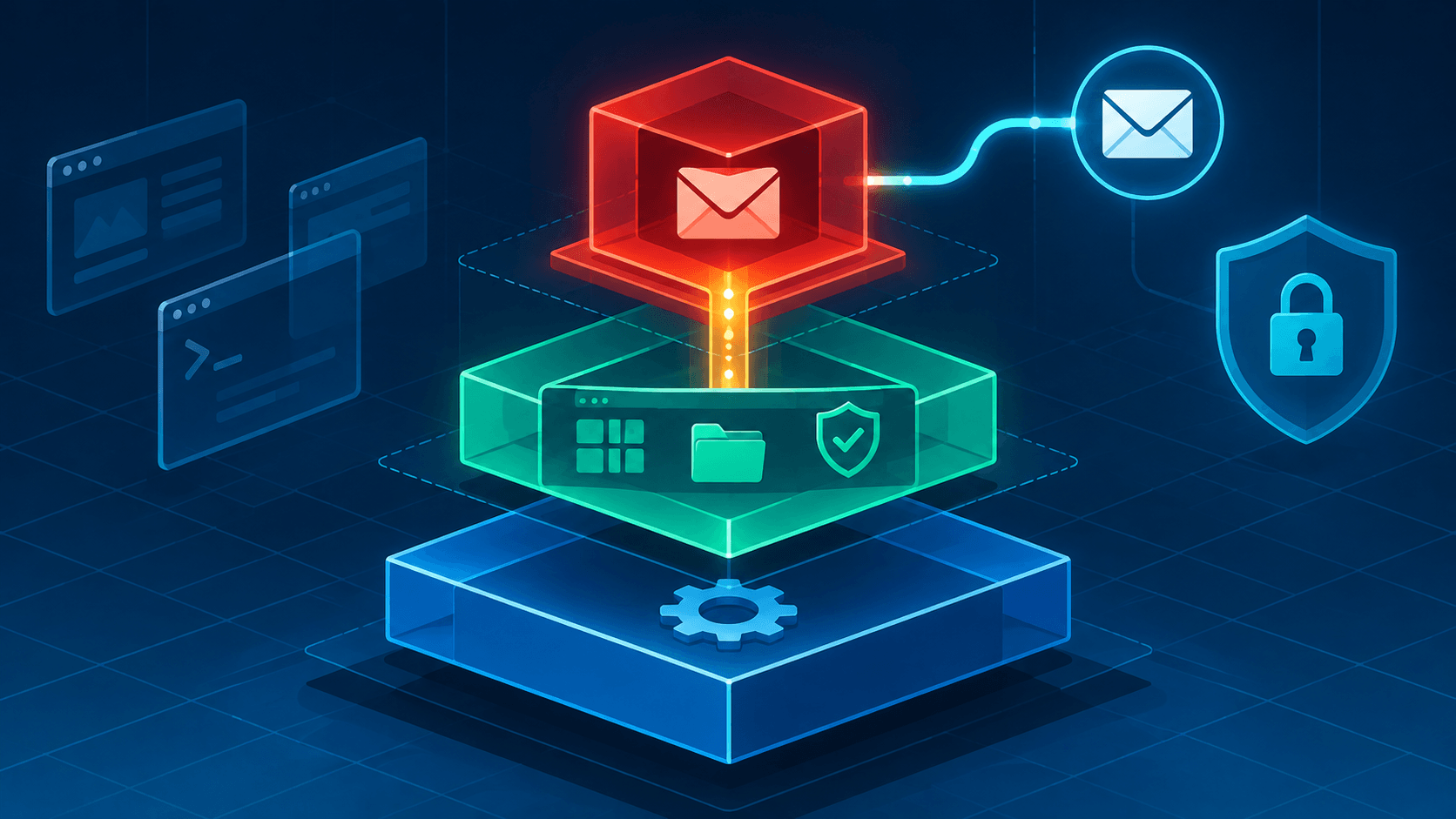
Atomicity. An update either lands completely or not at all. The new deployment is composed beside the running system; if the download or compose fails, nothing about your running system has changed — the failure is a non-event. Power loss mid-update costs you the download, not the machine. There is no half-upgraded state to repair because the running system is never written to.
Rollback as a first-class operation. The previous deployment stays on disk and in the boot menu. A kernel regression, a driver break, a bad major upgrade — boot the previous entry and keep working, then sort it out when you feel like it. On traditional systems, downgrading a hundred packages to yesterday's state is a project; on Atomic, it is a reboot.
Drift, eliminated by construction. Every machine running the same image is the same machine. Comparing two systems is comparing image tags, not diffing ten thousand files. For anyone who has inherited a server whose configuration no longer matches any documentation, this is the quiet superpower: the OS stops accumulating personality, and what customization exists lives in a manifest you can read.
A smaller persistence surface. With /usr read-only, malware or accidents cannot permanently write to the base system; most damage vanishes at reboot. Flatpak's sandbox adds a second layer: a compromised application stays contained, and its failure is confined to itself. The honest caveat: /etc and /var are writable, and root can still do root things — this is resistance and recoverability, not a fortress.
Reproducibility and the supply chain. The OS becomes a build artifact: defined in git, reviewed like code, built in CI, signed, scannable as one artifact instead of a thousand packages. "Works on my machine" gets solved at build time, and the same image boots your laptop, a VM, a cloud instance, or an edge box. Red Hat ships this model as image mode for RHEL precisely because fleets of servers stop drifting apart.
Updates that stay out of your way. Updates download in the background and activate at the next boot; you keep working through the whole process, and there is no dependency-solver dialog at any point. Because the worst case is a rollback, scheduled automatic updates become a defensible choice — a harder case to make when a bad update can leave a live system half-changed.
Where Traditional Linux Still Wins
Instant installs. dnf install foo is usable the moment it returns. Layering with rpm-ostree install stages the change for the next reboot (--apply-live exists but with restrictions), and every future update must re-apply your layers, which makes updates slower. Worse, layered packages can block updates or rebases when dependencies drift — Bazzite's documentation warns about this bluntly, and recommends layering only as a last resort. Heavy layering is where the atomic model gets fragile.
Deep system surgery. Swapping the bootloader, toggling SELinux, or building out-of-tree kernel modules (NVIDIA and DKMS being the perennial case) wants kernel-level access the image model reserves for build time. The answers exist — build a custom image, use Universal Blue's NVIDIA images, or akmods-style workflows — but they are thin on documentation compared to dkms install on a traditional distro.
Storage and scale-down. Keeping multiple deployments costs disk, and the layered update model adds bandwidth. On constrained hardware, a lean traditional install still does more with less.
Muscle memory and ecosystem gravity. The official desktops ship no dnf on the host, and half the internet's Linux answers assume a mutable filesystem and need translation. If your daily rhythm is "install a system tool, use it now," the reboot-then-use loop is friction you will feel every day.
Pet servers with many daemons. A box that runs a pile of host-level services invites layering, and layering is the weakest part of the model. For that shape of machine, traditional packaging — or a small number of well-chosen containers on a traditional host — is still the simpler life.
The Siblings: CoreOS and RHEL Image Mode
The desktop is only one expression of the model. Fedora CoreOS is the server sibling: the same atomic core, provisioned declaratively with Ignition (authored as Butane YAML, converted to JSON at deploy), updated automatically through Zincati, and shaped for container workloads — the fleet answer to "many identical machines, few humans." Image mode for Red Hat Enterprise Linux is the enterprise form: generally available since RHEL 9.6 and part of RHEL 10, it builds the OS with container tools, updates it with bootc, distributes it through registries, and applies changes at build time — while classic "package mode" remains fully supported. Red Hat's pitch is not ideology; it is drift control at scale: hundreds of servers running provably the same bits, managed through the same GitOps pipelines as applications.
Head-to-Head
| Decision dimension | Traditional | Fedora Atomic |
|---|---|---|
| Best for | tinkerers, system programmers, pet servers | desktops, fleets, "just make it work" machines |
| Worst for | long-lived fleets that drift apart | daily system-level package installs |
| Customization ceiling | effectively unlimited, at runtime | Flatpak/Toolbx first; deep changes at build time |
| App handling | everything through one package manager | Flatpak + containers + thin layering |
| Upgrade posture | in-place, revert with effort | staged, activated at reboot, one-step revert |
| Maintenance burden | ongoing, per machine | low between reboots; shifts to image builds |
| Failure mode | half-updated system | update that fails before it touches the running system |
Which One Fits You
Choose Fedora Atomic if: you want a desktop that resists casual breakage and recovers from serious breakage; you manage more than one machine and want them identical; you are comfortable with containers as the everyday workflow; rollback sounds like something you would use; or you are building fleet or edge images and want the bootc pipeline's GitOps shape.
Choose traditional Linux if: you install system packages daily and want them instantly; your work lives in kernel modules, custom kernels, or bootloader experiments; your machine is a pet server carrying many host-level daemons; your software insists on writing into /usr; or you depend on third-party .deb/.rpm scripts that assume a mutable system.
Stay put for now if: your current setup works and the switch would be motivated by novelty alone. The atomic model is a workflow change, not a free upgrade — and if you do switch, budget an afternoon for the mental model, not just the install.
Both models are honest implementations of different bets. Traditional Linux optimizes for flexibility now; Fedora Atomic optimizes for recoverability later. The same Fedora packages sit underneath both. What changes is the unit of delivery — and the atomic model does not remove complexity so much as move it to build time, where it is explicit, reviewable, and reversible. For users who value recoverability over runtime flexibility, that trade is the point; for others, the traditional model's immediacy still wins.
Further reading:
- Introducing Fedora Atomic Desktops — Fedora Magazine — the 2024 rebrand, and why "atomic" beats "immutable"
- What is Silverblue? — Fedora Magazine — the desktop model explained by the team
- Fedora Atomic Desktops — the current spins and releases
- bootc — Boot and upgrade via container images — the container-native build story
- rpm-ostree compose server documentation — the classic treefile pipeline
- Image mode for Red Hat Enterprise Linux — the enterprise form of the same idea
- Universal Blue and BlueBuild — custom Atomic desktop images
Researched November 2026 from the sources above, plus LWN's bootc coverage and Bazzite's rpm-ostree caveats. Fedora 45 is the current release at time of writing; the official Atomic desktops still update via rpm-ostree, with the bootc migration planned but unscheduled. Statuses and versions change — verify against official documentation before relying on them.