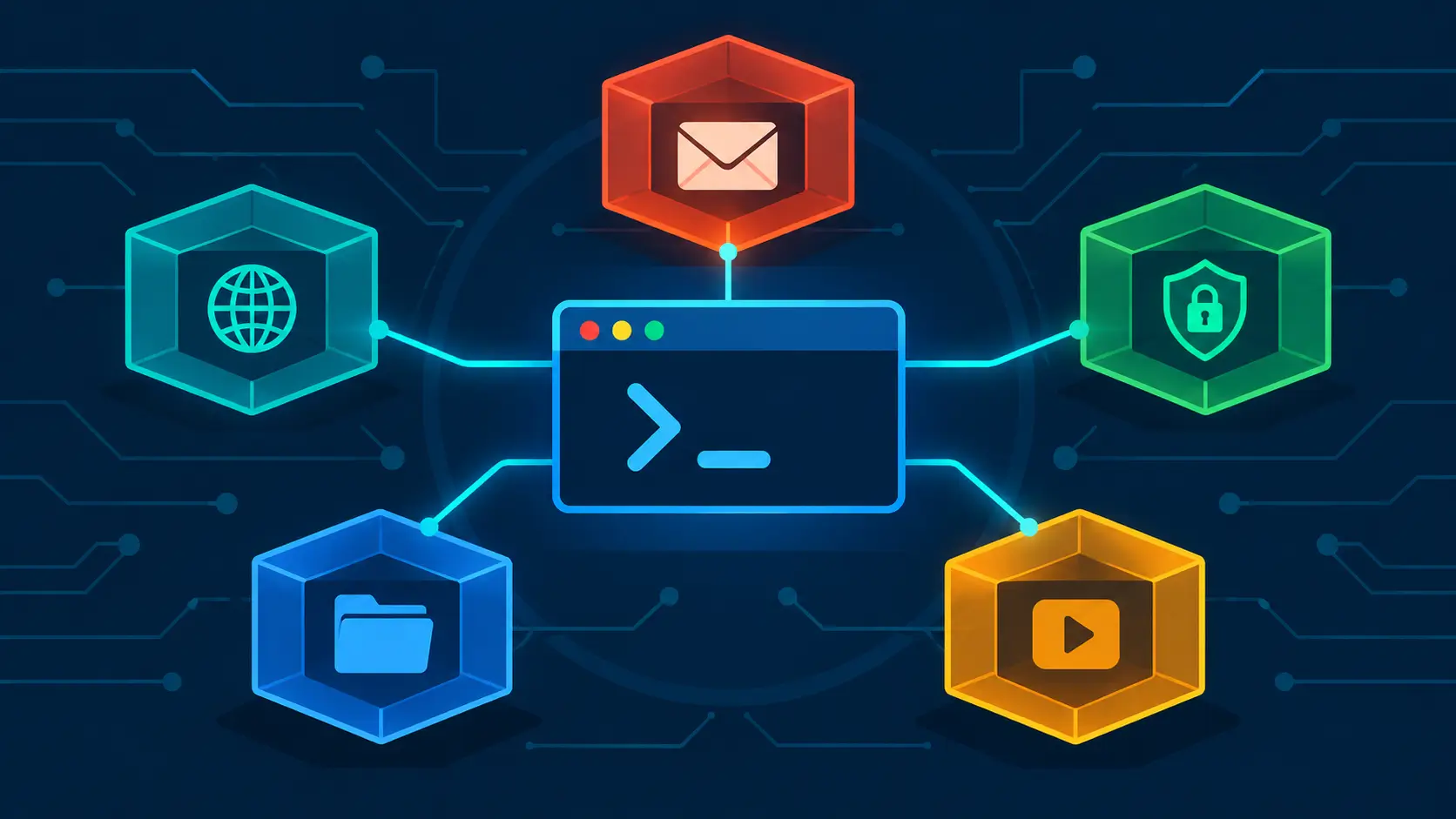
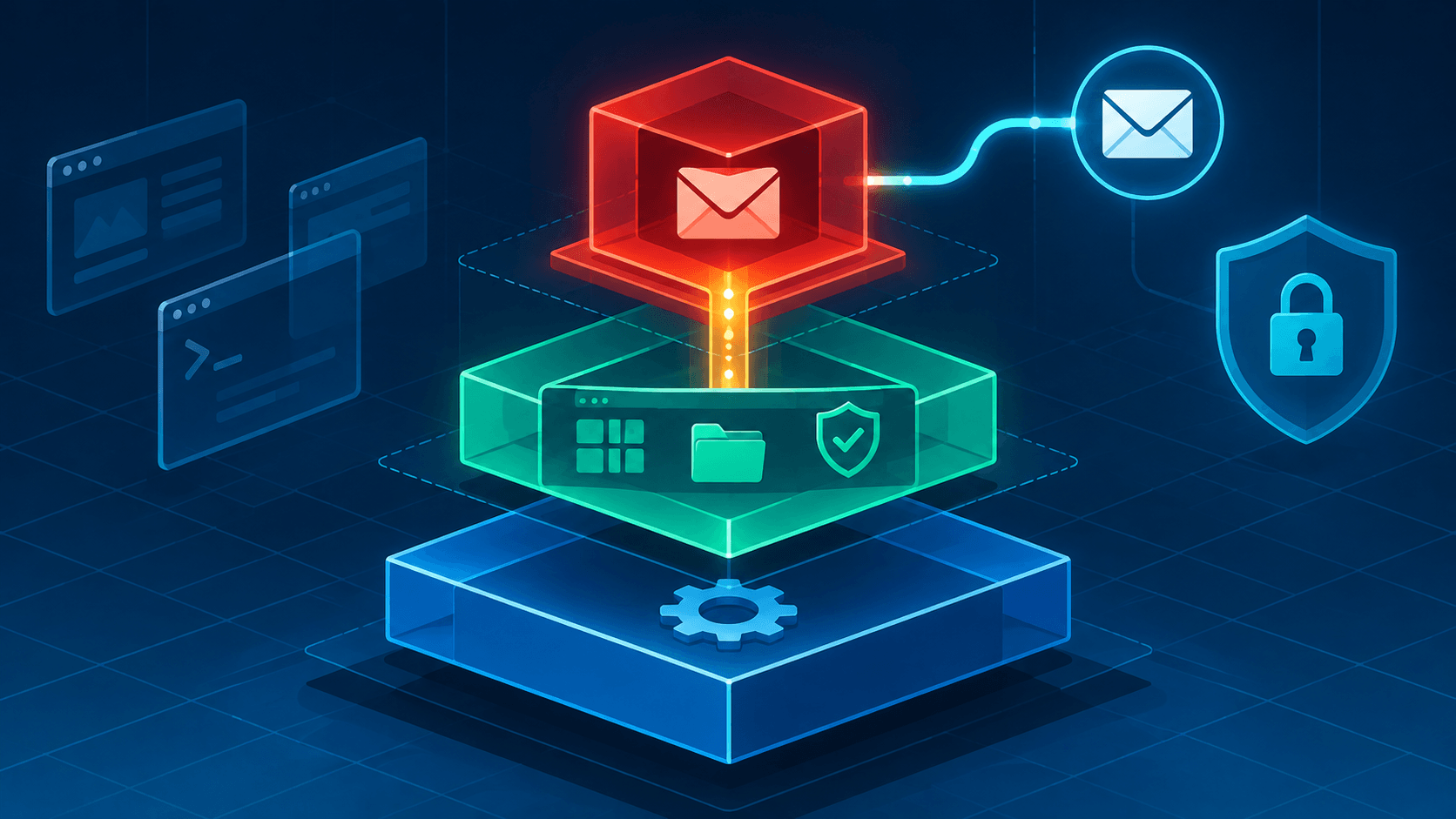
Qubes ships a widget for almost everything — Updater, Devices, Clipboard, Disk Space — and for daily use the GUI is genuinely the right tool. But underneath it there's a second interface: a family of qvm-* and qubes-* tools you run from a dom0 terminal that do everything the widgets do, plus a few things the widgets don't — batch updates, scripted backups, firewall rules, template surgery, automation. This post is that interface, organized by what you actually reach for day to day.
The timing for writing this down isn't random. In the first two weeks of November 2026 alone, the project published QSB-121, QSB-122, and QSB-123. Back in August, QSB-118 disclosed a dom0 code-execution bug in qvm-copy-to-vm itself. On Qubes, updating isn't routine maintenance — it's the primary security control, and the commands below are that control in executable form.
One note before we start: every command here runs in a dom0 terminal unless I say otherwise.
Ground Rules
| Rule |
Detail |
| Everything runs in dom0 |
Open a terminal in dom0 (Applications → System Tools → Terminal). The qvm-* tools administer qubes from the privileged domain. |
Never update with dnf update / apt update |
The official docs are blunt about this: direct package-manager updates "bypass built-in Qubes OS update security measures." Use the Qubes Update tool or its CLI equivalents. Installing packages (dnf install, apt install) directly is fine — it's updating that needs the Qubes-aware path. |
Treat --pass-io output as hostile |
qvm-run --pass-io prints a qube's output straight into your dom0 terminal. QSB-118 was, at its core, untrusted data from a qube reaching a dom0 shell. Prefer running commands inside the qube instead. |
| Discover, don't memorize |
Type qvm- or qubes- and hit Tab twice for the full command list. Every command takes --help, and manpages are installed for most of them. |
Updates
Templates only reach the network through the updates proxy in sys-net — that's why they don't get "normal" internet access. The updater talks to that proxy on their behalf, so you're never routing template traffic through your actual netvm directly.
Checking and Applying
| Command |
Scope |
| Qubes Update (Applications → Qubes Tools; also the tray widget) |
dom0 + all qubes, graphical — the standard way |
sudo qubes-dom0-update --check-only |
Check dom0 for updates, install nothing |
sudo qubes-dom0-update |
Update dom0 |
sudo qubes-dom0-update --gui |
Update dom0 via a graphical package selector |
sudo qubes-dom0-update <pkg> |
Install a package in dom0 (e.g. qubes-template-debian-12, fwupd-qubes-dom0) |
sudo qubes-dom0-update --action=search <term> |
Search dom0 repos (--action=info <pkg> for details) |
qubes-vm-update |
Default: all updatable qubes except dom0 |
qubes-vm-update -T |
All updatable TemplateVMs (the docs' canonical example) |
qubes-vm-update -S |
All updatable StandaloneVMs |
qubes-vm-update --targets <a>,<b> |
Specific qubes, ignoring the usual conditions |
qubes-vm-update -A |
Running AppVMs, in place — these updates vanish at restart |
qubes-vm-update --dry-run |
Print what would happen, change nothing |
Salt: update.qubes-dom0, update.qubes-vm |
Same updates, scripted/batch use via qubesctl |
Two details worth knowing here. By default, qubes-vm-update updates qubes that have known updates or whose last check is older than 7 days (--update-if-stale; use --update-if-available to narrow that to just known updates, --force-update to widen it to everything regardless). And by default it leaves running qubes untouched afterward — add -r (--apply-to-sys) to restart service qubes whose template was updated, which the manpage itself calls the recommended option, or -R to also shut down running app qubes (unsaved data is lost, so save first). Qubes with the skip-update feature set to 1 are skipped unless you target them directly.
What to Restart Afterward
| You updated… |
Then… |
| Xen or the kernel |
Restart dom0 |
microcode_ctl (Intel) / linux-firmware (AMD) |
Restart dom0 |
| A template |
Shut it down, then restart running qubes based on it — the updater tries to do this automatically as its last step |
| Anything a QSB names |
Do exactly what the QSB says |
| Anti Evil Maid-managed components |
Reseal AEM after certain updates (common in QSBs) |
Also watch the calendar, not just the package list: templates have their own upstream end-of-life dates, and the project flagged Fedora 43's approaching end of life on November 1, 2026. Unsupported templates stop receiving security updates entirely — no QSB is going to save you there.
Firmware
| Command |
Use it for |
sudo qubes-dom0-update fwupd-qubes-dom0, then sudo qubes-fwupdmgr get-devices / refresh / update |
Devices attached to dom0 — firmware is fetched over qrexec from your UpdateVM, not directly from the internet |
fwupdmgr (inside a qube) |
Devices attached to domU qubes |
system76-firmware-cli |
System76 machines |
Daily Operations
Survey and Status
| Command |
What it does |
qvm-ls |
Every qube: state, class, label, template, netvm |
qvm-ls --running |
Only what's up right now |
qvm-ls --raw-list |
Names only — the scripting-friendly form |
qvm-check <qube> |
Does it exist? Exit code answers (0 = yes) |
qvm-check --running <qube> |
Is it running? |
qvm-features <qube> updates-available |
Read the "updates pending" flag the Updater widget displays |
qvm-prefs <qube> |
All properties of a qube |
qvm-prefs <qube> <property> |
Read one property (e.g. netvm, memory, klass) |
qvm-prefs <qube> <property> <value> |
Set it — qvm-prefs work memory 4096 |
qvm-prefs <qube> --help-properties |
Every property available on this qube type |
qubes-prefs |
Global defaults that new qubes inherit |
Qube Lifecycle
| Command |
What it does |
qvm-create --class AppVM --label blue --template debian-12-xfce <name> |
New app qube from a template |
qvm-create --class DispVM --template <appvm> <name> |
Named disposable (stable name, disposable guts) |
qvm-create --standalone --template debian-12-xfce <name> |
Standalone — a full copy, everything persists |
qvm-clone <src> <new> |
Clone any qube (the standard way to customize a template) |
qvm-start <qube> / qvm-start --wait <qube> |
Start (blocking variant waits for it to come up) |
qvm-shutdown <qube> |
Graceful shutdown |
qvm-shutdown --all --wait |
Shut down every qube (--all implies --force; --wait blocks until they're all down) |
qvm-kill <qube> |
Pull the power cord — immediate, unsaved data gone |
qvm-pause <qube> / qvm-unpause <qube> |
Suspend / resume |
qvm-remove <qube> |
Delete a qube and its volumes |
Running Commands in a Qube
| Command |
What it does |
qvm-run <qube> <cmd> |
Run a command (output stays in the qube) |
qvm-run --pass-io <qube> <cmd> |
Run and stream output back — useful, but see the ground rules above |
qvm-run --user root <qube> <cmd> |
Run as root inside the qube |
qvm-run --dispvm <appvm> <cmd> |
Run in a fresh disposable, destroyed afterward |
qvm-run --service <qube> qubes.VMShell |
Feed a script over stdin — the safe way to run several lines |
Files Between Qubes
| Command |
What it does |
qvm-copy <file> |
Run inside the source qube; pick the target; arrives in /home/user/QubesIncoming/<source>/ |
qvm-move <file> |
Same, but deletes the original |
qvm-copy-to-vm <target> <file> |
Copy from dom0 to a qube |
qvm-open-in-vm <target> <file> |
Open a file in another qube |
qvm-open-in-dvm <file> |
Open a file in a disposable |
qvm-run --pass-io <src> 'cat <path>' > <file> |
The official escape hatch for getting a file into dom0 (discouraged — dom0 is meant to stay a thin terminal) |
| Clipboard |
Ctrl+Shift+C / Ctrl+Shift+V for text between qubes; the Clipboard widget bridges dom0 |
A footnote on history worth keeping in mind: in August 2026, QSB-118 disclosed that a malicious qube could inject a command into dom0 through a crafted filename in qvm-copy-to-vm's error dialog — patched by updating normally (qubes-core-dom0-linux 4.3.22). It's a good miniature of the whole Qubes trust model: the copy tools stay safe because dom0 gets patches the moment the security team ships them, not because the tools are somehow immune to begin with.
Devices
| Command |
What it does |
qvm-device <class> list <qube> |
Devices attached to a qube (--all for every qube). Classes: block, usb, pci, mic |
qvm-device <class> attach <qube> <backend>:<port>[:<id>] |
Attach a device to a qube |
qvm-device <class> detach <qube> [<device>] |
Detach (omit the device to detach the whole class) |
qvm-device <class> assign <qube> <backend>:<port> --required |
Persistent assignment — auto-attached on every start |
qvm-block / qvm-usb / qvm-pci |
Aliases for the three most common classes |
The Devices widget does all of this with clicks; reach for the CLI when scripting or when the widget's picker is slower than typing would be. One warning straight from the manpage: only dom0 exposes PCI devices, and some of them (the host bridge, for instance) must never leave it.
Network and Firewall
| Command |
What it does |
qvm-firewall <qube> list |
Outbound rules (--raw for machine-readable output) |
qvm-firewall <qube> add accept proto=tcp dstports=443 comment="https" |
Add a rule; matches include dsthost, proto, dstports, specialtarget=dns, expire |
qvm-firewall <qube> del --rule-no <n> |
Delete a rule by number |
qvm-firewall <qube> reset |
Back to the default accept-all |
qvm-prefs <qube> netvm <netqube> |
Rewire where a qube's traffic goes (sys-firewall, sys-whonix, none) |
qvm-service <qube> |
List a qube's services (list is the default action) |
qvm-service -e <qube> <service> / -d |
Enable / disable a service (qubes-firewall, cups, crond, qubes-update-check, …) |
Rules are evaluated in order and the first full match wins — order matters, and reset is your undo button if you've gotten rules tangled.
Storage
| Command |
What it does |
qvm-volume resize <qube>:<volume> <size> |
Grow a volume — qvm-volume resize work:private 30G, qvm-volume resize debian-12-xfce:root 50G |
qvm-pool list |
Show storage pools |
Templates
| Command |
What it does |
qvm-template list |
Installed templates |
sudo qubes-dom0-update qubes-template-<name> |
Install a template package (community templates need --enablerepo=qubes-templates-community) |
qubes-vm-update -T |
Update them all |
qvm-clone <template> <custom> |
Clone before customizing — keep stock templates update-only |
qvm-prefs <qube> template <template> |
Point an existing qube at a different template |
Backups
| Command |
What it does |
qvm-backup <absolute-dir> |
Encrypted backup of every qube flagged "include in backups" |
qvm-backup -p <passphrase-file> <dir> |
Passphrase from a file (-p - reads stdin) |
qvm-backup -x <qube> <dir> |
Exclude a qube (--dest-vm <qube> sends the backup into a qube instead) |
qvm-backup-restore <location> |
Restore — and the community rule still stands: a backup is only a backup if its restore has actually been tested |
Organization
| Command |
What it does |
qvm-tags <qube> / add <tag> / del <tag> |
Tags are mostly for qrexec policy — grant or deny a service to @tag:finance instead of naming qubes one by one |
qvm-features <qube> <key> <value> |
Per-qube features, e.g. qvm-features <template> skip-update 1 to opt a template out of update notifications and targeting |
qvm-notes <qube> |
The note field shown in Qube Manager |
sudo qvm-sync-clock |
Sync dom0's clock from the ClockVM (a cron job already does this hourly) |
Troubleshooting and Discovery
| Command / path |
What it does |
virsh -c xen:/// console <qube> |
Raw console when GUI/qrexec won't respond — escape with Ctrl+] |
xl top / xl dmesg |
Live Xen monitor / hypervisor boot messages |
dmesg |
Kernel messages (pipe into less) |
/var/log/qubes/ |
Per-qube logs: guid.<qube>.log (GUI), qrexec.<qube>.log (IPC), pacat.<qube>.log (audio), qubesdb.<qube>.log |
qvm-run --pass-io <qube> <cmd> |
Surface a failing command's error output |
cat /etc/qubes-release |
Qubes release in human-readable form |
rpm -qa 'qubes-*' |
Exact installed Qubes package versions |
qvm- + Tab, --help, man |
The complete, always-current reference |
The Daily Routine
# dom0 terminal — the whole update ritual
sudo qubes-dom0-update --check-only   # what's waiting in dom0?
sudo qubes-dom0-update                # apply it
qubes-vm-update -T -r                 # templates + restart service qubes
# or: qubes-vm-update -r              # every updatable qube (dom0 excluded)
sudo reboot                           # only if Xen/kernel/microcode changed
# then read any QSB the updater points you at — and do what it says
The Takeaway
The widgets are your daily driver; the terminal is for when you need scale, scripts, or an answer the widget just won't give you. But the two halves are really one habit: check, update, restart what the update touched, read the bulletin. QSB-118 showed what the alternative looks like — a single stale dom0 package standing between a compromised qube and total control. The commands above are short. The discipline they encode is the operating system.
Further reading: