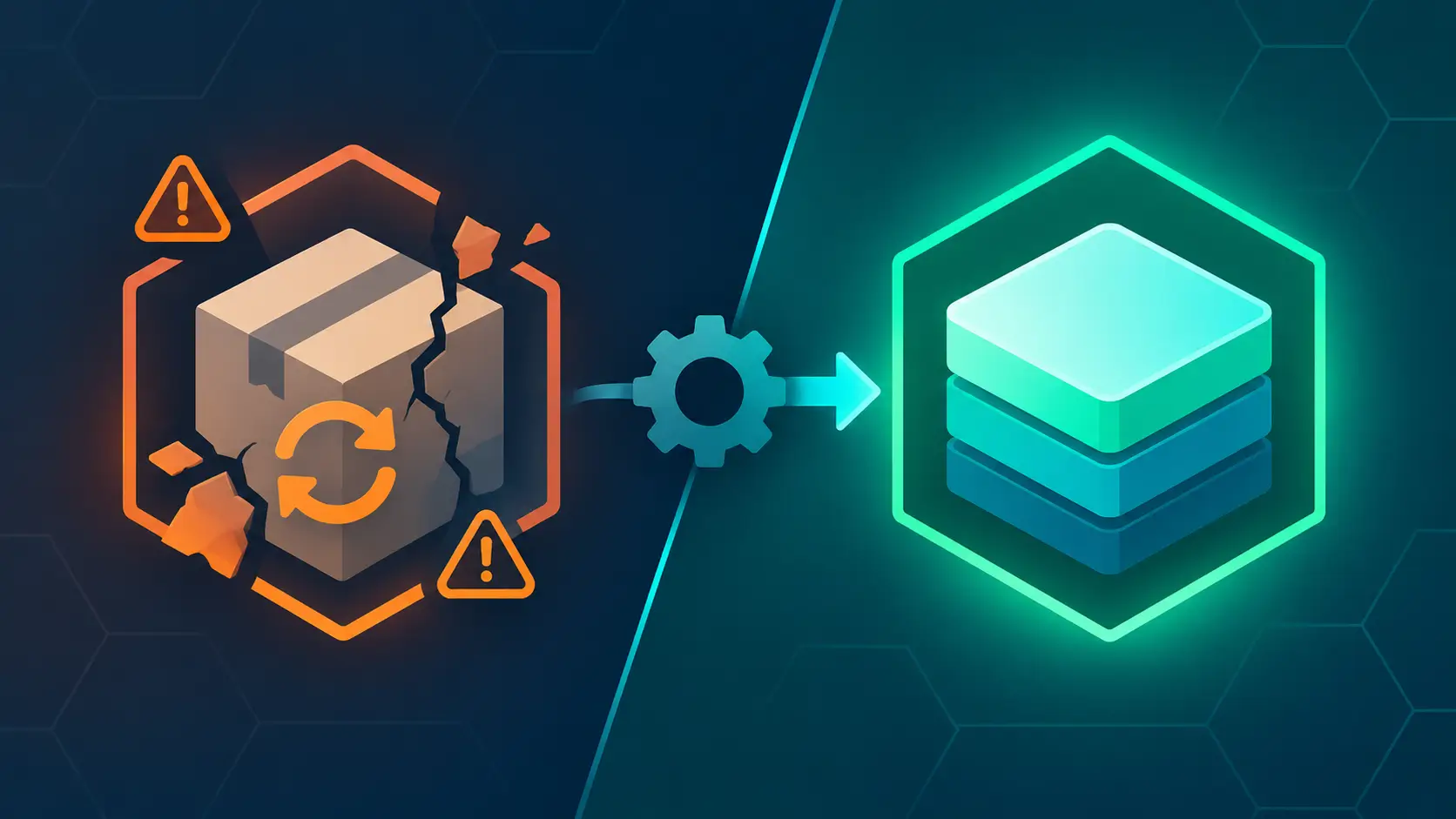
Search for "Linuxbrew" and you will find two kinds of results, arranged in layers like geological strata. The older ones — blog posts from bioinformaticians, HPC cluster guides, forum answers from 2015 — describe a separate package manager, a Linux fork of the Mac tool, with its own repositories and its own command name. The newer ones use "Linuxbrew" as a synonym for something that no longer officially exists: the Linux half of Homebrew itself. Both are correct about the same software, four years apart. The confusion is not really a documentation failure; it is the fossil record of one of the more unusual stories in open-source packaging — a fork that left, grew up, and was welcomed back into the main project so completely that most of its users no longer know it was ever gone.
A note on scope: this is a researched history and comparison, grounded in the Homebrew release notes and documentation (brew.sh, docs.brew.sh), LWN's November 2025 review "Pouring packages with Homebrew," the Wikipedia project history, Shaun Jackman's writing and talks on Linuxbrew, Jorge Castro's essays and Workbrew webinar on Homebrew in the modern Linux desktop, and community discussion (Hacker News, Reddit r/linux, GitHub Discussions). It is not hands-on: nothing here comes from testing the tools, only from the sources above. Dates and version claims are as of November 2026 — Homebrew is at the 7.0.x line — and a project this active will have moved on; verify specifics against upstream documentation.
2009–2012: The World Linuxbrew Was Born Into
Homebrew began in 2009, written by Max Howell, because macOS had a hole where a package manager should be. Apple shipped some open-source tools, often years out of date, and everything else arrived as a download, a DMG, or a compile-from-source ordeal. Howell's insight was less about algorithms than ergonomics: a package manager could be pleasant. brew install wget and you were done. Homebrew's recipe format — a formula, written in Ruby — made packaging so easy that a teenager could add one, and many did. By the project's 1.0.0 release in September 2016 it was the de facto standard toolchain manager for macOS, with a 2013 Kickstarter (£14,859 for build servers), a migration to its own GitHub organization in December 2013, and a bottle system — precompiled binary packages, in Homebrew's relentless pub metaphor. Those bottles moved hosts more than once: Bintray first, then GitHub Releases around the 2.5.2 release in 2020, and finally — after Bintray's shutdown forced a scramble in 2021 — straight OCI blobs served from GitHub's container registry (ghcr.io), starting with the 3.1.0 release in April 2021.
And Homebrew was, from the beginning, oddly Linux-shaped. Its build recipes were forkable Ruby; its dependency model was a tree of formulae; its whole philosophy — install software into a prefix you own, never touch the base system, no root required — resembled the user-namespace trickery of Nix or the ancient GoboLinux more than it resembled the Mac. Linux users noticed.
What they needed was real. The Linux desktop had excellent package managers — apt, yum, pacman — but the scientific and high-performance computing world ran on clusters: shared machines, old enterprise distributions (CentOS 6 was a fact of life), no root access, and research software that appeared in no distribution repository at all. Bioinformaticians in particular lived in dependency hell: a tool from 2014 needed a newer GCC, a newer glibc, a newer Boost, and the cluster had none of them and would never be upgraded. The workaround was always the same desperate archaeology — compile toolchains into ~/.local, wire up LD_LIBRARY_PATH like a fuse box, and hope.
2012–2018: Linuxbrew, the Fork
Into that world came Linuxbrew, a fork of Homebrew for Linux, created around 2012 and led for most of its life by Shaun Jackman, a bioinformatics PhD based in Vancouver whose name still appears in the credits of tools like ABySS. The fork's pitch, from its README, has aged remarkably well because it was so concrete:
It can be installed in your home directory and does not require root access. The same package manager can be used on both your Linux server and your Mac laptop. Installing a modern version of glibc and gcc in your home directory on an old distribution of Linux takes five minutes.
That last sentence was the killer feature. Linuxbrew could install its own modern glibc and GCC into your home directory and build everything else against them, which meant the ancient enterprise distribution on the cluster stopped mattering. The software you compiled would run on CentOS 6 as if it had been blessed by Red Hat in the current decade. For a researcher on a shared cluster, five minutes replaced a week.
The project grew its own ecosystem alongside the shared one. linuxbrew-core was the Linux-side formula repository, merged from Homebrew's core roughly daily so the two stayed in sync without being identical. The Homebrew-Science tap carried over two hundred bioinformatics and scientific packages by 2016 — the field's dependency labyrinth, reduced to a few brew install lines. Jackman presented the whole story at BOSC 2016 (the Bioinformatics Open Source Conference) and in an F1000Research poster — "Linuxbrew and Homebrew for cross-platform package management" — positioning the fork explicitly as the answer to "the same package manager for my Mac laptop and my Linux server."
It worked well enough that Hacker News debated it seriously ("Linuxbrew – A fork of Homebrew for Linux," 2015), and its use cases were already recognizable as the ones people still cite: install software your distro doesn't package; get newer versions than your aging distribution ships; manage Mac and Linux machines with one tool; do it all without sudo. But a fork is a treadmill. Homebrew's core moved fast — the post-1.0 era brought the API, new bottle formats, Apple Silicon — and every divergence cost the Linuxbrew maintainers merge effort. Meanwhile the Mac side increasingly wanted to work on Linux; the code was close, the pain was in the platform assumptions.
January 2019: The Reunification
The end of the fork was announced rather than leaked. In January 2019, Linuxbrew was merged back into Homebrew, and the Homebrew 2.0.0 release on February 2, 2019 shipped what the project called beta support for Linux and the Windows Subsystem for Linux. There was no grand renaming ceremony: on Linux, the brew command simply started coming from the main project. The name "Linuxbrew" was retired from active use but never scrubbed — it survives, permanently, in the installation prefix /home/linuxbrew/.linuxbrew, a quirk that confuses newcomers to this day.
The reunification was completed in stages. The separate linuxbrew-core formula repository was finally merged into homebrew-core with Homebrew 3.3.0 in October 2021, meaning Linux and macOS formulae lived in one repository again, one pull request stream, one CI matrix. From 3.3.0 onward, most Homebrew-on-Linux users didn't even clone the core tap locally; the opt-in HOMEBREW_INSTALL_FROM_API flag (on by default since) let brew fetch package metadata from the API instead.
Why /home/linuxbrew? The reasoning is practical: most packages are installed as precompiled bottles, and some of those binaries contain hard-coded paths baked in at build time. A fixed, universal prefix makes the bottles portable across every Linux system; letting each user pick a prefix would mean rebuilding the world. So the installer creates /home/linuxbrew/.linuxbrew, the managing user gets write access, and after the one sudo moment of installation, Homebrew never needs root again. It is a small piece of shared fiction — a fake "home" directory that belongs to no login user — and the whole binary distribution model rests on it. Homebrew's own docs are blunt about the alternative: use a different prefix if you must, but don't expect support — issues about an unsupported prefix choice get closed without response.
What Linuxbrew Left Behind
With the history on the table, the "Linuxbrew vs. Homebrew" question resolves into something precise: they are the same tool, and what differs is the era, the maintenance model, and the ambition.
| Linuxbrew (2012–2019) | Homebrew on Linux (2019–today) | |
|---|---|---|
| Codebase | Fork of Homebrew/brew, merged daily | The Homebrew/brew codebase itself |
| Formulae | Separate linuxbrew-core + Homebrew-Science |
One homebrew-core; Linux and macOS formulae together |
| Maintenance | Volunteer fork maintainers | The Homebrew project: one CI matrix, one review queue |
| Binary packages | Fewer bottles; frequent source builds | Bottles for x86_64 and ARM64 (Tier 1), served from ghcr.io |
| Old distributions | Killer feature: own glibc/GCC in home dir | Still works, but the glibc floor rises (Tier 1 = current Ubuntu) |
| Security model | Trust the tap | Tap trust (6.0), build sandboxing on Linux (6.0/7.0), brew vulns (7.0) |
| Windows | No | WSL 2 supported; offered as an option in Microsoft's own WSL setup tooling |
| Status today | Archived history; name survives in the prefix | ~9% of all Homebrew users; first-class on immutable desktops |
The fork's most durable gifts are three. The prefix (/home/linuxbrew/.linuxbrew), which gave the merged project a stable binary-distribution story from day one. The use cases, which were validated by real clusters and have not changed in fifteen years. And the no-root, own-toolchain trick — installing a modern glibc and GCC into user space on old systems — which Homebrew-on-Linux still performs, quietly, the first time you install something on a machine whose libraries are too old.
2019–2026: The Second Act Nobody Predicted
If the merge story ended in 2019, "Linuxbrew" would be a historical curiosity. Instead, the merged Homebrew-on-Linux spent the next seven years becoming more important on Linux, not less — and for reasons the 2012 fork never anticipated.
It became a support-tiered platform. Homebrew 4.5.0 (April 2025) introduced official Support Tiers and preliminary Linux cask support; Tier 1 on Linux is a current Ubuntu LTS or a Homebrew Docker image on x86_64 or 64-bit ARM, with Debian, Fedora, and friends at Tier 2. Homebrew 5.0.0 (November 12, 2025) promoted Linux ARM64/AArch64 to Tier 1 — suddenly every Raspberry Pi 5, ARM mini-PC, and Windows-on-ARM WSL2 box had first-class prebuilt binaries — and made concurrent downloads the default.
It acquired a security model. Homebrew 6.0.0 (June 11, 2026) brought tap trust: third-party taps contain arbitrary Ruby, so their code is no longer evaluated until you explicitly trust them. The same release turned on sandboxing for Linux builds (Bubblewrap), aligning Linux with macOS. Homebrew 7.0.0 (September 13, 2026) swapped Bubblewrap for Landlock — no dependencies, no escalated Docker permissions — and shipped brew vulns, a built-in vulnerability scanner backed by a new Homebrew advisory database. This is a world away from "compile everything in my home directory and hope."
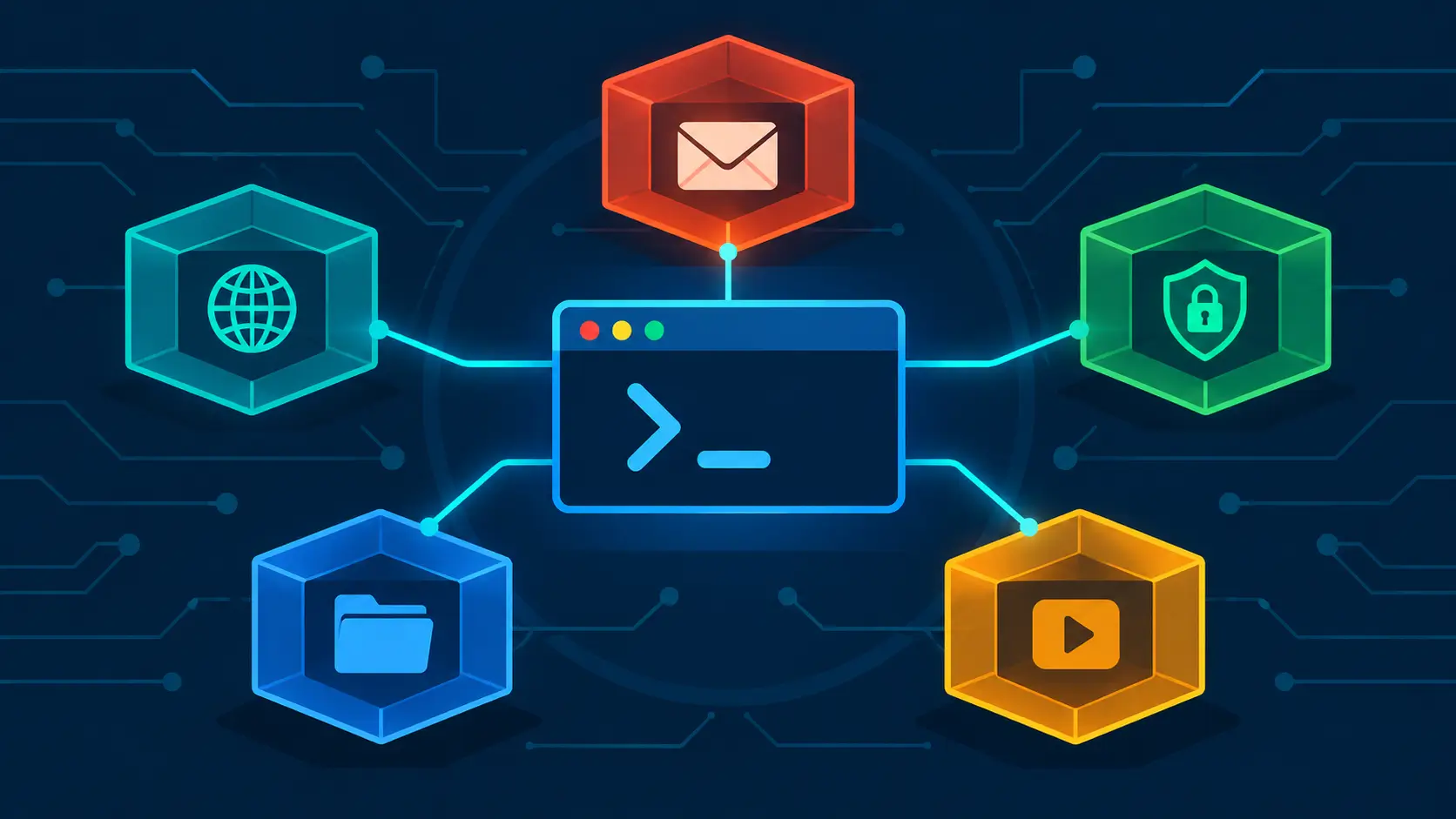
It found a new constituency: the immutable desktop. Jorge Castro's "Homebrew is great on Linux" and his Workbrew webinar "Brewing on Linux" document the surprise. Image-based distributions — Fedora Atomic and its Universal Blue descendants Bluefin, Aurora, and Bazzite — deliberately have no mutable system package manager. Flatpak covers applications; but the developer toolchain — gcc, make, fzf, gh, the whole unglamorous CLI layer — has to live somewhere, and brew is recommended there by the distros' own documentation. The packages are OCI blobs on ghcr.io, the automation is GitHub-native, and Castro has argued that leaning on Homebrew's automation is lower-risk than depending piecemeal on distribution packages for CLI tooling. Homebrew's own analytics show the shape change: Ubuntu LTS accounted for roughly 12% of tracked events over the past year, with image-based distributions like Bazzite a small but fast-growing slice. LWN, reviewing the project in late 2025, drew a similar conclusion: Homebrew has effectively become a recommended way to manage software on some image-based distributions, alongside Flatpak rather than against it.
That is the arc worth remembering: the fork was built for the oldest systems (CentOS 6 clusters, frozen glibc), and the merged project became essential for the newest ones (immutable desktops where apt install does not exist). The constant across both eras is the one Linuxbrew always advertised: a package manager that installs into a prefix you own, without root, regardless of what the base system allows.
The Use Cases, Then and Now
The 2015 Hacker News thread listed Linuxbrew's reasons to exist, and the list barely needs editing:
- Install software your distribution does not package. Still the headline case. Homebrew's formula coverage is enormous, anyone can submit, and the stable-upstream-version rule keeps it from becoming a nightly-build dumping ground.
- Get newer versions than your distribution ships. An LTS distribution is deliberately conservative; brew is aggressively updated. For developer toolchains this is the whole point.
- One package manager across macOS, Linux, and WSL. This is the case that grew teeth. The same
brew install, the sameBrewfile(brew bundle), the same muscle memory on a Mac laptop, a Linux workstation, and a Windows WSL2 box — Microsoft's own developer-setup tooling now offers Homebrew as an install option for a comfortable WSL shell. Platform teams running mixed fleets feel this in their bones. - No sudo, no system changes. Install into
/home/linuxbrew/.linuxbrew, and blow it away when you are done. On shared servers, university clusters, and corporate machines where root is someone else's problem, this is not a convenience — it is the only door. - Old distributions. Homebrew still brings its own modern glibc and GCC when the system's are too old. The floor is rising — Homebrew 6.0's Ubuntu 24.04 CI baseline means Ubuntu 22.04 (glibc 2.35) is now Tier 2, with no new bottles and a
brew doctorwarning — but for a Tier 1 system, or as a source build on older ones, the original Linuxbrew trick lives on. - Immutable and image-based desktops. The new one. Bazzite and Bluefin recommend brew for CLI tooling precisely because there is no system package manager to use instead.
The Case Against, Also Then and Now
The skeptics have been equally consistent, and honest comparison requires them.
- It is not a replacement for apt or dnf. It fills gaps. System software, libraries the base system depends on, anything security-critical on the base OS layer: the distribution package manager owns those. The skeptical take you'll see on Reddit — that Homebrew is pointless on Linux because your distro already has a package manager — is true of the use cases it doesn't serve and false of the ones above.
- Duplication. brew carries its own glibc, GCC, OpenSSL, and friends. That is the price of not depending on the host — the docs are explicit that Homebrew uses no host libraries except a new-enough glibc and gcc — but it costs disk space and means two copies of half your toolchain.
- The prefix is mandatory and analytics are opt-out. The unsupported-prefix policy is documented with unusual harshness for a reason (hard-coded bottle paths), but it is still a constraint. And Homebrew enables anonymous analytics after install unless you run
brew analytics offor setHOMEBREW_NO_ANALYTICS=1— a design LWN's reviewer flagged as worth an opt-in prompt instead, with the project's open publication of its collected data as a partial answer. - Trust has been improving, but it is not Flatpak. Taps run Ruby; the sandbox protects builds, not your runtime — installed programs run with your privileges, as they always have. 6.0's tap trust and 7.0's Landlock sandboxing and advisory database narrowed this gap dramatically, and kernels without Landlock support simply run unsandboxed (with a
brew doctoradvisory). On a shared multi-user machine, brew is a convenience, not a perimeter. - Non-Ubuntu means Tier 2. Fedora, Debian, Arch users get a working brew but no commitment: no new bottles when things break, slower fixes. The support tier table is worth reading before installing on anything exotic.
Where the Alternatives Sit
For completeness, because "should I use brew on Linux?" often has a different right answer. Nix offers reproducibility and side-by-side versions that brew cannot match, at the cost of a much steeper learning curve and its own universe. Flatpak (and Snap) own GUI applications — Homebrew's casks exist on Linux now (preliminary in 4.5.0), but Flatpak is the sandboxed desktop standard. conda/mamba still rule scientific stacks with pinned environments, though Homebrew-Science's descendants and bioconda blurred that line. And as of Homebrew's recent releases, MacPorts is now the suggested landing spot for Intel Macs as Homebrew winds that platform down (Intel moved to Tier 3 in 7.0.0, with full support ending September 2027) — a small historical rhyme, since MacPorts was the tool Homebrew displaced in 2009.
Which One Fits You
Use Homebrew on Linux if: you live on a mixed Mac/Linux/WSL fleet and want one toolchain, one Brewfile, one set of commands; you are on an immutable desktop (Bluefin, Bazzite, Fedora Atomic) where brew is the recommended home for CLI tooling; you need current developer tools on an LTS or frozen distribution; you have no root and no hope of getting it (clusters, shared servers, corporate machines); or you already know brew from macOS and want your muscle memory to travel.
Stay with your distribution's package manager if: you are installing system-level software — init systems, kernel modules, base libraries, anything the OS depends on for its own integrity; you need security updates managed centrally by the distribution's security team; you are on a single-distro shop where apt or dnf is already everything; or disk duplication offends you on principle.
Use both if: that is most people. apt install nginx on the server, brew install go in the home directory, flatpak install for the desktop apps. These tools partition cleanly along the seams of the modern Linux desktop, and fighting about it is mostly a disagreement about which layer each of us thinks of as "our machine."
The honest historical summary is the strangest part of the story. Linuxbrew was a fork created to serve the oldest, most frozen corners of Linux — clusters that would never be upgraded, distributions that would never ship a modern GCC. It went home to the main project in 2019 and, instead of dissolving, helped turn Homebrew into a package manager that genuinely runs everywhere — including on the immutable desktops of 2026, where there is no system package manager at all and brew's user-space, no-root, prefix-owned model inherited the whole room. The fork that existed because Linux distributions would not bend is now, on the newest Linux systems, the layer that never bends when the system updates underneath it. Shaun Jackman's five-minute promise — a modern toolchain in your home directory, on any Linux — turned out to be a permanent idea, not a workaround.
Further reading:
- Pouring packages with Homebrew — LWN.net, November 2025 — the definitive modern review: bottles, the prefix rationale, analytics, support tiers
- Homebrew on Linux — Homebrew documentation — install, requirements, the prefix policy
- Homebrew 7.0.0 release notes (September 2026) — Landlock sandboxing,
brew vulns, Intel Mac wind-down; 6.0.0 (June 2026) — tap trust, Linux sandboxing; 5.0.0 (November 2025) — Linux ARM64 to Tier 1; 3.1.0 (April 2021) — bottles migrate to GitHub Packages/ghcr.io - Homebrew (package manager) — Wikipedia — project timeline: Kickstarter 2013, 1.0.0 in 2016, Linuxbrew merge in 2019, core-repository merge in 3.3.0
- Linuxbrew and Homebrew-Science — Shaun Jackman — the fork at its peak: home-directory installs, own glibc/GCC, 200+ bioinformatics formulae
- Homebrew is great on Linux — Jorge Castro — the immutable-desktop case: Bluefin, Bazzite, brew vs. Ubuntu's universe repository
- Brewing on Linux: Homebrew as a first-class citizen on Linux — Workbrew webinar, October 2025 — where brew sits in the container-native Linux desktop
- Linux: OK, it's 2025 now. Is it a good time to use homebrew on linux? — Homebrew Discussion #5964 — the sandboxing and trust debate, with maintainer responses
- Linuxbrew – A fork of Homebrew for Linux — Hacker News, 2015 — the original use-case list, unchanged in fifteen years
Researched November 2026 from the sources above. History is drawn from the project's own release notes and documentation plus LWN's review; version and support-tier specifics (Homebrew 7.0.x, Ubuntu 22.04 at Tier 2, Landlock sandboxing) reflect the state at time of writing and will drift — verify against brew.sh and docs.brew.sh before relying on them.