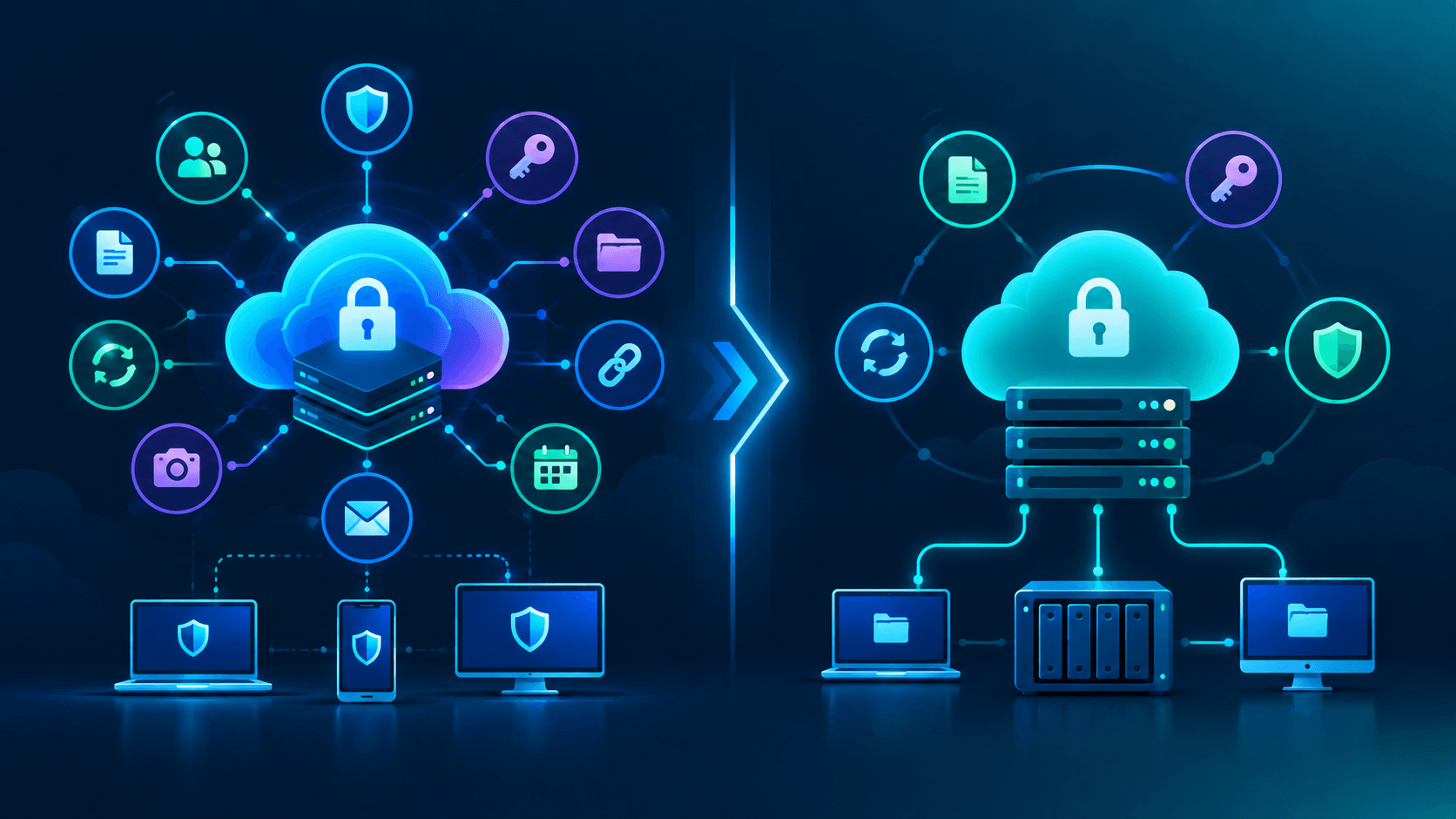
Cloud storage is convenient, but convenience often comes with a trade-off: your provider may hold the keys needed to access your files.
MEGA and Filen take a different approach. Both position their storage platforms around client-side encryption, meaning encryption happens on your device before files are uploaded. That is appealing for IT professionals who want more control over sensitive documents, backups, source archives, configuration exports, and personal data.
However, “encrypted cloud storage” is not a single feature you can compare with a checkbox. Pricing, bandwidth rules, recovery options, security history, ecosystem features, and operational maturity all matter.
This comparison looks at the practical differences between MEGA and Filen as of October 2026. Prices, plans, transfer allowances, and product features can change, so always verify the current details on the providers’ own checkout pages before subscribing.
MEGA at a Glance
MEGA is best known as a privacy-focused cloud storage platform with a generous free tier and a growing set of related services.
Its Cloud Drive supports encrypted file storage, sync, backups, file sharing, mobile access, chat, and meetings. Paid plans also bundle services such as MEGA VPN and MEGA Pass. MEGA also offers S4, an S3-compatible object storage product intended for technical and business workloads.
According to MEGA’s pricing page, its free Cloud Drive plan includes 20 GB of storage. Paid tiers scale upward, including plans reaching 20 TB and flexible options for larger requirements.
The key caveat is transfer. MEGA measures downloads and streaming against a transfer allowance on many plans. This matters if you regularly download large data sets, host media libraries, or share files with external users.
MEGA is a good fit if you want:
-
A larger free storage allocation
-
Higher-capacity storage plans
-
Encrypted chat and meetings
-
A bundled VPN and password manager
-
Backup, sync, file requests, and secure links in one ecosystem
-
S3-compatible object storage for a separate technical workload
Filen at a Glance
Filen takes a more storage-centered approach. Its product lineup focuses on encrypted file storage, sync, a network drive, notes, chat, and tools aimed at technically inclined users.
The provider lists 10 GiB of free storage and paid plans beginning at 200 GiB. Its current pricing page lists 200 GiB, 500 GiB, 2 TiB, and 10 TiB plans, and says plans can be stacked on one account. Filen also advertises unlimited bandwidth and unlimited uploads for its listed paid plans. Check the current Filen pricing page before purchasing, as plan availability can change.
Filen’s clients are published as open source, which is meaningful for users who prefer software they can inspect, build from source, or follow through public development activity. Open source does not automatically make a service secure, but it improves transparency compared with a fully closed client.
Filen is a good fit if you want:
-
Unlimited bandwidth as part of the listed plan features
-
Storage-first pricing without a large bundle of adjacent services
-
Open-source client applications
-
A network-drive workflow
-
Encrypted notes and chat alongside storage
-
A simple way to stack storage plans
What “Zero Knowledge” Means in Practice
Both providers describe their Cloud Drive-style storage as client-side encrypted. In practical terms, your device encrypts data before upload, and the provider should not hold the ordinary keys required to read your stored files.
That is a strong privacy model, but it changes your operational responsibilities.
If you forget your password and lose any recovery material, the provider may be unable to restore access. This is not a customer-support failure; it is a direct result of the encryption model.
For IT professionals, the takeaway is straightforward:
-
Use a long, unique password.
-
Store recovery information securely and offline.
-
Enable multi-factor authentication.
-
Test account recovery and device onboarding before storing critical data.
-
Keep an independent backup.
Client-side encryption also does not protect you from a compromised endpoint. Malware, browser extensions, a stolen unlocked laptop, or a malicious process running under your account can still access files while they are decrypted for use.
Security Transparency: Important Context for Both Services
MEGA has received unusually detailed academic scrutiny.
In 2022, researchers published work describing several attacks against MEGA’s cryptographic architecture under a strong threat model: an attacker controlling MEGA’s API infrastructure, or one able to perform a TLS man-in-the-middle attack. The research identified attacks affecting file confidentiality and integrity in that model. Read the original ETH Zurich paper for the technical details.
MEGA publicly acknowledged the findings and released client updates. Its security update also discusses the conditions required for the attacks and the updates it shipped. Follow-up research was accepted at Eurocrypt 2023 and examined the post-update design; the researchers’ project page is useful background for readers who want a deeper technical review.
The practical conclusion is not simply “MEGA is safe” or “MEGA is unsafe.” Instead:
-
MEGA’s design has had serious published issues.
-
The attacks used a demanding malicious-server or TLS-interception threat model.
-
MEGA responded with client updates.
-
Security-conscious users should keep all MEGA clients current and understand that cryptographic claims deserve ongoing scrutiny.
Filen’s public story is different. Its open-source clients and published technical documentation make its implementation more inspectable than a closed-source service. However, before publishing or relying on an “independently audited” claim, look for the actual audit report, scope, date, and remediation status.
For this article, I could not verify a public Cure53 report supporting the claim that Filen received a 2024 Cure53 audit. Therefore, it would be inaccurate to describe Filen as independently audited on that basis.
Pricing, Storage, and Bandwidth
Here is the practical comparison.
| Category | MEGA | Filen |
|---|---|---|
| Free storage | 20 GB | 10 GiB |
| Entry-level paid storage | Check current MEGA checkout | 200 GiB listed from €1.99/month |
| Larger listed plan | Up to 20 TB on fixed personal plans | Up to 10 TiB per listed plan |
| Plan stacking | Check plan rules | Advertised as supported |
| Bandwidth model | Transfer allowance applies to many Cloud Drive plans | Unlimited bandwidth listed on paid plans |
| Main value proposition | Storage plus privacy-product bundle | Low-cost encrypted storage with fewer bundled services |
Filen’s listed monthly plans are:
| Plan | Storage | Listed monthly price |
|---|---|---|
| Pro I | 200 GiB | €1.99 |
| Pro II | 500 GiB | €3.99 |
| Pro III | 2 TiB | €8.99 |
| Pro X | 10 TiB | €39.99 |
MEGA’s pricing model is more complex because storage and transfer are paired, and its plans can include additional products such as MEGA VPN and MEGA Pass.
That makes MEGA potentially better value if you actually need those extras. If you only need encrypted storage and frequently download large files, Filen’s advertised unlimited-bandwidth model may be easier to budget for.
| Plan | Storage | Listed monthly price |
|---|---|---|
| Essential | 200 GB | €3.33 |
| Pro Lite | 750 GB | €5.00 |
| Pro I | 3 TiB | €8.33 |
| Pro II | 10 TiB | €16.67 |
Features and Daily IT Use
Where MEGA stands out
MEGA has a broader service ecosystem:
-
Cloud Drive, sync, and backup
-
File sharing and file requests
-
Encrypted chat and meetings
-
Password-protected and expiring links on eligible plans
-
MEGA VPN and MEGA Pass on paid plans
-
MEGA S4, an S3-compatible object storage service
-
Windows, macOS, Linux, iOS, Android, web, browser extensions, and command-line tooling
One important distinction: MEGA S4 is not the same product as MEGA Cloud Drive. Do not assume an S3-compatible object storage service inherits every encryption property of the user-encrypted Cloud Drive. Review its service-specific security documentation before using it for sensitive data.
Where Filen stands out
Filen focuses more tightly on encrypted storage workflows:
-
Cloud storage and sync
-
Network-drive functionality
-
File sharing
-
Encrypted notes and chats
-
Windows, macOS, Linux, iOS, Android, and web clients
-
CLI and developer-oriented tooling
-
Open-source client applications
-
Unlimited bandwidth listed for paid plans
For homelab users, sysadmins, and developers, a network drive and open-source clients may be more valuable than a bundled VPN or password manager.
Neither platform should be your first choice if your core requirement is real-time collaborative editing comparable to Google Docs or Microsoft 365.
MEGA vs Filen: Head-to-Head
| Feature | MEGA | Filen |
|---|---|---|
| Free storage | 20 GB | 10 GiB |
| Client-side encryption claim | Yes | Yes |
| Open-source clients | Published source is available for key client components | Clients are open source |
| Security history | Major academic research and public remediation history | Public implementation transparency, but verify any audit claim directly |
| Transfer policy | Limited transfer on many plans | Unlimited bandwidth listed on paid plans |
| Storage ceiling | Larger fixed plans, plus flexible offerings | 10 TiB listed per plan, with stacking advertised |
| VPN and password manager | Yes, on eligible paid plans | No comparable bundle |
| Chat and meetings | Chat and meetings | Chat; no equivalent meeting suite highlighted here |
| Encrypted notes | Not a core Cloud Drive feature | Yes |
| Object storage | S4, S3-compatible | Check current integration options and documentation |
| Best for | Users wanting a larger suite and high-capacity tiers | Users wanting simple encrypted storage and predictable transfer behavior |
Which One Should You Choose?
Choose MEGA if:
-
You want the largest free storage allocation between the two.
-
You need more than 10 TiB without stacking plans.
-
You want chat, meetings, a VPN, and password manager in the same vendor ecosystem.
-
You need MEGA’s backup, sharing, and file-request features.
-
You are comfortable evaluating a service with a well-documented but complex cryptographic security history.
Choose Filen if:
-
You want a storage-first service with openly available clients.
-
Unlimited bandwidth is important to your workflow.
-
You want a network-drive-style experience.
-
You are looking for lower-cost encrypted storage tiers.
-
You prefer fewer bundled services and a simpler product focus.
Choose neither if:
-
You need full real-time document collaboration.
-
You cannot safely manage passwords and recovery material.
-
You want a single copy of critical data stored in one provider.
-
You need enterprise governance, compliance controls, or support guarantees that neither plan explicitly provides.
A Practical Setup Checklist
Whichever service you choose, do these things first:
-
Enable MFA immediately.
-
Use a password manager to create and store a unique account password.
-
Save recovery material offline in more than one secure location.
-
Run a restore test with a few non-critical files.
-
Test sync conflict behavior before using the service for working files.
-
Check sharing permissions with a test account.
-
Keep a separate backup using the 3-2-1 rule: three copies, on two media types, with one copy off-site.
-
Keep desktop and mobile clients updated, especially for security-sensitive services.
Final Verdict
MEGA and Filen are both compelling choices for users who want stronger privacy controls than conventional cloud storage platforms typically provide.
MEGA is the broader platform. It offers more adjacent services, a larger free tier, higher-capacity options, and a more complete privacy-product bundle. Its past cryptographic research findings are significant, though, and users should understand that history rather than treating “zero knowledge” as a guarantee beyond review.
Filen is the more focused option. Its appeal is straightforward: encrypted storage, open-source clients, a network-drive workflow, and advertised unlimited bandwidth. It is especially attractive for users who value predictable data transfer behavior over a large bundle of extra products.
The best choice is not simply the one with the strongest marketing language. It is the one whose transfer rules, recovery model, feature set, and operational trade-offs fit the way you actually store and retrieve data.