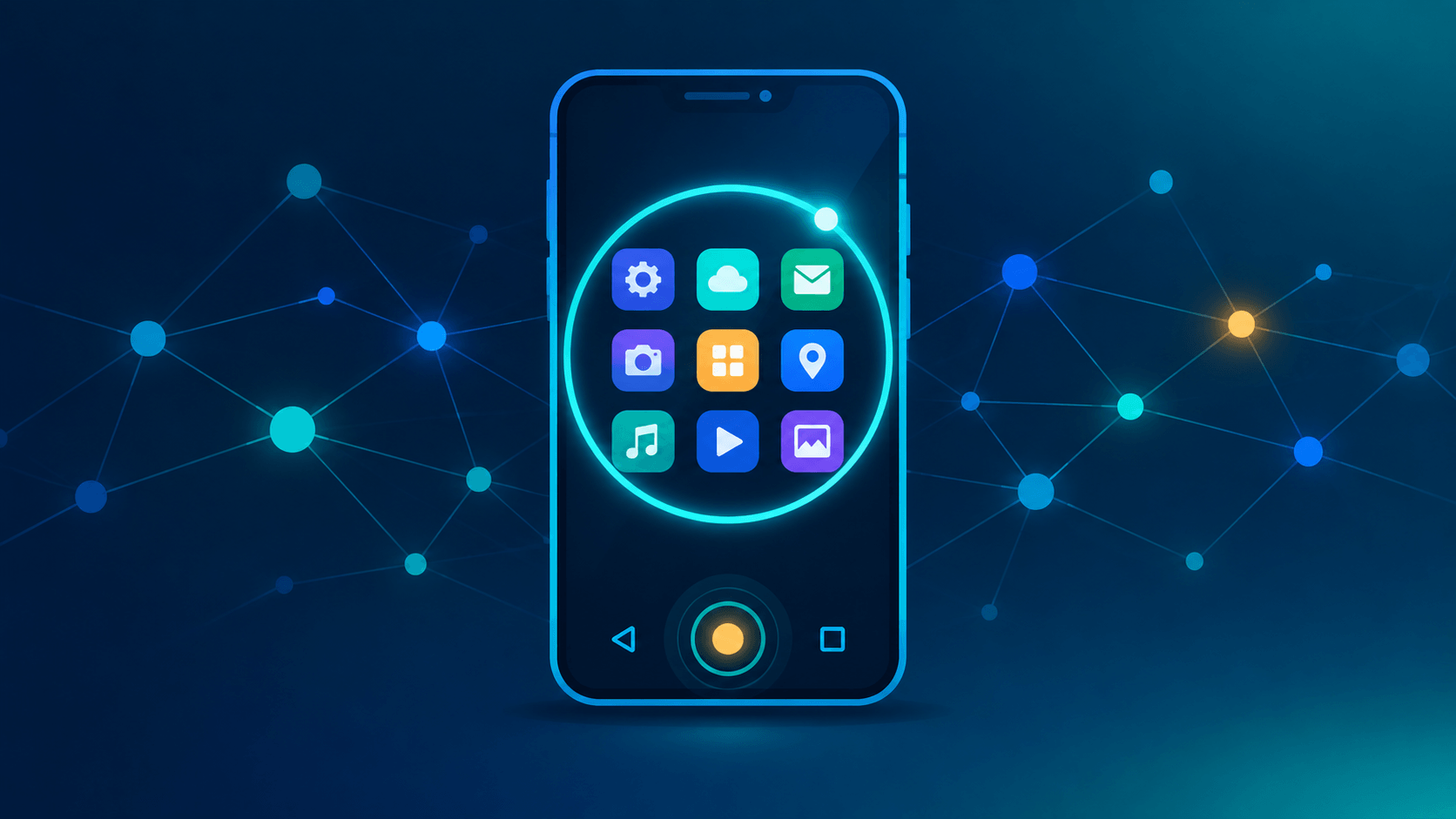
I've had three buttons at the bottom of my Android phone for years and never thought twice about them. Then I long-pressed one, an AI overlay popped up, and I ended up reading about navigation bars, Circle to Search, LLM limits, and where all of this sits on the AI spectrum. Here's the tour.
The three classic buttons
That row at the bottom of the screen is the navigation bar, and the layout is called 3-button navigation. Left to right on stock Android:
- Back (triangle): goes to the previous screen, closes a menu, dismisses the keyboard.
- Home (circle): leaves the current app and returns to the Home screen. Long-press it and something interesting happens (next section).
- Recents / Overview (square): opens your recent apps so you can switch, close, or enter split-screen.
Long-press Home: meet Circle to Search
Hold Home and, on supported phones, you get Circle to Search. On older setups the same gesture launched Google Assistant. With gesture navigation you long-press the navigation handle instead.
Once it's open, you circle, highlight, scribble, or tap anything on screen to search, translate, or identify it, without leaving your app. On my phone (Android 16) it feels like part of the OS.
A little history, because it didn't start with Android 16:
- January 2024: Circle to Search launched on the Galaxy S24 and Pixel 8 series.
- Early 2026: Google reported it on over 580 million Android devices.
- February 2026: a Gemini 3-powered update added multi-object search (circle several things and ask how they relate) and virtual try-on for shopping. It landed first on the Galaxy S26 and Pixel 10, with other devices to follow.
- May 2026: the Gemini overlay picked up its own "circle anything" prompt, so depending on your setup, the two experiences overlap.
Does the chat history survive?
This is the part I wanted to pin down, and it's less clear-cut than "it all disappears."
The overlay itself is temporary. Close it and the sheet is gone. But follow-up questions typed into the "Ask anything" bar are handled by AI Mode, and Google says AI Mode conversations can be saved to your account under Search Services History and reopened from AI Mode history. Screenshots used in Circle to Search have also been reported as saved to that history.
So the practical answer depends on your account settings. If you'd rather not keep any of it, check My Activity and your Search Services History settings, and delete what's there.
Circle to Search vs. the Gemini app
| Circle to Search | Gemini app | |
|---|---|---|
| Interface | Temporary screen overlay | Full app |
| Best at | Answering "what is this?" about whatever is on screen | Longer chats, files, multi-step work |
| History | Overlay is transient; follow-ups may land in AI Mode history | Saved to your account (Gemini Apps Activity) |
| Model choice | None exposed that I could find | You can pick from available models |
Circle to Search is point-and-shoot. Gemini is a workspace.
There's an LLM, but you don't pick it
The February 2026 update runs on Gemini 3, which handles understanding what you circled and reasoning across multiple objects. Google's model lineup has moved quickly since then, so treat "Gemini 3-era" as the safe description. I didn't find any model selector in the overlay. Google chooses for you, which is reasonable for a lookup tool.
What about limits?
Gemini app (free): Google has published per-day caps for its top model before, historically around five Pro prompts per day with Flash picking up after that. Recent reports describe compute-based limits with a rolling refresh rather than a fixed count. Your actual ceiling depends on the model, the feature, and chat length. Paid plans raise it.
Circle to Search: I couldn't find a published per-day counter, and normal use never shows one. That doesn't mean unlimited. Practical limits still apply:
- Short-lived context: it's built for quick lookups, not long threads.
- Privacy walls: banking and other secure apps block screen capture, so there's nothing to circle.
- Undocumented throttling: Google doesn't publish caps, so assume abuse protection exists.
What people actually use it for
- Shopping: circle an outfit, find similar items, and on supported devices try it on virtually.
- Translation: highlight text in any app, including PDFs, videos, and chats.
- Identifying things: a plant, a landmark, a fish species, a song, or several objects at once.
- Homework help: highlight a math or physics problem and get a step-by-step explanation.
- Quick lookups: an unfamiliar word, a restaurant name, a claim you want to sanity-check.
The common thread is curiosity striking mid-app, answered without a context switch.
Where it sits on the AI spectrum
Circle to Search is ANI (Artificial Narrow Intelligence):
- ANI: excels at one task. Circle to Search does screen search, a chess engine plays chess, a spam filter filters spam. Everything deployed in consumer products today falls here.
- AGI: human-level flexibility across any intellectual task. It doesn't exist yet.
- ASI: beyond human ability at everything. Still theoretical.
It can't plan your career or write a novel. It circles, searches, and answers, one narrow job done well.
The takeaway
Three familiar buttons turned out to hide a fairly deep stack: a system-level overlay, a Gemini-powered model you can't choose, a history story that runs through AI Mode, and a clean example of narrow AI. Since it may be saving more than you assume, it's worth a minute to review your Search Services History settings.
Sources: Google product blog (Feb 25, 2026), Google Search Help (Search Services History, AI Mode), 9to5Google, Android Police.